Choosing a Termius alternative depends on what you actually want to replace. For a free open-source desktop SSH terminal, start with Tabby. For self-hosted management, consider Termix. For Windows SSH plus graphical SFTP, Bitvise is a strong free option. For iPhone/iPad and Android, compare Blink Shell and ConnectBot. If you spend your day managing VPS servers on Windows, ShadeTerm keeps terminals, files, editing and monitoring in one workspace.
Below are 13 realistic alternatives compared by price, platform, mobile support, SFTP, sync and trade-offs — plus the reasons you might prefer to keep Termius Starter or Pro.
Best Termius alternatives in 2026: quick picks
A free Termius alternative can mean a very different product: a desktop terminal, a browser-based self-hosted manager, or an app designed specifically for a phone. Start with the workflow you actually use.
Best free desktop / open sourceTabby
Windows, macOS and Linux; terminals, tabs and plugins.
Best self-hosted SSH managerTermix
Run the service yourself; SSH and remote-access plugins.
Best Windows server workspaceShadeTerm
Terminal, files, code, database and monitoring by server.
Best free GUI SFTP on WindowsBitvise
SSH, tunnels and graphical file transfers, free client.
Best iPhone / iPadBlink Shell
Mobile terminal with SSH, Mosh and keyboard tools.
Best free Android SSHConnectBot
Open-source Android SSH without a paid vault.
Best X11 / RDP / VNC on WindowsMobaXterm
Broader remote toolkit with free Home limitations.
Best desktop and phone syncTermius Pro
Keep Termius if a managed cloud vault is the priority.
Termius Starter itself is free, including SSH, SFTP and port forwarding. Switching only saves money when you would otherwise pay for features you no longer need.
Termius pricing in 2026: what is actually free?
A surprising number of Termius alternative articles imply that SFTP or port forwarding requires an upgrade. That is wrong for the currently advertised Starter plan. Termius explicitly lists a local vault, SSH, SFTP, AI-powered autocomplete and port forwarding in its free, commercially usable tier. The paid plans mainly add cloud synchronization, history, automation and team administration—not the ability to make a basic SSH connection.
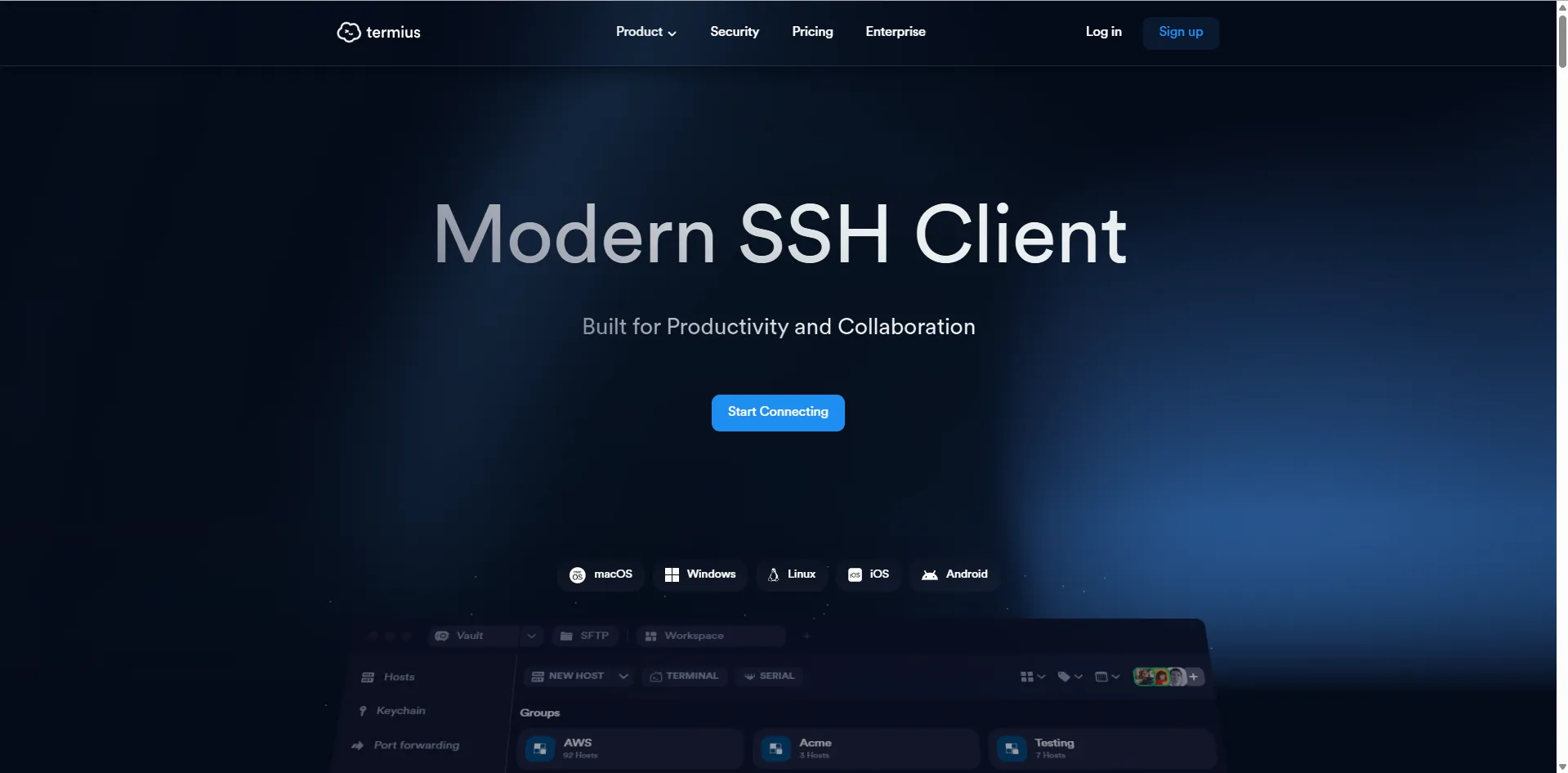
Termius application screenshot from our Windows SSH client comparison.
Plan
Advertised price (USD)
What changes
Who should care
Starter
Free
Local vault, SSH, SFTP, port forwarding, AI autocomplete
One-device users and occasional administrators
Pro
$10/month, billed annually ($120/year)
Personal cloud vault, desktop/mobile sync, session logs, snippets automation
Individuals needing saved hosts on several devices
Team
$20/seat/month, billed annually
Team vault, real-time collaboration, shared logs, consolidated billing
Shared infrastructure work
Business
$30/seat/month, billed annually
Multiple team vaults, granular access control; some SSO features are add-ons
Administrators needing stronger access controls
Enterprise
Custom quote
Enterprise security, onboarding, support and contractual options
Larger organizations
Source: Termius's official plan comparison. All monthly figures above are annual-billing equivalents, not necessarily prices for paying one month at a time. Regional taxes, discounts and plan changes are separate. The table deliberately does not assume features marked only for certain platforms work everywhere.
The real price question is whether you use Pro-only features. A free local-only SSH session on one computer costs $0 with Termius Starter. If you pay for Pro only to keep a synchronized host list on a laptop and phone, the annual price is $120. Over two years at the listed rate, that is $240; over three years, $360. Those are simple comparisons at a constant published price, not forecasts of future rates.
If you use team vaults, shared session logs, or access-control policies, compare Termius's corresponding team plan—not just the $10 individual price—with the alternatives. A personal SSH client and a centralized credential-sharing product are not interchangeable simply because both show terminal windows.
13 Termius alternatives compared: platforms, SFTP and price
This is a workflow comparison, not a synthetic benchmark. GUI SFTP means a graphical remote-file interface, not just the sftp command. Mobile support and cross-device synchronization are also separate things.
Client
Platforms
GUI SFTP
Best fit
Cost
Termius Starter (reference)
Win / Mac / Linux + iOS / Android
Yes
No cross-device free vault
Free
ShadeTerm
Windows
Yes
Per-server workspace
17-day trial; $4.99/mo
Tabby
Win / Mac / Linux
Via SSH/SFTP
Free desktop / open source
Free
Termix
Self-hosted / browser / clients
Via plugin
Self-hosted manager
Free; hosting extra
Bitvise
Windows
Yes
Free SSH + GUI SFTP
Free client
WindTerm
Win / Mac / Linux
Yes
Free desktop SSH/SFTP
Free; partly OSS
MobaXterm
Windows
Yes
SSH + X11 + RDP/VNC
Home free / Pro paid
PuTTY
Windows / Unix
CLI tools
Minimal SSH terminal
Free OSS
Windows Terminal + OpenSSH
Windows
CLI tools
SSH config and tabs
Free
WinSCP
Windows
Yes
Graphical file transfers
Free OSS
Blink Shell
iOS / iPadOS
Files/SFTP
Mosh and mobile keyboard
$19.99/yr after trial
ConnectBot
Android
No comparable GUI
Free native Android SSH
Free OSS
SecureCRT
Win / Mac / Linux
Via companion
Scripting + terminal emulation
Paid
Royal TS / TSX
Win / Mac
Varies by component
SSH, RDP and VNC
Lite / paid
Prices are USD reference values where specified. Confirm current regional pricing, commercial permissions and release status with the respective vendors before deployment.
How to choose a Termius replacement
There is no universal best SSH client. Prioritize the two or three tasks you do every day.
What do you pay for in Termius?
Keep Starter for SSH/SFTP/forwarding on one device. Move only if you need another workflow or a different paid-sync model.
Want a free open-source desktop client?
Use Tabby for desktop customization; PuTTY or OpenSSH for minimal terminal workflows.
Need a self-hosted SSH manager?
Evaluate Termix. You manage the service, TLS, credentials, backups and updates.
Need SSH on mobile?
Blink Shell is iOS/iPadOS-focused; ConnectBot is an Android option. Neither automatically recreates a Termius Pro vault.
Need GUI SFTP or VPS editing on Windows?
Bitvise is a free SSH/SFTP option; ShadeTerm integrates files, editing, databases and monitoring per server.
Need RDP, VNC or an X server?
Choose MobaXterm or a mixed-protocol tool instead of treating every terminal as an RDP replacement.
1. ShadeTerm — best for Windows VPS workspaces
Windows · $4.99/mo after trial
Best for: VPS owners, independent developers and small teams using Windows for SSH-based server maintenance and deployment. Current pricing: a 17-day free trial, then $4.99/month, with no credit card required for the trial. Platforms: Windows 10/11; Mac and Linux are planned, not currently available.
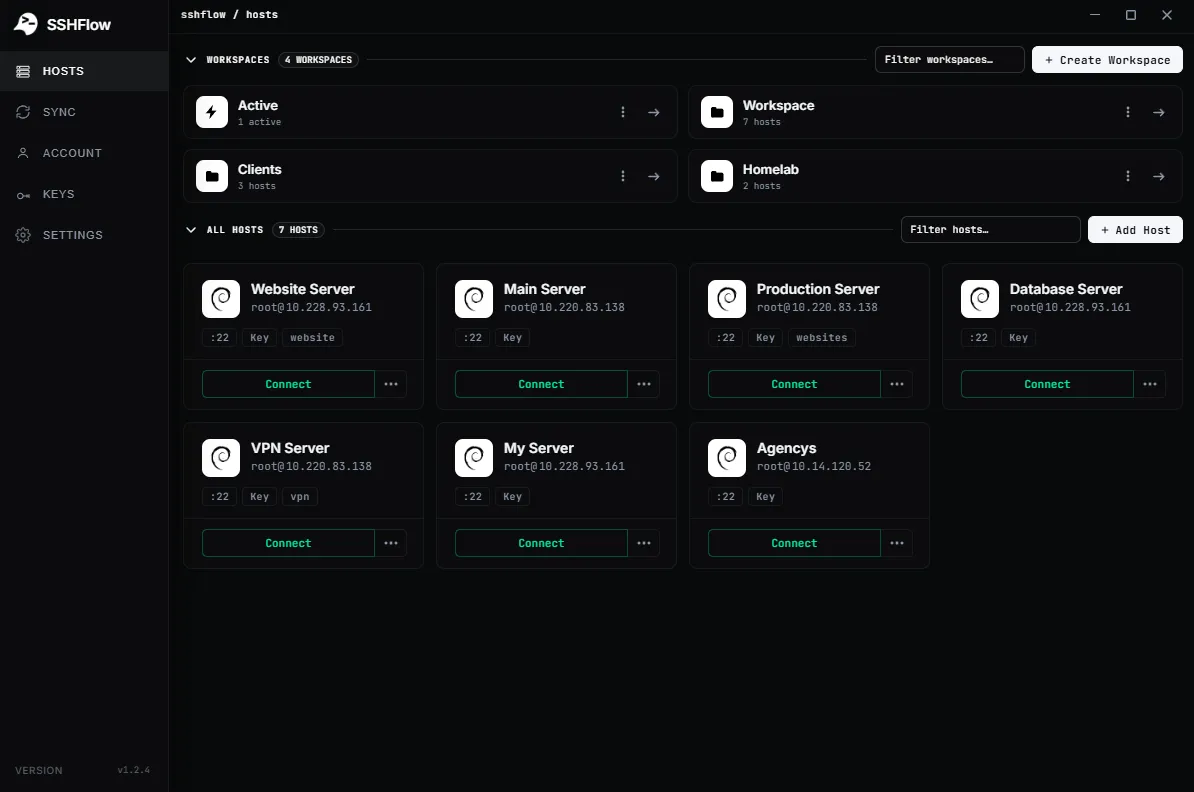
ShadeTerm Windows server workspace with terminals and related remote-server tools.
ShadeTerm treats each server as a workspace rather than treating the terminal tab as the main unit. A workspace can contain several terminal sessions, a graphical SFTP file manager, a remote code editor, server monitoring, an AI assistant and database tools. The point is not a longer checklist: it is keeping activities against the same host in one place.
Imagine troubleshooting a VPS. You keep one terminal following journalctl -u nginx -f, another checking systemctl status nginx, open a configuration file through SFTP, edit it in the integrated editor, and return to monitoring and database inspection without losing the server context. You still need to back up files, validate changes and understand Linux permissions; a consolidated UI does not make production edits risk-free.
Where it is stronger than Termius for this user: editor/database/monitoring tasks live alongside the terminals and SFTP in a per-server workspace. Where it is weaker: no current macOS/Linux or mobile release, no Termius-style synchronized personal cloud vault, and no dedicated graphical port-forwarding interface in the current scope. If you rely on Mosh, port forwarding, FIDO2-related workflows or team vaults, validate compatibility before switching.
Who should skip it: someone needing SSH from an iPhone, mandatory cross-device sync, or a free-forever client. For occasional plain SSH access, PuTTY or OpenSSH costs nothing. For a database-centric Windows/VPS workflow, explore ShadeTerm or download the trial.
Strengths
Server-based tabs for terminal, files, editing, monitoring
Integrated SFTP, code editing and database tools
Local-first credentials; no mandatory sync vault
Trade-offs
Windows-only at this time
Paid after the 17-day trial
No Termius-equivalent cloud-sync or dedicated tunnel UI
2. Tabby — best free open-source desktop SSH client
Windows · Mac · Linux · Free / open source
Best for: Windows, Mac or Linux users who want a configurable terminal with tabs, splits and extensions instead of paying for cross-device account sync. Price: free; the project publishes code under an MIT license. Official project:Eugeny/tabby.
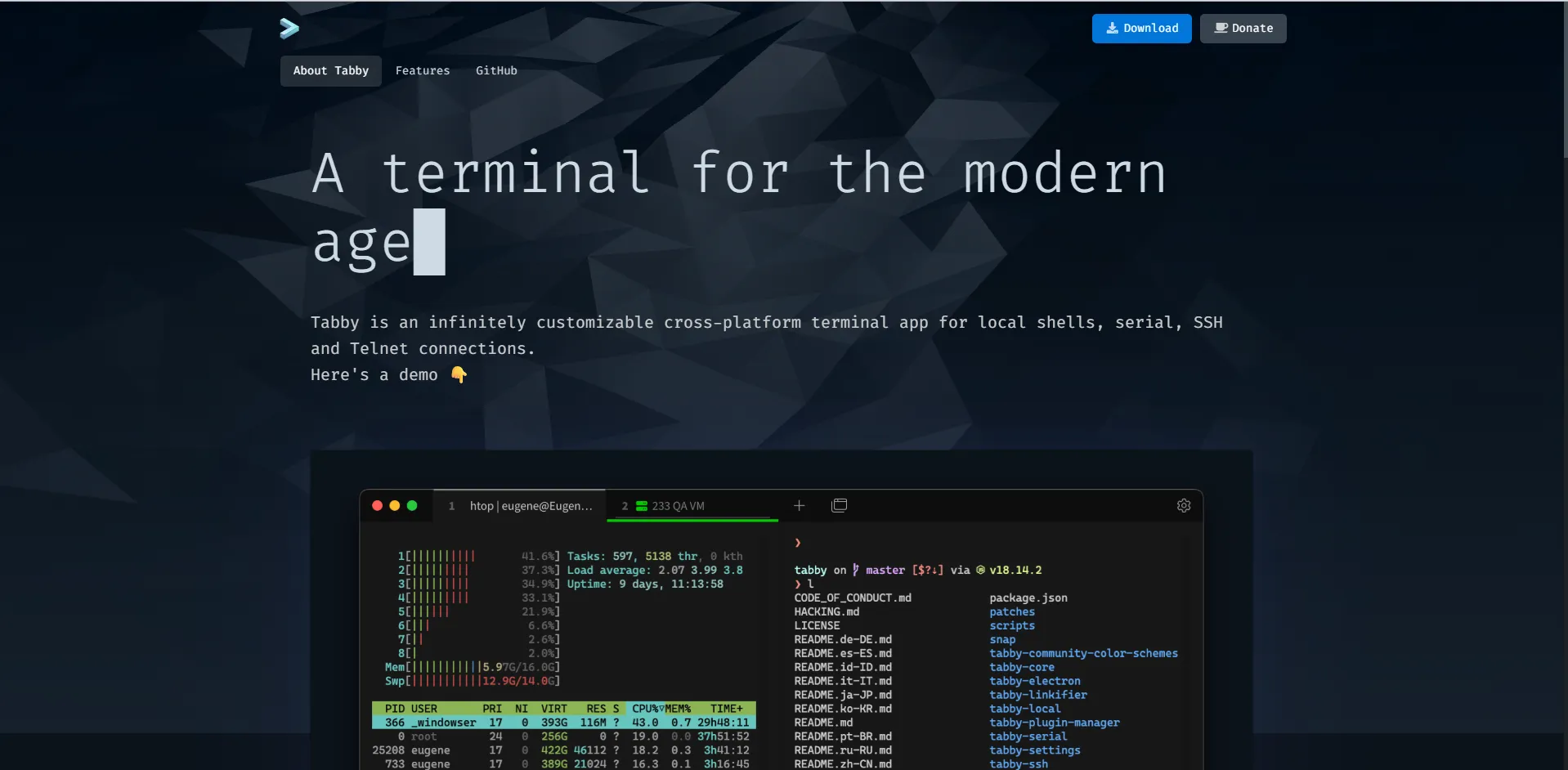
Tabby terminal screenshot from the ShadeTerm Windows SSH client comparison.
Tabby combines an SSH connection manager with desktop shell support, terminal tabs, split panes, themes, a serial terminal and plugin extensions. Its official README documents X11 and SSH port forwarding, jump hosts and agent forwarding. File transfers can use the integrated SSH/SFTP workflow, while the sftp-tab plugin provides an additional layout. On Windows it can also work with PowerShell, WSL and other local shells.
Why you might choose it over Termius: you value open-source code, local customization and a cross-platform desktop experience more than access to the same managed vault from a phone. You can adjust shortcuts and plugins without committing to Termius Pro. What you sacrifice: there is no direct equivalent of the turnkey Termius Pro personal cloud vault with synchronized desktop/mobile hosts. Plugin-based configuration sync is a separate setup, not proof that your credentials are safely backed up or synced.
Tabby is based on Electron and its maintainers explicitly say it is not a lightweight terminal. Don't claim it wins on RAM without measuring. Also, X11 forwarding is not an included Windows X server. Test: connect using Tabby's built-in SSH profile, open its SFTP pane, and try your real ProxyJump/jump-host case.
Strengths
Free and customizable desktop terminal
Tabs, panes, SSH profiles and plugins
Open-source project with Linux/macOS support
Trade-offs
No native iPhone or Android application
No managed Termius-style cloud vault
Not a complete server monitoring/database workspace
3. Termix — best self-hosted, open-source alternative
Self-hosted · Web / desktop / mobile · Free / open source
Best for: homelab users and small teams who would rather self-host their SSH connection manager than depend on a third-party synced desktop vault. Cost: free and open source (Apache-2.0); you provide and secure the host running it. Official docs:Termix and GitHub.
Termix is not just another desktop terminal. Its core manages users, hosts, credentials, roles and sharing, while plugins handle the SSH terminal, file manager, remote desktop, tunnels, Docker and metrics. You can run the service yourself and reach it through a browser or supported client. This makes it an especially relevant self-hosted Termius alternative when controlling your own infrastructure is the main requirement.
Important trade-off: self-hosting transfers responsibility for updates, TLS, account access and backups to you. Termix also documents opt-out anonymous operational telemetry, so check its deployment settings rather than assuming self-hosted means zero outbound traffic. It is not a turnkey equivalent of Termius Pro's managed cloud vault.
Strengths
Self-hosted host and credential management
SSH, file manager, remote desktop and tunnel plugins
No required vendor-operated host vault
Trade-offs
You operate and secure the service
Not a drop-in import of Termius cloud vault
Plugin/configuration maintenance is your responsibility
4. Bitvise SSH Client — best free Windows SSH with SFTP
Windows · Free client
Best for: Windows administrators whose essential requirements are terminal SSH, GUI SFTP and port forwarding with no commercial-use paywall. Price: the SSH client is free of charge in all environments, including business. The optional $39.95 license buys stronger support/upgrade commitments and indemnification—not the right to unlock basic client features.
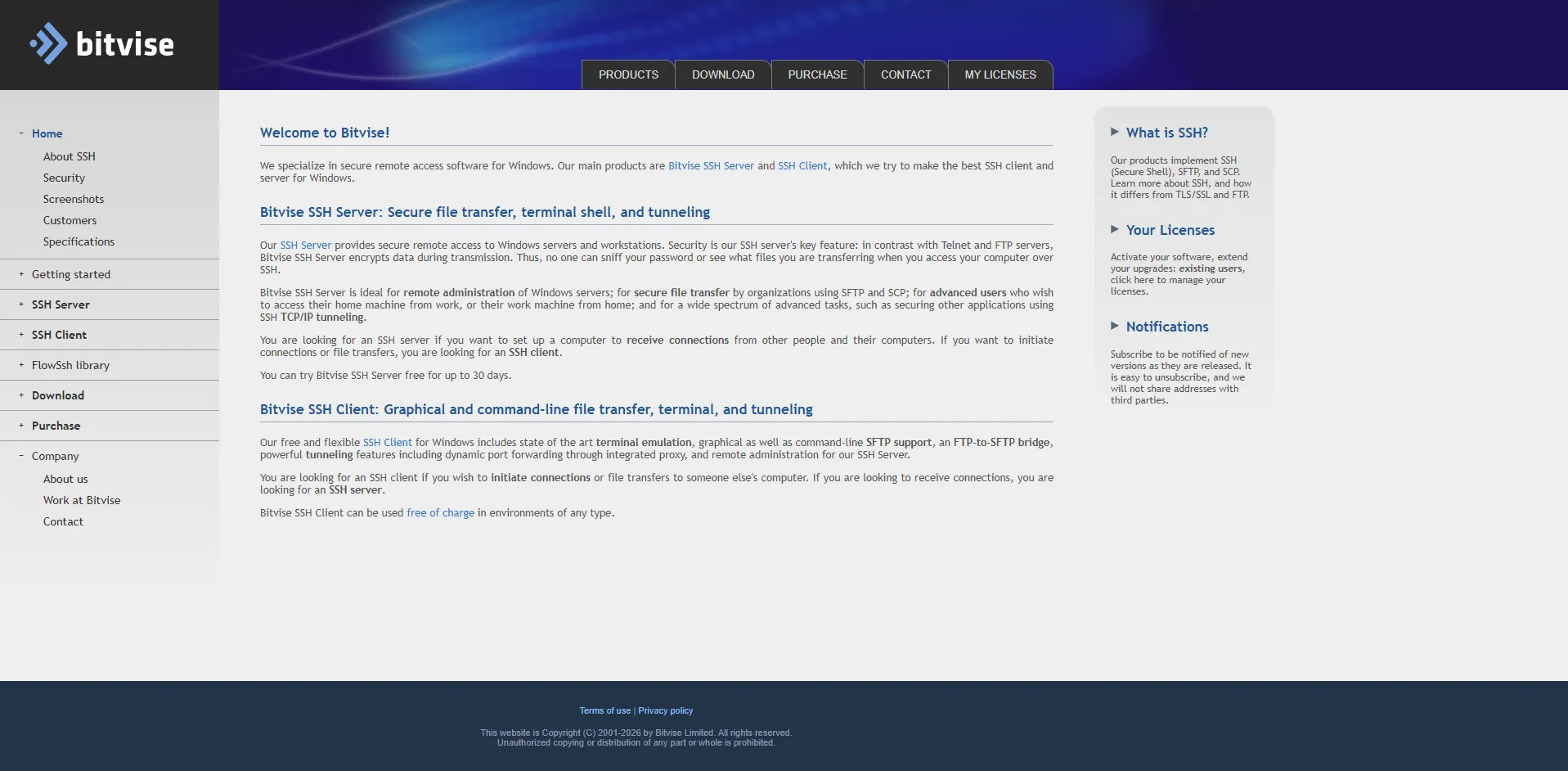
Bitvise SSH Client image reused from our Windows SSH client comparison.
Bitvise puts SSH login, graphical file transfer and tunneling into a focused Windows application. That makes it a strong alternative to Termius Starter when the work happens exclusively on a Windows computer. It supports graphical SFTP as well as command-line transfers, and documents remote desktop forwarding scenarios over SSH.
Important distinction: tunneling RDP traffic is not the same as embedding a full remote-desktop manager. Bitvise is also not an SSH server license: Bitvise SSH Server is separate software with separate terms. Read its official client license explanation for that boundary.
Choose Bitvise over ShadeTerm if you chiefly want a free Windows SSH/SFTP tool with a dedicated tunneling workflow. Choose ShadeTerm if the integrated editor, monitoring, database tools and server-centered organization are more valuable than zero ongoing cost.
Strengths
Free client including commercial usage
Graphical SFTP, tunnels and SSH profiles
Useful advanced forwarding controls
Trade-offs
Windows-only
Not a phone/desktop sync platform
No built-in database or monitoring workspace
5. WindTerm — free desktop SSH and SFTP manager
Windows · Mac · Linux · Free / partially open source
Best for: a no-subscription SSH/SFTP desktop workflow with Telnet and serial-session support. Price: free for commercial and non-commercial use. Platforms: Windows, macOS and Linux. Official source:WindTerm maintainer repository.
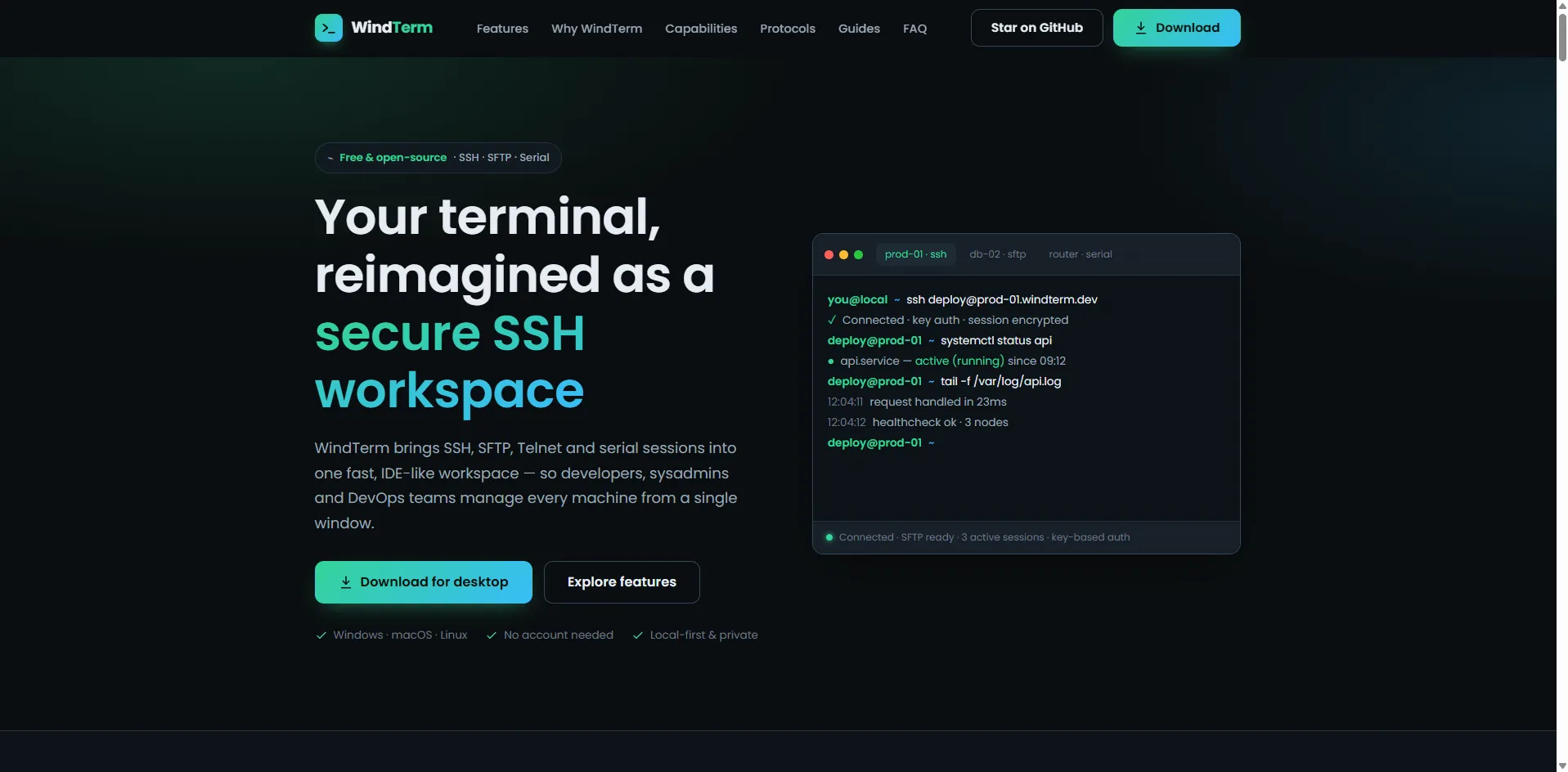
Screenshot of the WindTerm vendor website and its product preview; not an independently tested app capture.
WindTerm provides a terminal and remote session manager with SSH, SFTP, Telnet and serial support. It is worth trying if you want to keep organized sessions and file-transfer tools in one window without using a personal cloud account. Test key selection, multiple concurrent sessions and transfer behavior on representative servers before migrating all connections.
Important licensing nuance: WindTerm's maintainer says it is a partially open-source project and that released source code is under Apache-2.0 terms where applicable. The application is free, but not all of its implementation is publicly available. Do not call it a fully auditable, MIT-style open-source replacement for Termius. Its release and security-update cadence should also be reviewed before adopting it in an organization.
Trade-offs: no first-party iOS/Android workflow comparable to Termius, no managed synced personal cloud vault and no ShadeTerm-style integrated database workspace. WindTerm is compelling when a free desktop terminal and file manager are sufficient.
Strengths
Free desktop session management
SSH, SFTP, serial and Telnet in one app
GUI transfer workflows
Trade-offs
Only partially open-source
No managed cloud host sync like Termius Pro
No first-party mobile app comparable to Termius
6. MobaXterm — best Windows all-in-one remote toolbox
Windows · Free Home / paid Pro
Best for: Windows users who want SSH, an embedded X server, RDP, VNC, Telnet, Unix utilities and an automatic SFTP browser in one application. Price: Home edition free with limits; Professional is currently listed at $69 / €49 per user, excluding tax, with 12 months of updates included. Official edition comparison.
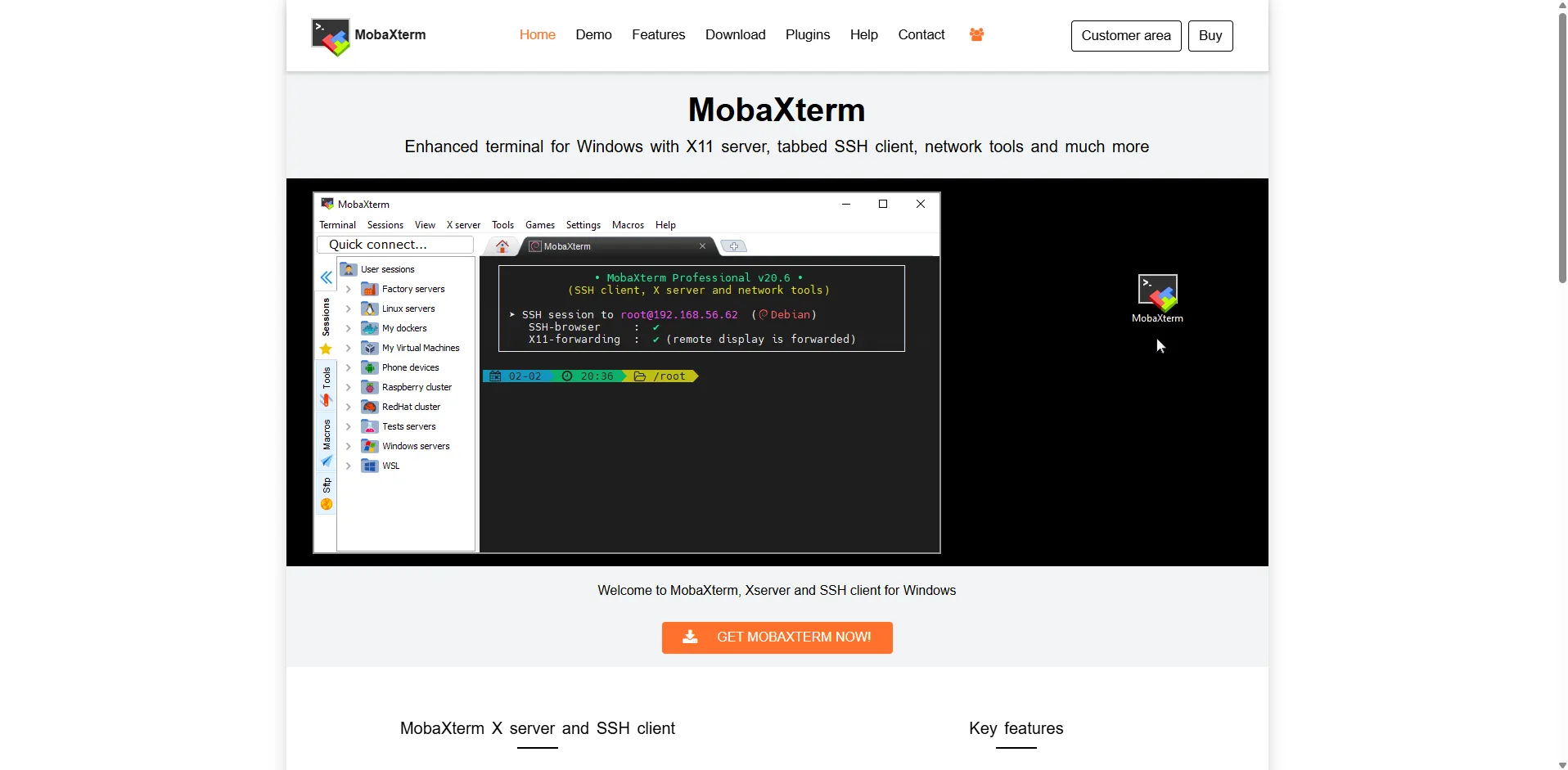
MobaXterm application image reused from our Windows SSH client comparison.
MobaXterm replaces a different part of Termius than ShadeTerm does. If you frequently connect to Windows machines using RDP, run Linux X11 programs remotely, or need VNC and SSH in the same toolbox, MobaXterm may reduce your application count. Termius is stronger when you need an SSH host list and remote sessions on mobile devices. Our MobaXterm alternatives comparison covers X11, RDP, VNC and Windows licensing in detail.
Home limits: at most 12 saved sessions, 2 SSH tunnels and 4 macros, plus a time limit for selected server daemons. Its commercial conditions are more subtle than “business use forbidden”: an individual employee can download/install Home themselves under specified rules, whereas centralized/shared organizational deployment calls for Professional. Check the Mobatek license before rolling it out.
Trade-offs: Windows-only, not a Termius-compatible cloud-synchronized mobile client. The X server is a real differentiator: X11 forwarding alone does not provide the local X server needed to display remote Linux GUI apps.
Strengths
SSH, X11 server and RDP/VNC access
Tabbed sessions and automatic SFTP sidebar
Broad bundled remote-access toolkit
Trade-offs
Windows-only
Home edition limits and deployment restrictions
No equivalent synced mobile vault
7. PuTTY — best minimal free Windows SSH client
Windows / Unix · Free / open source
Best for: occasional administration, traditional Windows SSH sessions and environments where extra cloud software is unnecessary. Price: free and open source. Official site:PuTTY.
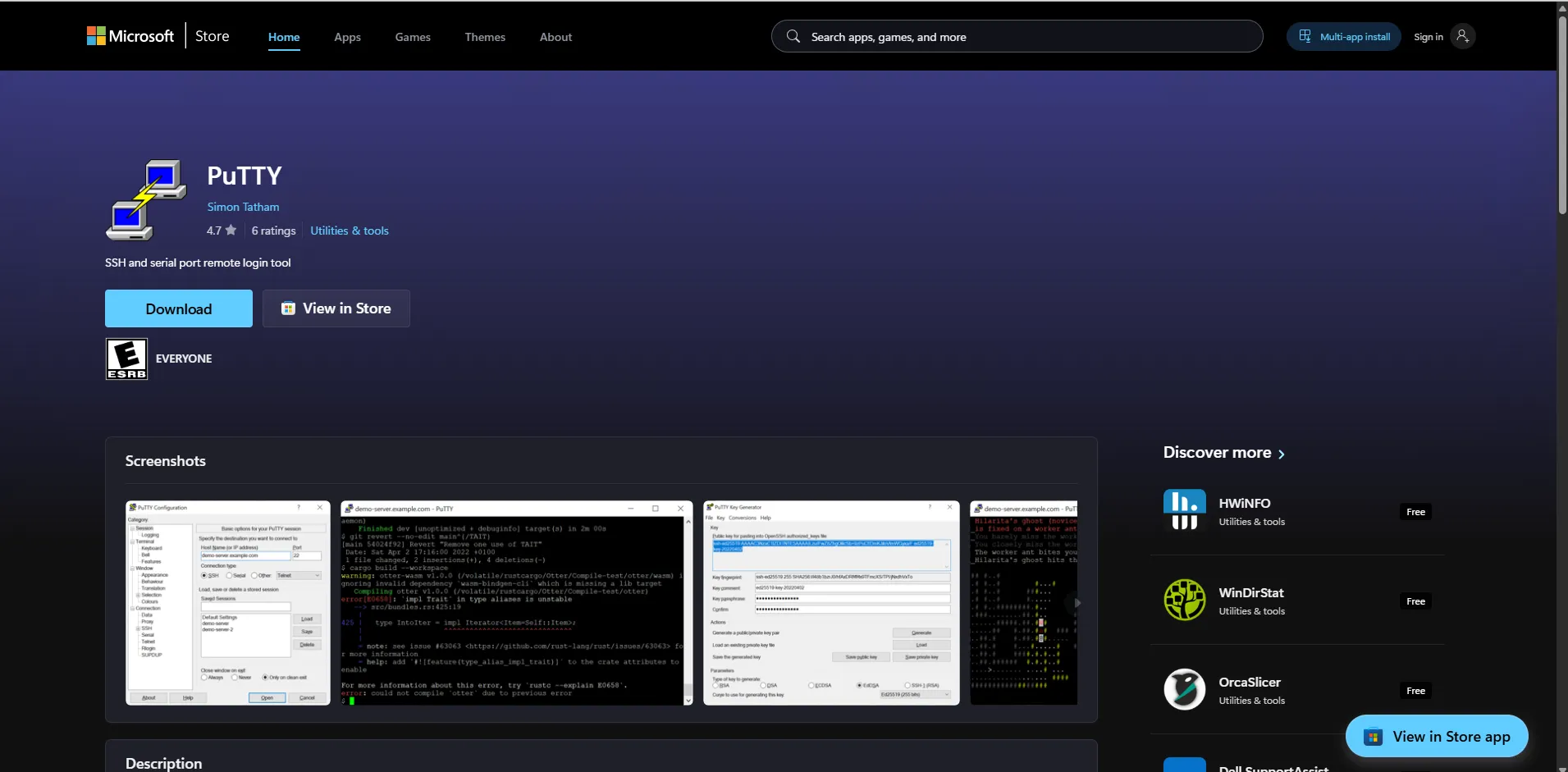
PuTTY application image reused from our Windows SSH client comparison.
PuTTY opens SSH sessions and saves connection profiles, with support for local, remote and dynamic forwarding. It also provides Telnet and serial tools. A graphical SFTP browser is not built into the main PuTTY window. Its PSFTP and PSCP utilities are command-line file-transfer tools, so GUI drag-and-drop work needs a separate client such as WinSCP.
This is a legitimate choice when you want neither a Termius account nor a server-workspace suite. One classic PuTTY limitation is no native tabs in the primary client; each interactive SSH session is normally its own window. Saved settings typically use the Windows registry. Windows OpenSSH config files are not identical to PuTTY session profiles.
When not to choose it: if you need a unified SFTP-and-editor workflow, a synchronized mobile vault, or many simultaneous servers in one app. Compare more PuTTY alternatives if your main decision is around a PuTTY-style terminal.
Strengths
Established SSH terminal and connection profiles
SSH forwarding, PuTTYgen and Pageant options
No subscription
Trade-offs
No native tabs in main client
No integrated graphical SFTP browser
No mobile sync or bundled editor
8. Windows Terminal + OpenSSH — best free command-line setup
Windows · Free
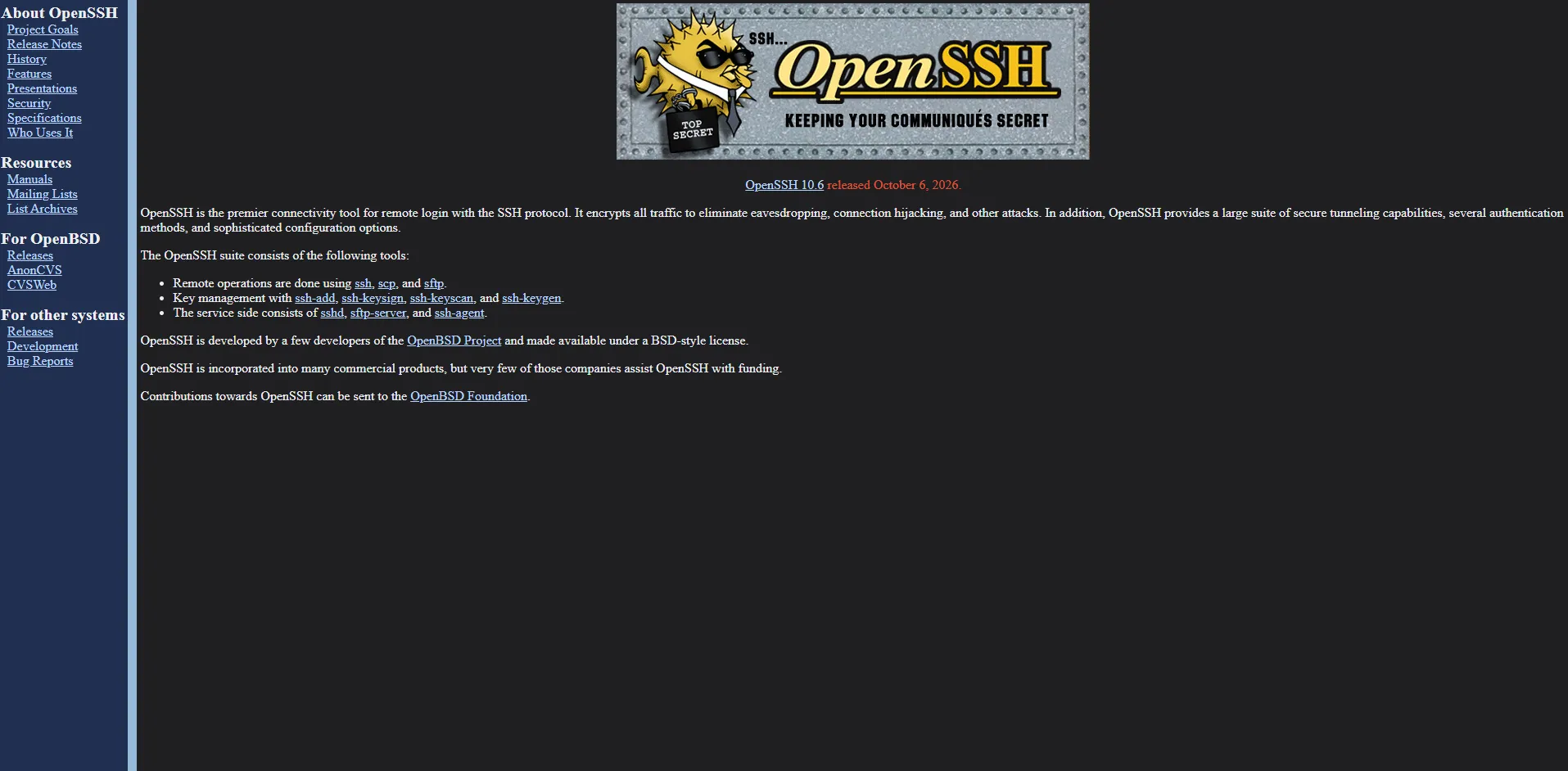
Best for: users comfortable with SSH commands who want transparent config files rather than another connection database or account. Price: free. Windows Terminal is the terminal interface; OpenSSH is the actual SSH client. On Windows 10/11, OpenSSH Client may already be present or may need enabling through Optional Features. Microsoft's instructions.
Windows Terminal image reused from our Windows SSH client comparison.
Use ssh -L for local tunnels, ssh -R for remote tunnels and ssh -D for a dynamic SOCKS proxy. For frequently used hosts, place an alias in %USERPROFILE%\.ssh\config and connect with ssh production instead of repeating an IP address and options. Read our SSH config examples or PowerShell SSH guide.
What is missing versus Termius: no visual SFTP file manager, managed vault sync, phone app bundled with Windows Terminal or graphical host dashboard. For SFTP, the sftp and scp commands work from a shell; if you need drag-and-drop, combine OpenSSH with WinSCP or choose a GUI alternative.
Strengths
SSH config, ProxyJump and port forwarding
Tab-capable terminal with Windows integration
Plain-text config, no paid vault
Trade-offs
No bundled graphical file manager
Manual setup and configuration
No Termius-style cross-device app sync
9. WinSCP — best for GUI transfers and file sync
Windows · Free / open source
Best for: Windows users who primarily want a graphical SFTP/SCP client, automated transfers, directory synchronization and an editor. Price: free, open source. Official documentation:Introducing WinSCP.
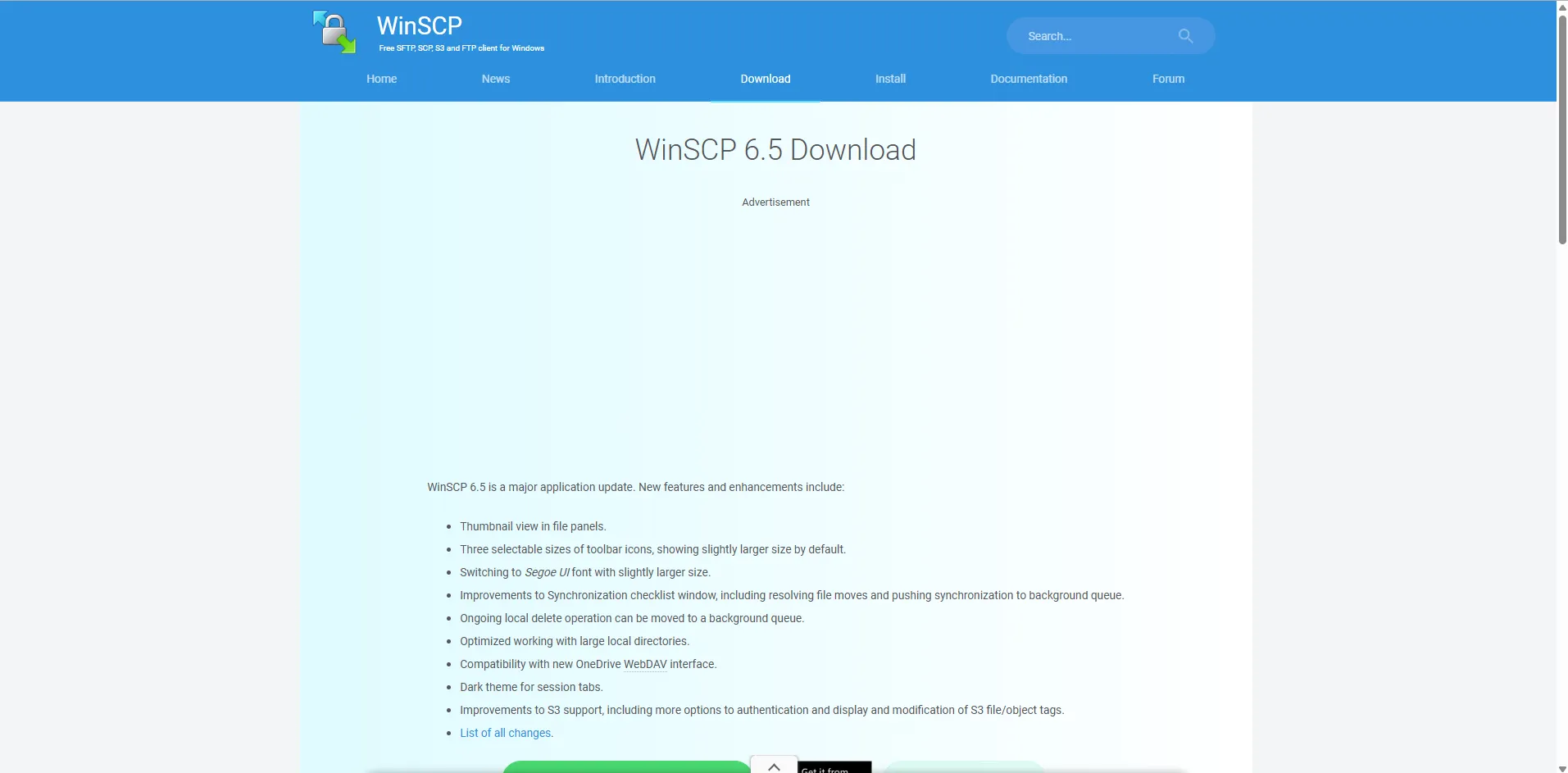
WinSCP application image reused from our Windows SSH client comparison.
WinSCP is a dual-pane file manager and transfer client, not primarily an SSH terminal emulator. It supports SFTP, SCP, FTP, FTPS, WebDAV and S3, as well as batch scripting, a command-line interface and .NET automation. It can open files in an integrated editor and integrate with PuTTY/Pageant for SSH-based authentication.
Why choose it: if you start Termius mainly to upload a release, edit a config file or synchronize directories, a dedicated file-transfer interface may serve you better. Why not: SSH terminal work is secondary; it does not replace Termius's mobile host vault or a multi-shell server workspace. Pair it with Windows OpenSSH or PuTTY when you need an interactive shell.
For an even wider file-transfer comparison, see Best SFTP Clients and WinSCP Alternatives.
Strengths
Graphical SFTP/SCP and synchronization
Transfer scripting and remote file editing
No subscription
Trade-offs
Not a full Termius terminal replacement
Windows-centric
No mobile synchronized SSH host vault
10. Blink Shell — best Termius alternative for iPhone and iPad
iOS / iPadOS · Trial / subscription
Best for: iPhone/iPad users who want a professional mobile terminal with strong Mosh support, SSH, an external-keyboard workflow and SFTP integration. Cost: Blink's official site currently advertises a two-week trial followed by $19.99/year; check the App Store for regional pricing. Official:Blink Shell.
Blink Shell vs Termius: choose Blink if you mostly work on an iPad, want Mosh for roaming connections, and do not need one Termius-style managed vault spanning Windows, Linux and Android. Its mobile-first terminal tools, key handling, external-keyboard shortcuts and Files integration are important differentiators.
What it does not replace: Blink's Apple-device focus means Android/Windows/Linux workflows may still require another client. Its open-source code does not automatically make every cloud or subscription component free. Compare the exact supported sync features before switching.
Strengths
Mobile-native SSH and Mosh experience
Files/SFTP and external keyboard workflows
Source available for the project
Trade-offs
No Android application
Not a single cross-platform synced Termius vault
Payment after trial for official distribution
11. ConnectBot — best free open-source SSH app for Android
Android · Free / open source
Best for: Android users who want a straightforward free, open-source SSH client without a managed subscription. Cost: free; Apache-2.0 source. Official:ConnectBot and source code.
ConnectBot is an Android SSH terminal with saved connections, public-key authentication and port-forwarding workflows. It is a practical alternative if all you need is to reach your own Linux servers from a phone rather than operate a subscription-backed team vault. The maintained project also documents Mosh support.
What you give up: it does not attempt to replicate the complete Termius desktop/mobile cloud synchronization model, team vaults or rich graphical SFTP interface. It also is not an iOS client. For SSH alone on Android, those omissions may be perfectly acceptable.
Strengths
Free Android SSH connections and saved hosts
SSH public keys, port forwarding and Mosh
No forced desktop-subscription workflow
Trade-offs
Android only
No equivalent paid Termius cloud-vault sync
Not a full GUI SFTP/server workspace
12. SecureCRT — best for advanced terminal automation
Windows · Mac · Linux · Paid
Best for: terminal emulation, repeatable SSH administration, extensive session management and scripting-heavy organizations. Price: VanDyke lists SecureCRT from $119, with the SecureCRT + SecureFX bundle from $129 for one new license with a one-year updates option. Official pricing.
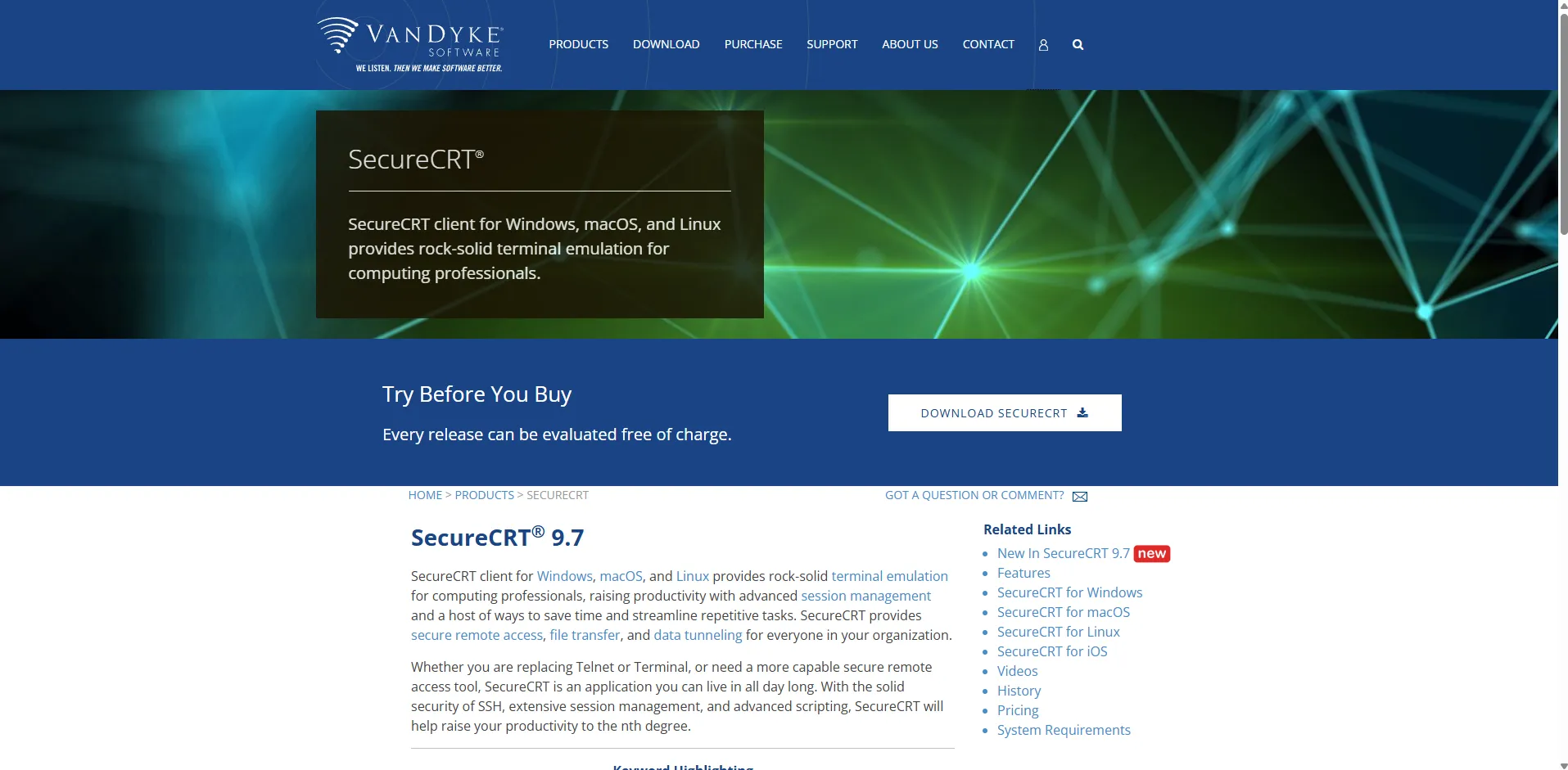
Official VanDyke Software website screenshot; this is the product page, not a tested terminal capture.
SecureCRT targets a different audience from a personal Termius vault: network engineers, platform administrators and enterprises with terminal automation or older devices needing particular emulation modes. If you manage large collections of connections and automate repetitive operations, its scripting ecosystem may matter more than mobile convenience.
Don't compare the $119 terminal-only price with an all-in-one graphical SFTP product without checking the bundle. VanDyke offers SecureFX as the companion GUI file-transfer tool. The $129 package is the more relevant figure when you need both terminal and graphical transfers. The update/support term matters as well, and pricing may differ by quantity.
Trade-offs: paid up front, separate product boundary for graphical SFTP, and no promise of a Termius-style personal cloud vault. Desktop support covers Windows, macOS and Linux; verify any special platform or mobile requirement against VanDyke's current offerings.
Strengths
Extensive terminal emulation and scripting
Session management for network engineers
Cross-platform desktop release
Trade-offs
Paid license
Graphical transfers often need SecureFX
Not a mobile-vault replacement
13. Royal TS / TSX — best for SSH plus RDP and VNC
Windows · macOS · Lite / paid
Best for: technicians who manage a mix of Linux SSH hosts and Windows or other desktops via RDP and VNC. Royal TS is the Windows product; Royal TSX is the macOS product. Royal Apps' current features list the free Lite edition at up to 10 connections, 10 credentials and one document, with the current single-user edition shown at €49 for Windows.
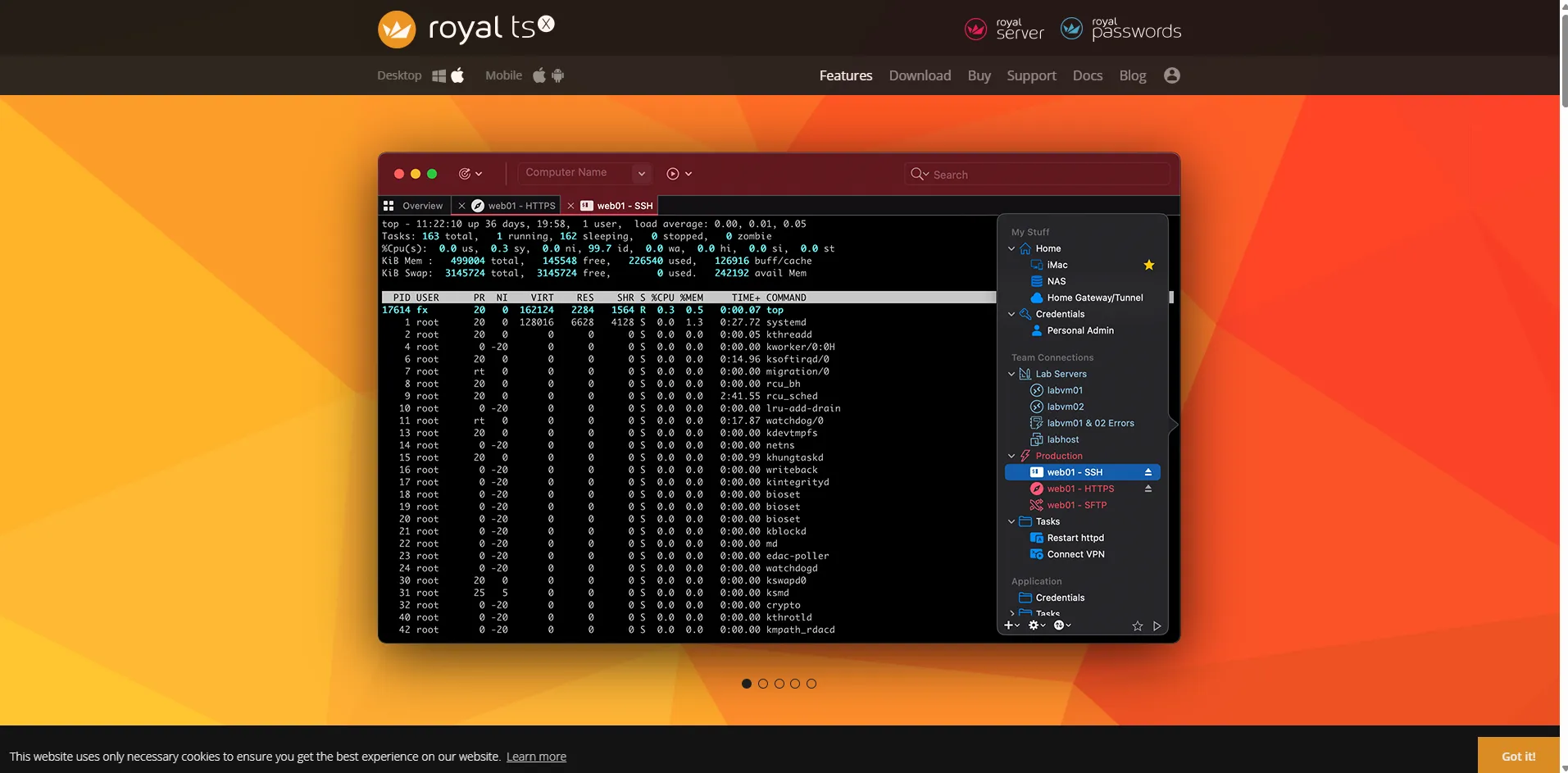
Royal TSX official website screenshot showing the product; not independently benchmarked.
Royal TS provides organized connection documents, reusable credentials, SSH terminals, S/FTP transfers, RDP, VNC, external tools and SSH-based secure gateways. If your complaint about Termius is that it focuses heavily on SSH while your real estate spans several remote protocols, this is a more relevant alternative than a terminal-only client.
Licensing caution: Royal Apps announced changes to licensing for future product versions in October 2026. Do not assume the listed current €49 purchase necessarily applies to a future major version with the same update terms. Check the licensing announcement before budgeting for a team.
Trade-offs: this is remote-connection management, not Termius's synchronized personal SSH vault or ShadeTerm's code/database-oriented development workspace. Its security and credential-sharing controls should be evaluated against organizational policy.
Strengths
Multiple connection protocols including RDP/VNC
Connection inventories and credentials
Windows and Mac desktop products
Trade-offs
Different workflow from mobile Termius
Licensing varies by edition
Not simply a free SSH client
Tabby vs Termius: which is the better free SSH client?
Tabby vs Termius is a genuinely different decision from ShadeTerm vs Termius. One is a free, customizable desktop terminal; the other is a multi-platform SSH client with a paid managed vault. Neither wins every feature category.
Decision
Tabby
Termius
Choose
Cost for desktop SSH
Free / open source
Starter is free
Either if all you need is SSH
Phone access
No official iOS/Android client
iOS and Android apps
Termius
Managed sync
Custom sync workflows or plugins
Personal cloud vault in Pro
Termius Pro for built-in sync
Desktop customization
Themes, splits, plugins
Managed SSH-focused experience
Tabby for customization
Graphical file transfers
SSH/SFTP integration
GUI SFTP in Starter
Test the exact workflow
If you search for “Terminus alternatives”, note the spelling: Tabby was formerly called Terminus, while Termius is a different commercial SSH client. That ambiguity is one reason generic search results often mix unrelated products.
ShadeTerm vs Termius: real strengths and limitations
This is the comparison most relevant to Windows developers. There is no honest single winner: the two products deliberately optimize different workflows. The figures below describe the product capabilities advertised as of October 2026 rather than results from side-by-side controlled tests. For a broader shortlist beyond the Termius-vs-ShadeTerm decision, our Windows SSH clients comparison covers eleven options, including free and enterprise tools.
Decision factor
ShadeTerm
Termius
Core design
One workspace per SSH server
Host and connection workflow across devices
Current platforms
Windows 10/11
Windows, macOS, Linux, iOS, Android
Free offer
17-day trial, then subscription
Starter free for ongoing local use
Individual paid offer
$4.99/month
Pro $10/month when billed annually
Graphical SFTP
Included within server workspace
Included, even in Starter
Code editing
Integrated remote code editor
Not the main integrated product workflow
Database / monitoring
Integrated server database and monitoring tools
Not equivalent built-in developer workspace
Mobile SSH
No
Yes
Personal cloud host sync
Not a current equivalent
Pro personal cloud vault and sync
SSH port forwarding
No dedicated controls today
Included in Starter
Collaboration / shared vaults
Not equivalent to Termius Team vault
Team/Business shared-vault features
Ideal choice
Day-to-day Windows/VPS development
Multi-device access and shared host workflows
A realistic cost example: for one person who actually needs Termius Pro, the listed annual fee is $120. Twelve months of ShadeTerm at its listed rate is $59.88 ($4.99 × 12), a $60.12 price difference, but they are not feature-equivalent. If you are already happy on Termius Starter, its annual software cost is $0, so ShadeTerm would cost more. If you require iPhone access or synced credentials, paying less for an app without those functions is not a real saving.
What would persuade us to keep Termius? A strong mobile incident-response workflow, paid cross-device sync, existing shared team vaults, or regular built-in forwarding. What makes ShadeTerm worth trying? A Windows-based workflow involving SSH terminals, SFTP, remote editing, monitoring and database management on the same servers every day.
Best Termius alternatives by platform: Windows, Mac, Linux, iPhone and Android
Windows: ShadeTerm for a server workspace, Bitvise for free SSH + GUI SFTP, Tabby for a configurable terminal, or MobaXterm for X11 and remote-desktop protocols.
macOS: Tabby and WindTerm are desktop options; SecureCRT and Royal TSX target advanced remote administration. Blink Shell is an iOS/iPadOS app, not a native macOS replacement. ShadeTerm does not currently have a macOS release.
Linux: OpenSSH can be enough for terminal workflows; Tabby or WindTerm adds a graphical desktop app. A self-hosted Termix service is another direction if you want to access shared connections through a browser.
iPhone / iPad: Blink Shell is strong for Mosh, SSH and keyboard-heavy sessions. Termius still has the advantage of one managed host vault across phone and desktop in Pro.
Android: ConnectBot is a free open-source SSH option; Termius remains useful if you need the same saved hosts synced from Windows and Android.
Self-hosted: Termix is especially relevant for homelab operators. A self-hosted service introduces its own security, upgrade and recovery responsibilities; do not publish the management interface without a deliberate access policy.
What you lose when you leave Termius Pro
The reason to switch should be a specific workflow advantage, not merely a desire for an alternative. Termius combines several conveniences that do not travel automatically with your SSH credentials.
Cross-device continuity: the same saved hosts and encrypted vault across supported desktop/mobile devices is a Pro benefit. A local desktop client will not magically recreate it.
Phone access: many traditional SSH clients in this list are desktop-only. If you SSH from iOS or Android during incidents, do not cancel a functioning mobile workflow before choosing a replacement.
Port forwarding and host chaining: Termius documents port forwarding and jump-host/host-chain features. Some alternatives, including ShadeTerm, should not be presented as having matching dedicated controls.
Vault and collaboration: personal sync is different from shared team vaults, access policies, and audit-related features. Large teams may need a centralized access product, not another local terminal.
Session logs and snippets automation: if these are part of your paid Termius workflow, test equivalents in the destination product rather than looking only at SFTP screenshots.
On the other hand, if you use Termius on a single Windows computer primarily to connect to a Linux VPS, browse files, edit code and inspect a database, a server-oriented workspace can reduce switching between disconnected utilities. This is where ShadeTerm's design is distinct. It is not a universal replacement for Termius on every platform.
How to migrate from Termius without losing keys or host trust
A saved Termius host, an SSH private key, an SSH agent entry and an OpenSSH config file are different things. An alternative can speak SSH without automatically importing your Termius vault. There is no basis to promise a one-click universal export that recreates every credential, tunnel or team policy in every alternative.
Inventory hosts before changing plans. For each important connection, record its display name, address, port, username, jump/chain settings, identity selection, tunnels and any environment-specific note. For shared team vaults, follow company approval and audit rules rather than exporting shared secrets casually.
Locate the original key material. If you already have a private key in ~/.ssh, preserve it there. A key visible inside an app's vault does not imply that the destination can extract or automatically import it. Never post private keys or host databases into chat, issue trackers or a public repository.
Create or update SSH config aliases for clients that support them. On Windows, the standard OpenSSH user config is usually %USERPROFILE%\.ssh\config. For Unix-like systems it is ~/.ssh/config.
Verify host identity independently. Compare the host key fingerprint through a trusted source when connecting with a new client. Do not blindly accept a changed host key to complete a migration.
Recreate SFTP and port-forwarding workflows separately. Test a harmless upload/download, then the actual application behind any local, remote or dynamic tunnel. A successful shell login does not prove the rest works.
Keep Termius available during the transition. Run both tools until your critical hosts are verified. Only afterward decide whether to retain Starter, end Pro renewal or decommission a shared vault according to policy.
Example OpenSSH configuration for a host that uses a nondefault port and key:
Host production
    HostName server.example.com
    User deploy
    Port 2222
    IdentityFile ~/.ssh/id_ed25519
    IdentitiesOnly yes
Connect with ssh production, inspect the resolved values with ssh -G production, or troubleshoot by running ssh -v production. Replace the placeholder hostname, username, port and key path with your own. On Windows, support for ~/.ssh path expansion depends on the SSH client; if your target app does not parse OpenSSH config, recreate the session through its own documented interface.
Example local tunnel for a database bound to the server's loopback interface:
ssh -N -L 127.0.0.1:15432:127.0.0.1:5432 production
This binds a local port 15432 and forwards it to port 5432 on the remote side, assuming the configured SSH server permits the forwarding. The application would connect to 127.0.0.1:15432 on your computer. It does not prove the database is safe to expose or authorize you to use it. For jump hosts, an OpenSSH ProxyJump setting is often suitable, but the destination client's support must be checked separately.
For authentication specifics, see SSH with a private key, SSH config examples and SSH key management.
Security: local keys, cloud vaults and self-hosted services
“Local” does not automatically mean secure; “cloud” does not automatically mean insecure. The practical questions are which data is stored, how it is encrypted, who controls the keys, how recovery works, and what happens when a device or employee is compromised. Termius's personal cloud vault can solve a real backup/synchronization problem, while a local-only workflow can reduce the amount of account/cloud infrastructure involved.
Private-key custody: find out whether the client reads the original local key, imports a key copy or uses an SSH agent. Different products and plan features can handle keys differently; don't infer behavior from host-list sync.
Device security: the workstation and phone still need disk encryption, access protection and updates. A private key stored locally on an infected laptop is not protected by avoiding cloud sync.
Server identity: preserve strict SSH host-key verification. An unexpected changed-host-key warning should be investigated, not bypassed.
Agent forwarding and jump hosts: enable forwarding only where required and understand the exposure; don't globally forward your agent to unrelated hosts.
Shared vaults: evaluate role access, offboarding, credential revocation and auditability. A locally saved personal host list is not a substitute for organizational controls.
Backups and recoverability: if a local machine is lost, determine whether keys and configuration can be restored securely. If a cloud account is lost, determine the vendor's legitimate recovery flow.
ShadeTerm is designed with a local-first approach and Windows OS-protected credential handling; this is a product-positioning statement, not a comparative penetration-test result. Review any candidate's official security documentation and your organization's policies before standardizing on it.
Self-hosted note: Termix gives you operational control of the management service, but you become responsible for authenticating its users, installing updates, protecting stored credentials and restricting network exposure. Self-hosting is not a security shortcut.
Which Termius alternative should you actually pick?
One Windows laptop, a handful of hosts, never pay for SSH: keep Termius Starter if it already works, or use PuTTY, Bitvise or OpenSSH. Switching alone is not a benefit.
One Windows laptop, multiple production VPSs, frequent file/code/database work: trial ShadeTerm. Its per-server workspaces target that particular combination.
Windows PC, recurring port forwards and graphical file transfer, $0 budget: test Bitvise. Do not buy a tool just to recreate functions Bitvise already provides.
Windows, macOS and Linux desktops, highly customizable terminal: start with Tabby. If you favor its session/file-transfer approach, also evaluate WindTerm with the partial-source caveat.
iOS/Android during emergencies, synchronized hosts: keep Termius Pro on the shortlist; most desktop clients here do not replace that capability.
Automated upload and synchronization on Windows: choose WinSCP for transfer-first jobs, paired with an SSH terminal if needed.
Mixed Windows/Linux remote desktop protocols:Royal TS/TSX or MobaXterm are better categories than an SSH-only client.
Automated enterprise terminal sessions and unusual emulations: evaluate SecureCRT, including the SecureFX bundle price when GUI transfer matters.
A team currently relying on shared Termius vaults: assess Team/Business access controls and plan a proper organizational migration. Do not assume a set of individual local clients replaces shared policy and auditing.
Our overall recommendation is narrow by design: ShadeTerm is worth trying if you work on Windows servers as workspaces, not just as SSH connections. That is the part of the market it is built for. Elsewhere, a cheaper or more specialized tool can be the better answer.
Homelab requiring a self-hosted SSH management service: compare Termix. iPhone/iPad with unreliable mobile connectivity: consider Blink Shell and Mosh. Android SSH without a subscription: test ConnectBot. These solve materially different problems from a Windows VPS workspace.
Termius alternatives: frequently asked questions
What is the best free Termius alternative?
For a customizable terminal on Windows, macOS and Linux, Tabby is free and open source. On Windows, Bitvise is a particularly strong free SSH + graphical SFTP + tunneling option. PuTTY and OpenSSH are free for terminal-first workflows. Importantly, Termius Starter itself is free, including SFTP and port forwarding, so you may not need to switch.
Is Termius free for commercial use?
Yes: Termius's pricing page explicitly describes Starter as free and available for commercial use. Shared-vault, team and organization features are different plan considerations.
Can I get Termius Pro features for free elsewhere?
You can assemble alternatives to parts of the workflow, such as SSH, SFTP, config files and local session managers, from free tools. But a free desktop SSH client does not automatically provide the same encrypted personal cloud vault, mobile sync, session logs and snippets automation as Termius Pro.
Does Termius Starter include SFTP and port forwarding?
Yes. Both are included in its advertised free Starter tier. Paid Pro is not a prerequisite for those baseline capabilities.
What is the difference between Termius Starter and Pro?
Starter includes local SSH workflows, SFTP and forwarding. Pro adds a personal cloud vault, synchronization between supported desktop/mobile devices, session logs and snippets automation, at the currently advertised $10/month equivalent billed annually.
Is ShadeTerm cheaper than Termius?
Compared with Pro at advertised prices, ShadeTerm is $4.99/month versus Termius Pro's $10/month equivalent billed annually. But Termius Starter is free forever, while ShadeTerm offers a 17-day free trial. The products also differ in platforms, sync and forwarding. Pick by capabilities before comparing price.
Can ShadeTerm replace Termius on Mac, Linux, iPhone or Android?
Not currently. ShadeTerm is a Windows client today. Termius supports Mac, Linux, iOS and Android. Cross-platform desktop users can also evaluate Tabby and WindTerm; neither should be described as a complete mobile Termius equivalent.
Does Tabby have a graphical SFTP client?
Yes. Tabby has an SSH-related SFTP workflow and an sftp-tab plugin. Check the behavior of the built-in SSH profile versus launching an external ssh command in a local shell; they do not provide the same integrated UI automatically.
Is WindTerm fully open source?
No. It is free for personal and commercial use, but its maintainer calls it a partial open-source project. Only released components are publicly available under the terms described in the repository.
Is Bitvise SSH Client free for business?
Yes. Bitvise states that its SSH client is free without limitation for all environments. The optional paid client license concerns support, upgrades and indemnification; its SSH server is a separate product.
Can PuTTY import Termius profiles automatically?
Do not assume so. PuTTY uses its own session settings. Copy non-secret host details manually or use a documented conversion flow, then test the destination's key format, host-key verification and forwarding settings. Do not export/share secret vault contents casually.
How do I move Termius hosts to OpenSSH config?
Record hostname, user, port, key and jump settings, then create corresponding Host entries in ~/.ssh/config or %USERPROFILE%\.ssh\config. There is no universal guarantee that every Termius vault record or private key can be exported to every SSH client with one click. Test a few hosts first.
Is a cloud SSH vault less secure than local keys?
Not by definition. Assess the product's encryption, authentication, recovery design and how keys are stored; assess your own endpoint security as well. A synced vault improves portability and recovery for some users, while a local-first setup reduces dependence on account-based sync. Neither eliminates the need for SSH host-key checks.
Which alternative supports remote code editing and database work?
ShadeTerm focuses on keeping remote editing and supported database tools alongside SSH terminals and SFTP in the same server workspace. WinSCP has file editing and powerful transfer automation, but is not a multi-terminal database workspace. Check exact database-driver and permission requirements before using any production environment.
Which alternative works with RDP, VNC and X11?
MobaXterm bundles an X server and RDP/VNC tools on Windows. Royal TS/TSX handles mixed SSH and remote-desktop connections. An SSH client that supports X11 forwarding is not automatically a local X server; an SSH tunnel carrying RDP traffic is not the same as an embedded RDP viewer.
What is the best Termius alternative for a small team?
For a few developers working independently on Windows VPSs, ShadeTerm may suit the per-server workflow. For a team needing shared host vaults, role controls and collaborative logs, compare Termius Team/Business or an enterprise remote-access manager. A personal desktop client is not a one-to-one substitute for an access-control platform.
Is there a self-hosted Termius alternative?
Yes: Termix is a self-hosted server manager with SSH and remote-access plugins. It is free and open source, but you must secure the instance and operate it yourself. Read the official documentation.
Which free Termius alternative works on Android?
ConnectBot is a free, open-source Android SSH client. It is suited to direct terminal access, not Termius-style synchronized desktop/mobile vaults.
What is a good Termius alternative for iPhone or iPad?
Blink Shell is an iOS/iPadOS terminal with SSH, Mosh and SFTP/Files support. It is not an Android or Windows app.
Are Terminus and Termius the same app?
No. Tabby was formerly called Terminus. Termius is a separate SSH client with a free Starter tier and paid synchronization features.
Official sources and review notes
Product capabilities were checked against published vendor pages and repositories on October 23, 2026. ShadeTerm publishes this comparison and is included above. We do not claim to have independently benchmarked all 13 applications. The correct choice depends on your environment and required features.
Keep SSH, SFTP, remote editing and monitoring organized under each server. Try ShadeTerm on Windows and compare it with your existing Termius workflow before deciding.
Server workspacesTerminal + SFTPCode editorLocal-first