
01 / FEATURE
Import what already exists
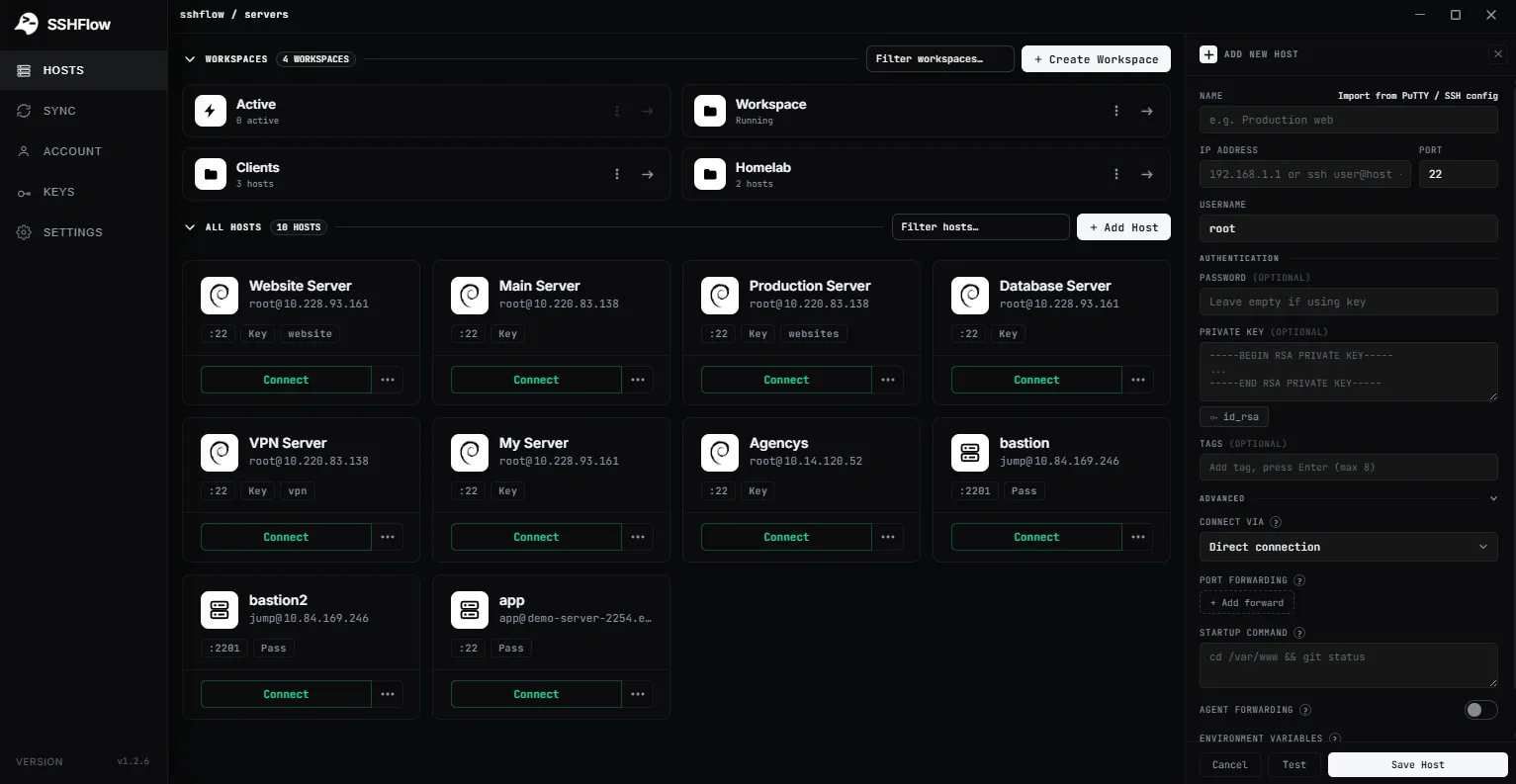
Start from PuTTY sessions or OpenSSH ~/.ssh/config entries instead of recreating every hostname and port.
SSH CONNECTION SETTINGS / AUTOMATION
Bring existing PuTTY and OpenSSH config hosts into ShadeTerm, then keep per-host options such as startup commands and environment variables together.
01 / WHY IT MATTERS
ShadeTerm keeps your tools focused on a connection and the task you are doing — rather than adding more windows and manual steps.
Start from PuTTY sessions or OpenSSH ~/.ssh/config entries instead of recreating every hostname and port.
Store a startup command or connection-specific environment settings with the profile where they belong.
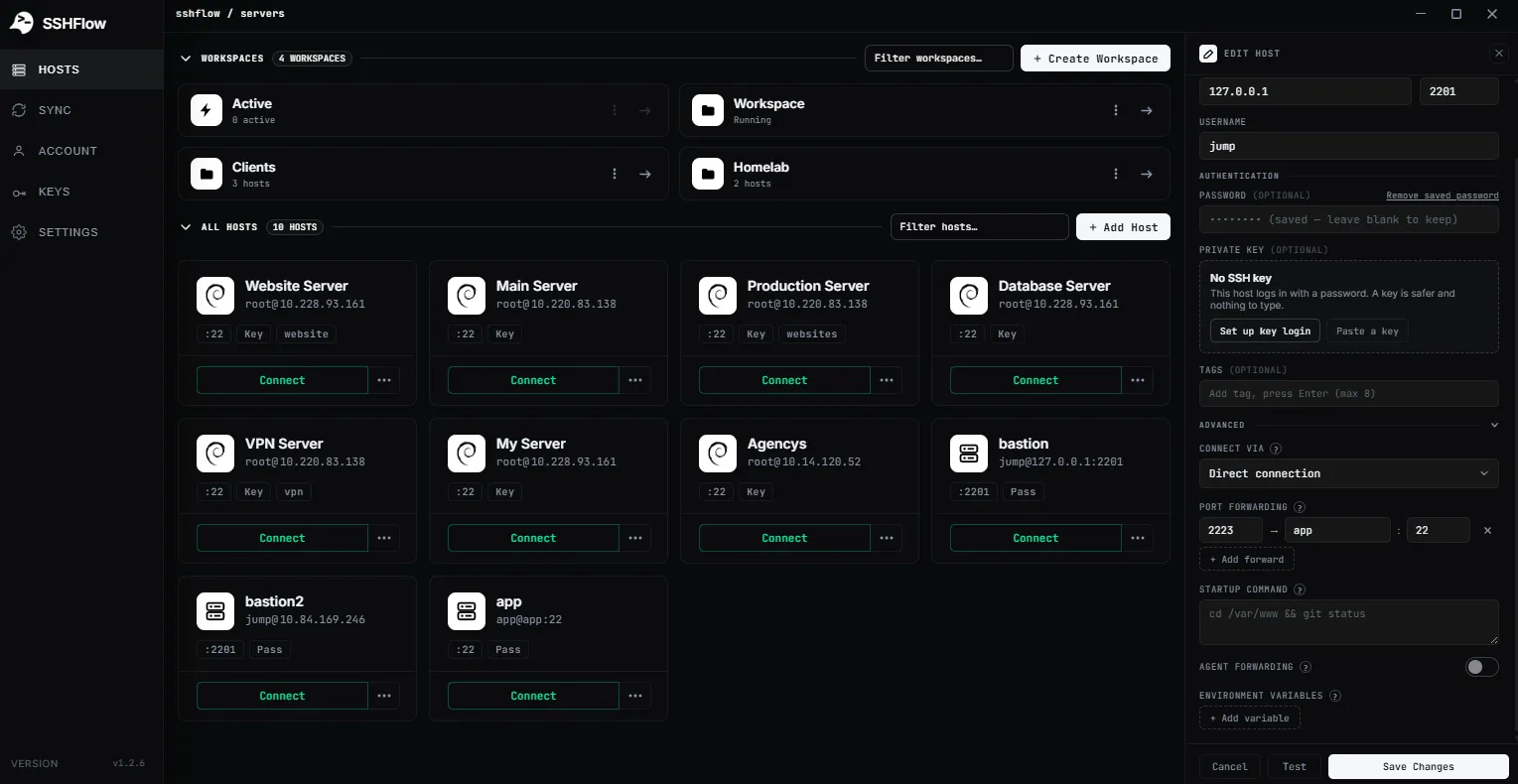
Configure options for tunnels, jump hosts and forwarding when your network requires them.
SEE IT IN SHADETERM
Screens from ShadeTerm for Windows — the interface behind the workflow.

02 / IN PRACTICE
Designed around everyday developer tasks, not a dashboard of features you never use.
03 / WORKFLOW
A focused sequence you can follow in your own ShadeTerm workspace.
Choose PuTTY or OpenSSH configurations, or create a profile manually.
Check host, port, username and identity settings.
Add advanced options only where a server requires them.
04 / DETAILS
Practical limitations and useful details before you get started.
Not necessarily. Complex Include, Match, ProxyCommand and other settings can require review after import.
Yes. Review commands carefully, especially if they execute automatically on connection.
No. Environment variables can be observable to processes and logs. Do not treat them as a secure vault.
ShadeTerm / WINDOWS
Terminal, files, code and more — organized around your SSH connections.
Try ShadeTerm