
01 / FEATURE
Reach internal services
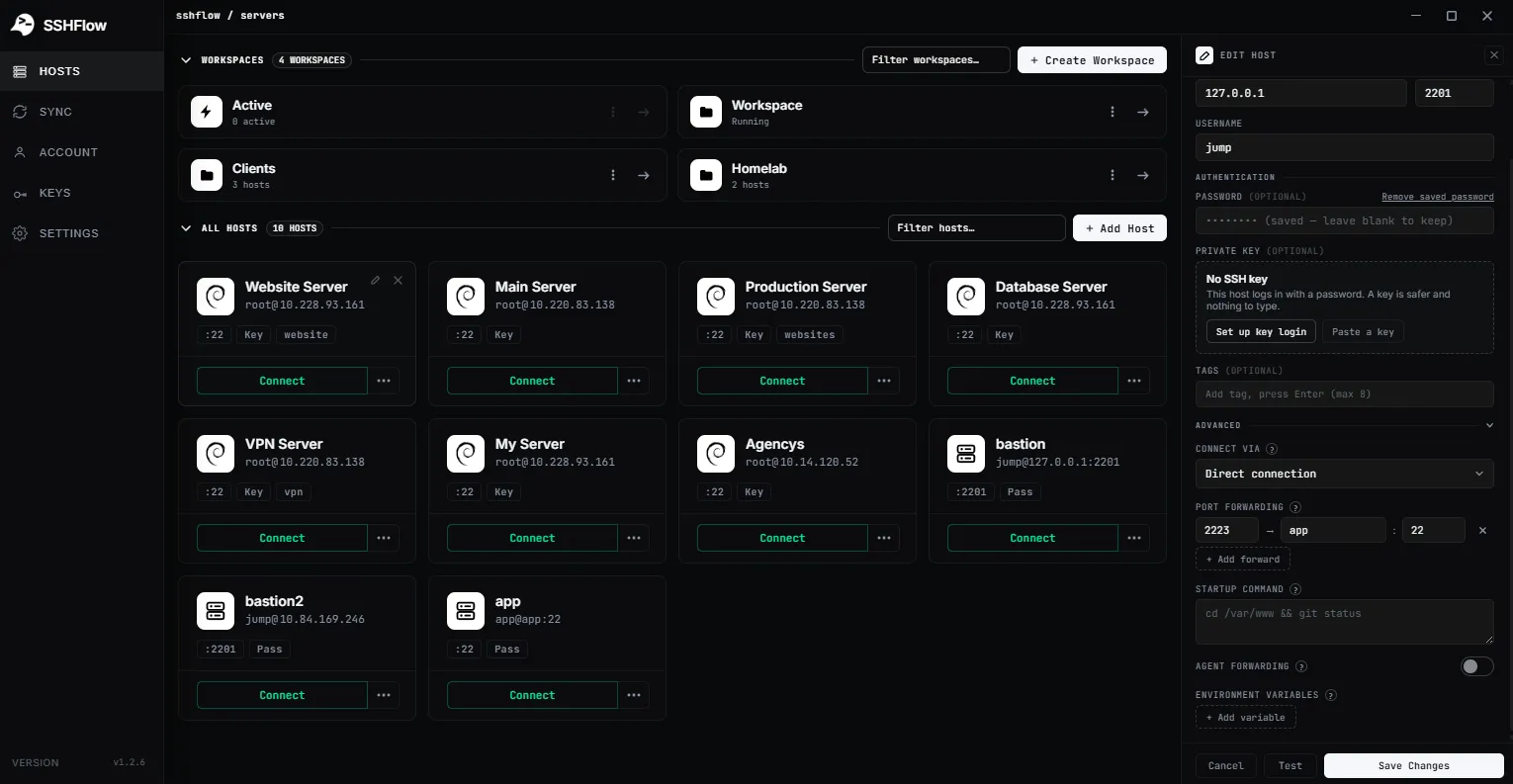
Use a tunnel when a database, admin interface or private development server listens only on an internal address.
SSH TUNNELS / PORT FORWARDING
Keep port-forwarding configurations alongside the server connection instead of maintaining a separate collection of one-off terminal commands.
01 / WHY IT MATTERS
ShadeTerm keeps your tools focused on a connection and the task you are doing — rather than adding more windows and manual steps.
Use a tunnel when a database, admin interface or private development server listens only on an internal address.
Manage the connection and related forwarding settings as part of the server profile rather than rediscovering command-line flags.
A tunnel is not a security policy by itself. Keep listeners restricted to the right interface and users.
SEE IT IN SHADETERM
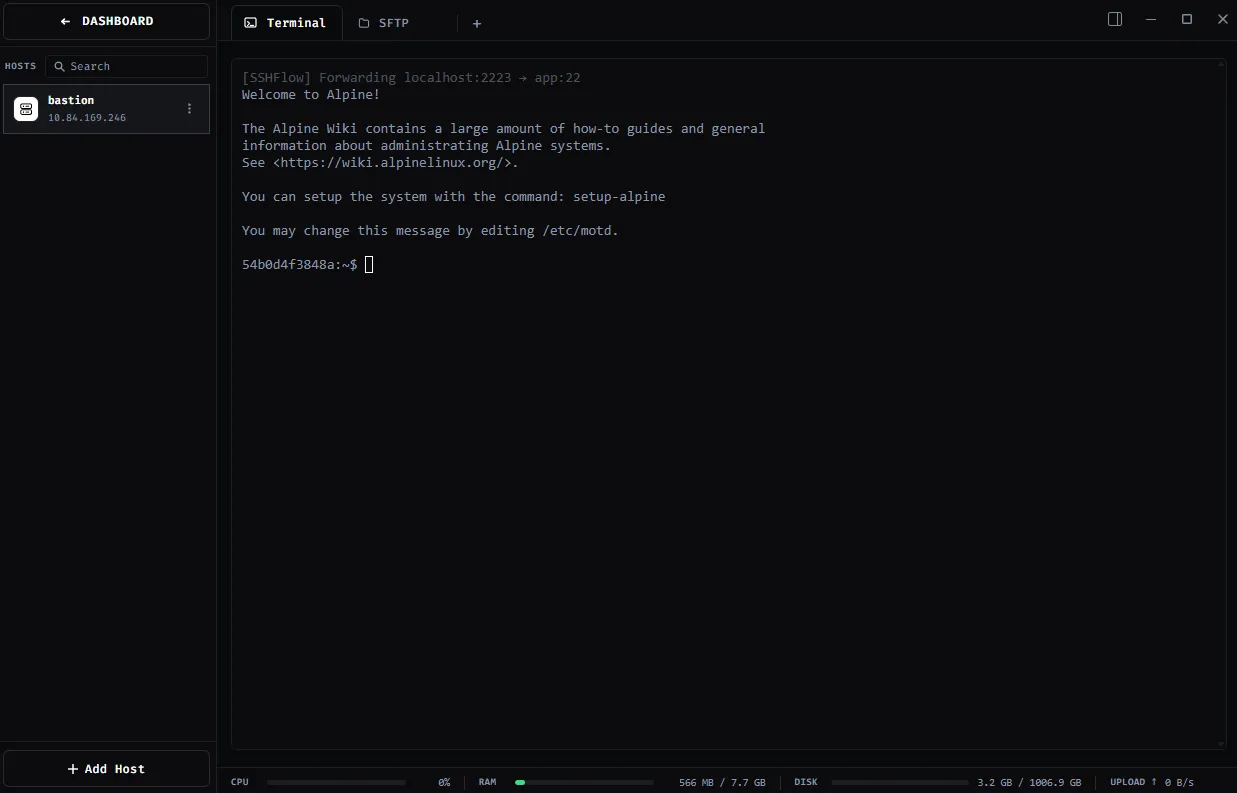
Screens from ShadeTerm for Windows — the interface behind the workflow.
02 / IN PRACTICE
Designed around everyday developer tasks, not a dashboard of features you never use.
03 / WORKFLOW
A focused sequence you can follow in your own ShadeTerm workspace.
Open the saved SSH connection for the target network.
Configure the forwarding endpoint in the connection settings.
Connect and verify the local endpoint before using the service.
04 / DETAILS
Practical limitations and useful details before you get started.
A tunnel needs an SSH server that permits forwarding and a reachable destination; many tasks do not require exposing a public service port.
No. The traffic path and access boundaries differ; do not assume one grants the other.
No. Server administrators can restrict it with SSH configuration and policy.
ShadeTerm / WINDOWS
Terminal, files, code and more — organized around your SSH connections.
Try ShadeTerm