SSH KEY MANAGEMENT / WINDOWS

Keep your SSH keys organized and local.

Try ShadeTerm

Generate, store, and assign SSH keys to saved servers without scattering private-key paths across notes and terminal commands.
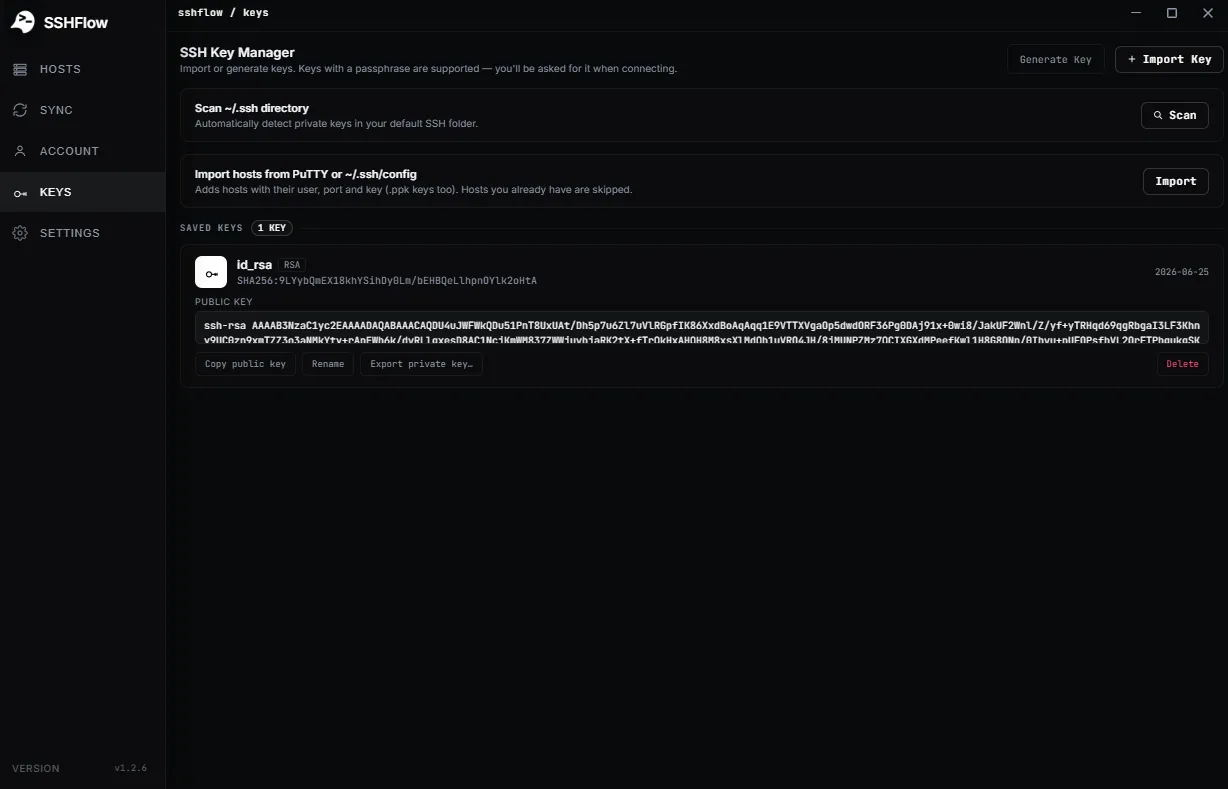
ShadeTerm SSH key manager interface listing saved keys for server connections
Manage SSH identities in one place; assign the right key to the right host.ShadeTerm desktop app
Ed25519 and RSA keysEncrypted local key vaultPer-server key assignment

01 / WHY IT MATTERS

Reliable SSH access starts with knowing which key you are using — and where it is stored.

ShadeTerm keeps your tools focused on a connection and the task you are doing — rather than adding more windows and manual steps.

01 / FEATURE

Generate keys in the app

Create supported Ed25519 or RSA keys for the hosts that require key-based authentication.

02 / FEATURE

Keep private material local

ShadeTerm documents an encrypted local vault for key storage rather than a server-side ShadeTerm key service.

03 / FEATURE

Assign intentionally

Select the appropriate identity for a saved connection and copy the public key when installing it on a server.

SEE IT IN SHADETERM

Use the right key for every connection.

Screens from ShadeTerm for Windows — the interface behind the workflow.
Actual SSH key selection or private-key authentication setting in ShadeTerm
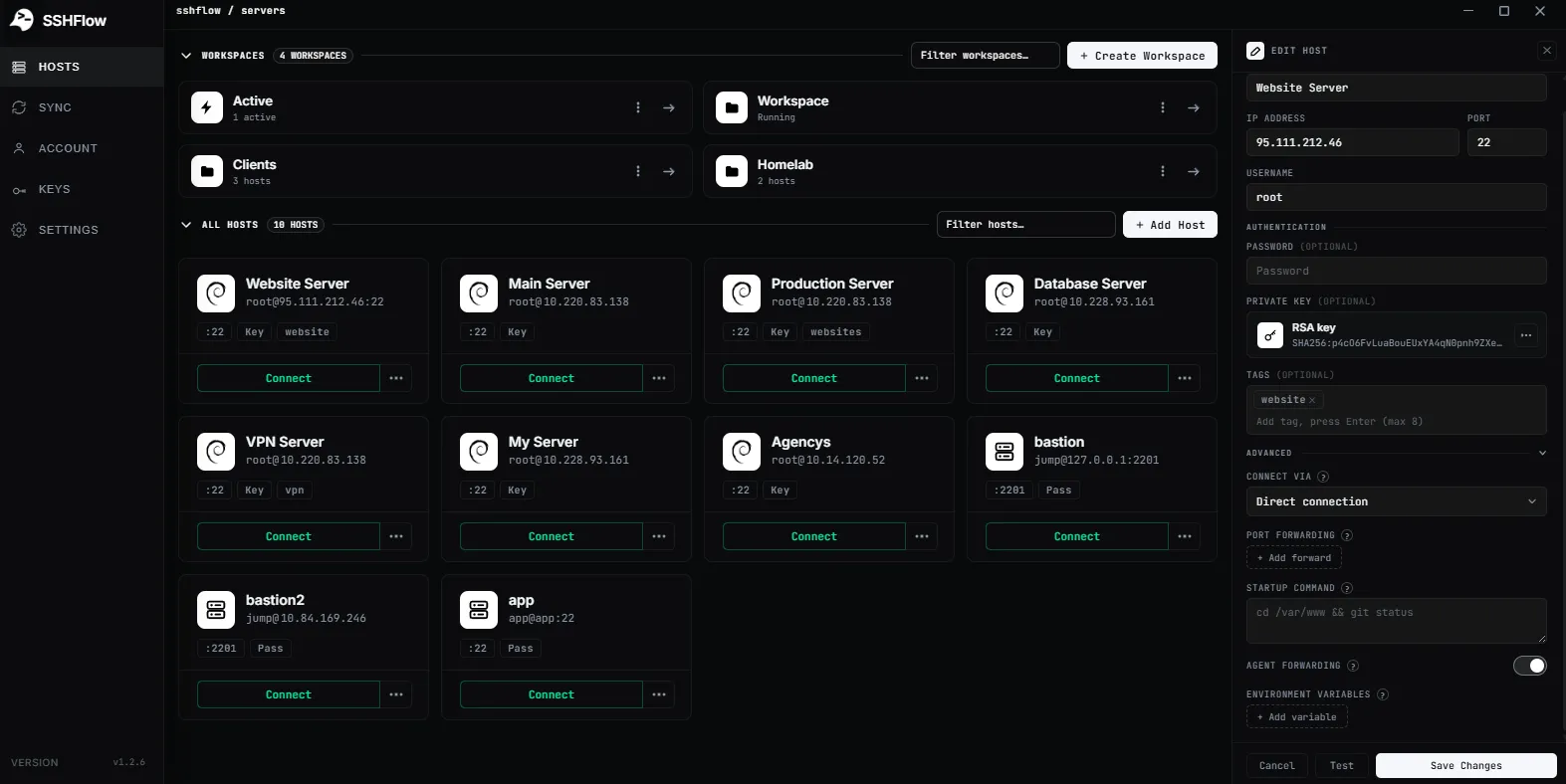
Select the right key for a host
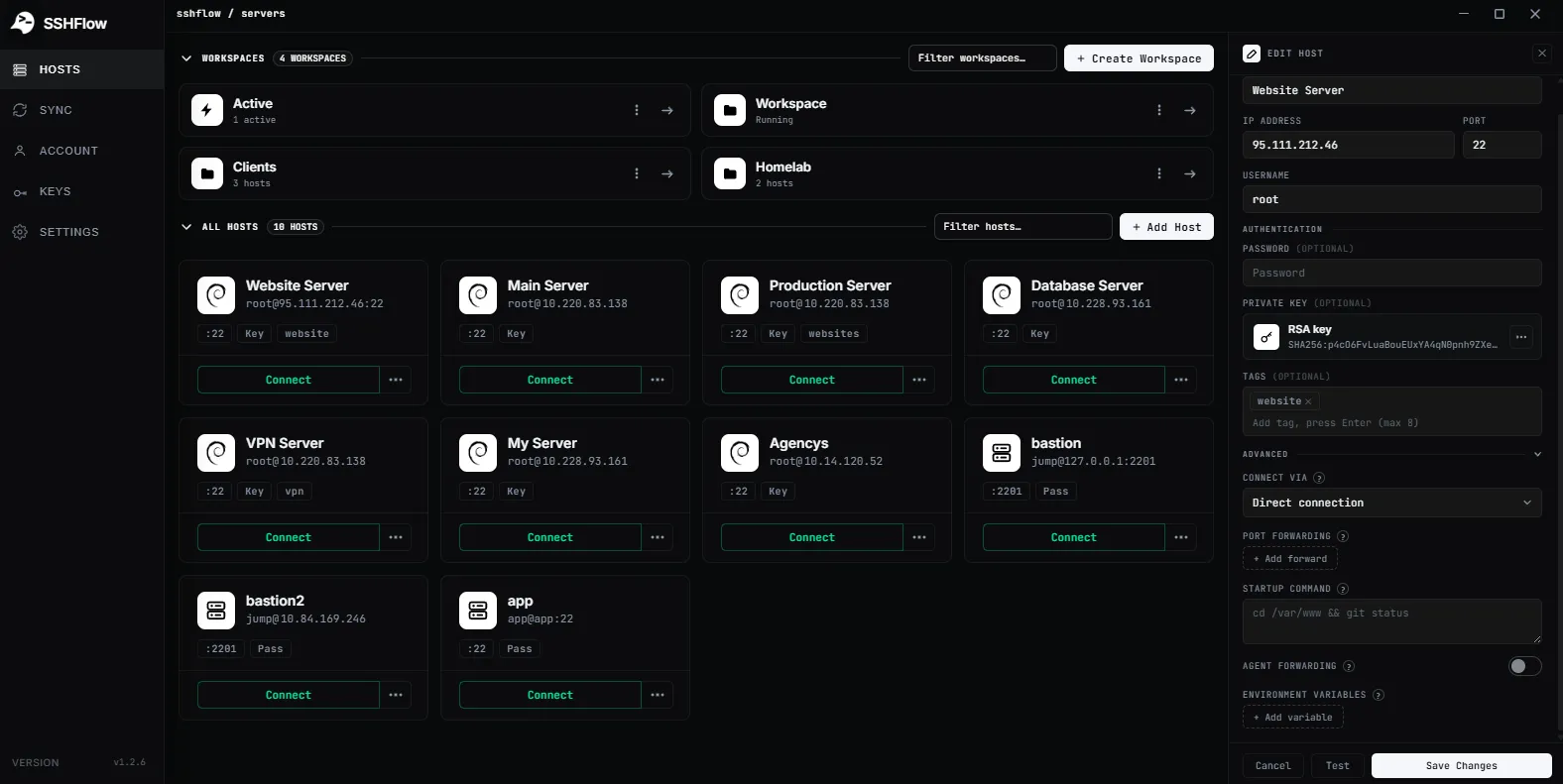
Real agent-forwarding toggle in advanced connection settings, if shipped
Agent forwarding settings

02 / IN PRACTICE

How this fits your server workflow.

Designed around everyday developer tasks, not a dashboard of features you never use.

Separate public keys from private keys

Install only the public key on the destination server. Your private key is a credential and should not be uploaded or pasted into a ticket, chat, or repository.

You can use a passphrase and manage key selection per server. Verify permissions and test a new login before removing old credentials.

Agent behavior and forwarding

ShadeTerm documents using ssh-agent for supported key workflows. Agent forwarding to a remote host is a separate, higher-risk setting and should be enabled only when needed.

Avoid treating forwarding as a default. A compromised remote host may misuse a forwarded agent while your session is active.

03 / WORKFLOW

From connection to result.

A focused sequence you can follow in your own ShadeTerm workspace.

01 / STEP

Create or import

Add an SSH identity appropriate for a host.

02 / STEP

Assign

Select the key for the saved server profile.

03 / STEP

Verify

Connect and confirm the server accepts the intended public key.

04 / DETAILS

Common questions.

Practical limitations and useful details before you get started.

Are public and private keys the same?

No. Public keys can be installed on a server; private keys must remain protected.

Which algorithms are documented?

ShadeTerm documents Ed25519 and RSA key generation.

Is agent forwarding required for SSH authentication?

No. Normal public-key authentication does not require forwarding your agent to the remote host.

ShadeTerm / WINDOWS

Work with your server, not around your tools.

Terminal, files, code and more — organized around your SSH connections.

Try ShadeTerm