
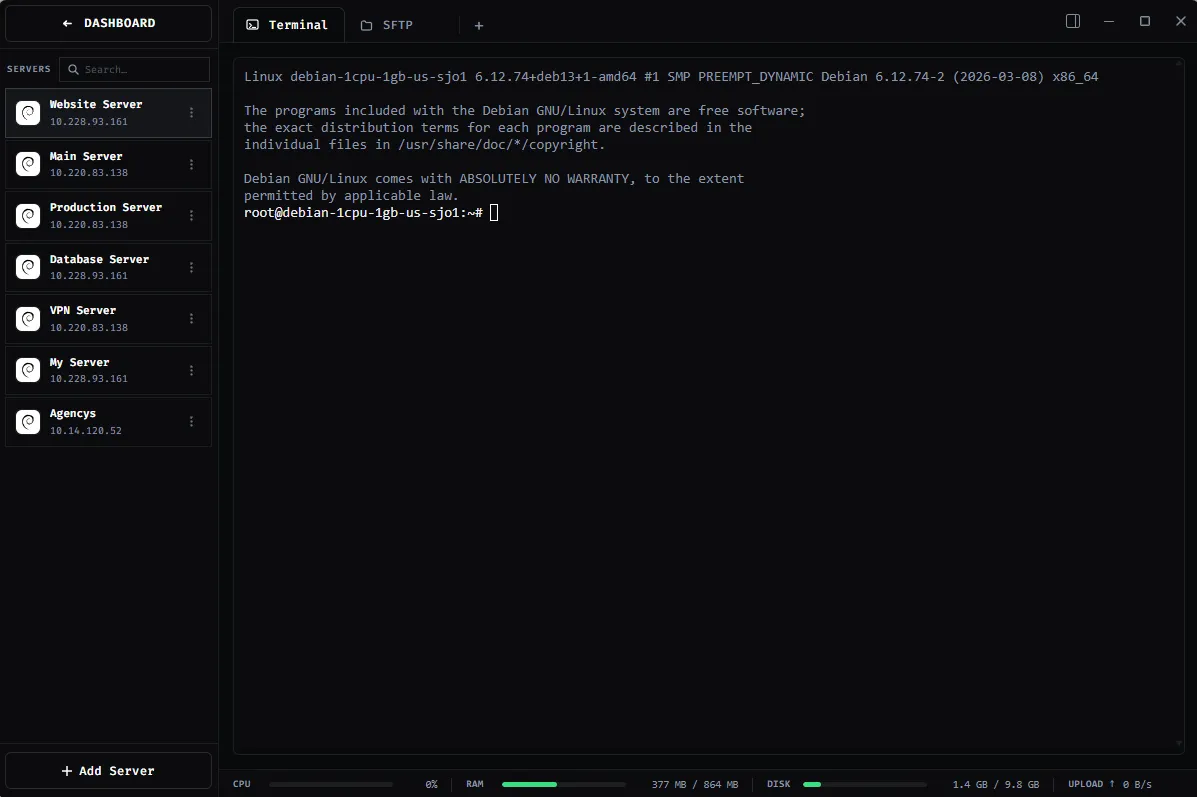
SSH Terminal
Open more than one terminal on a server and keep each session in context.
Explore featureShadeTerm / FEATURES
One Windows SSH client for terminals, remote files, code and the connections behind them. Explore what each tool can do.
01 / WORK ON SERVERS
Open more than one terminal on a server and keep each session in context.
Explore feature
Browse remote files, upload by drag and drop, and change file permissions.
Explore feature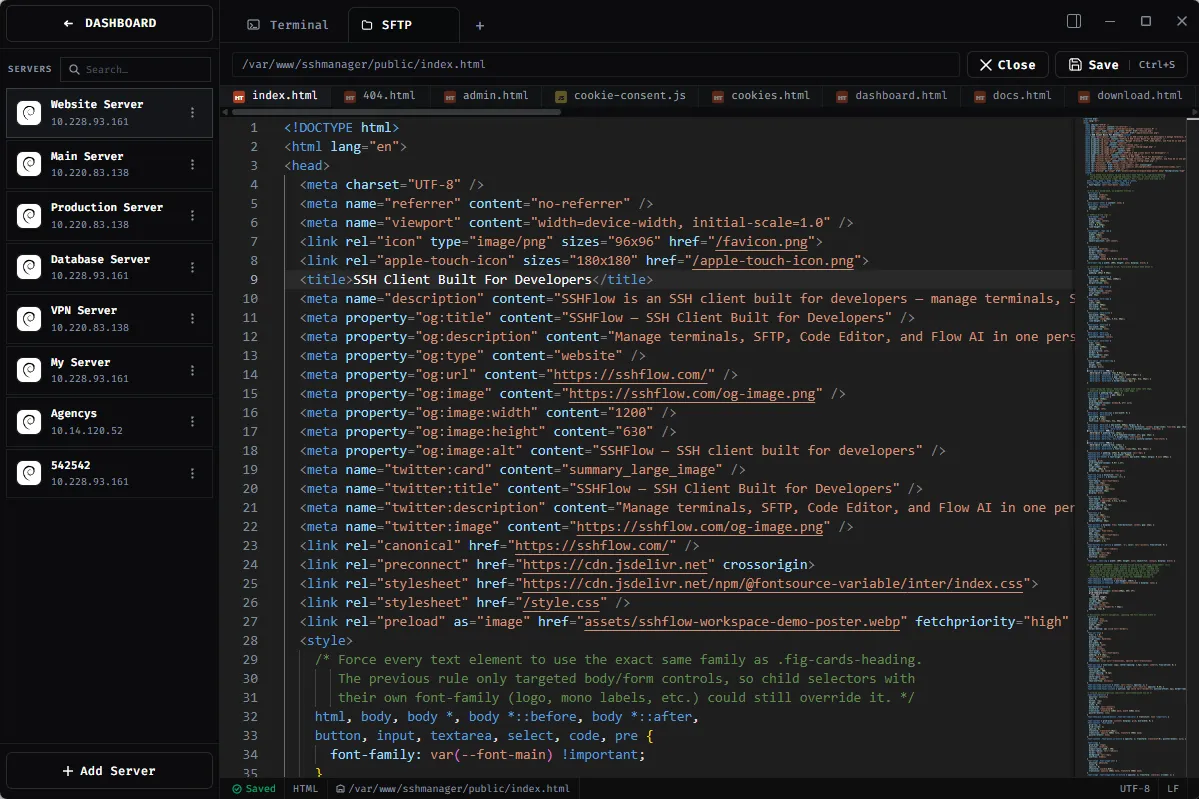
Open remote files in Monaco and save changes over SFTP.
Explore feature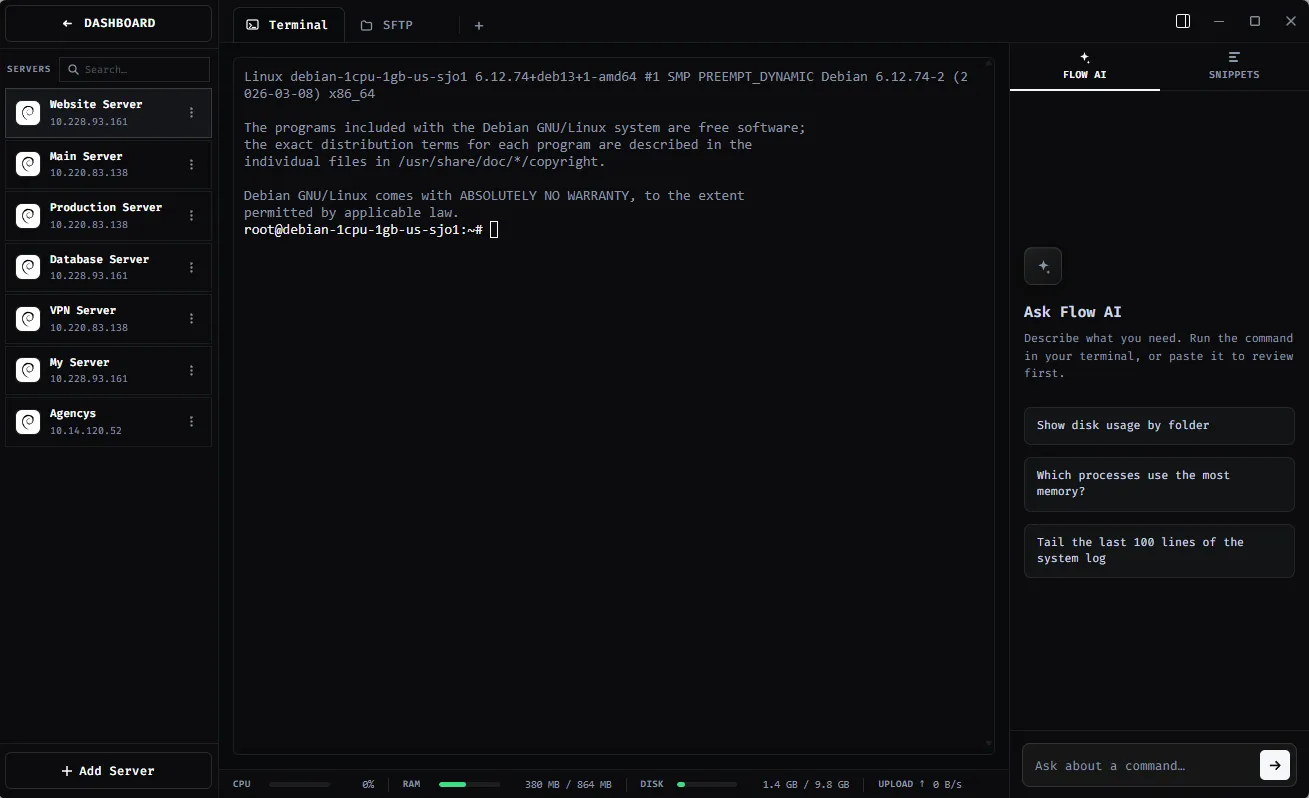
Get assistance with SSH and server tasks beside your terminal.
Explore feature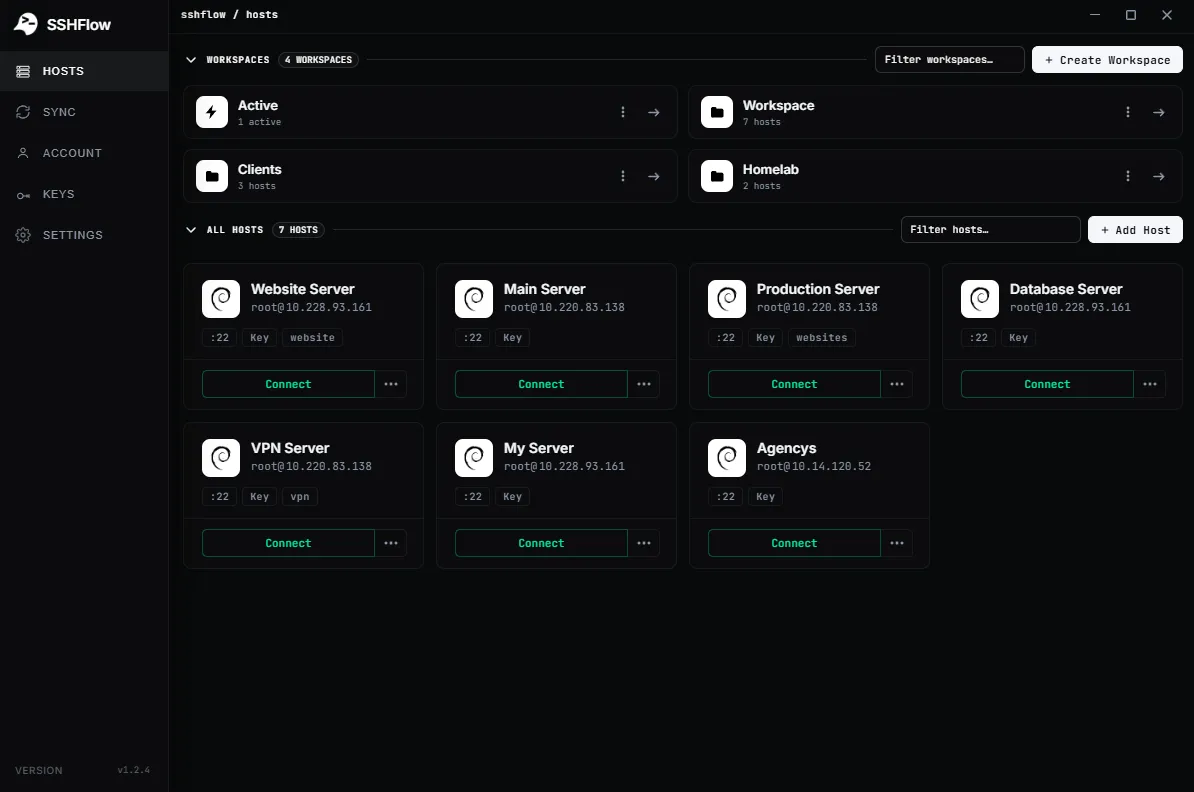
Keep connected servers, files, and terminal tabs organized.
Explore feature02 / CONNECT & AUTOMATE
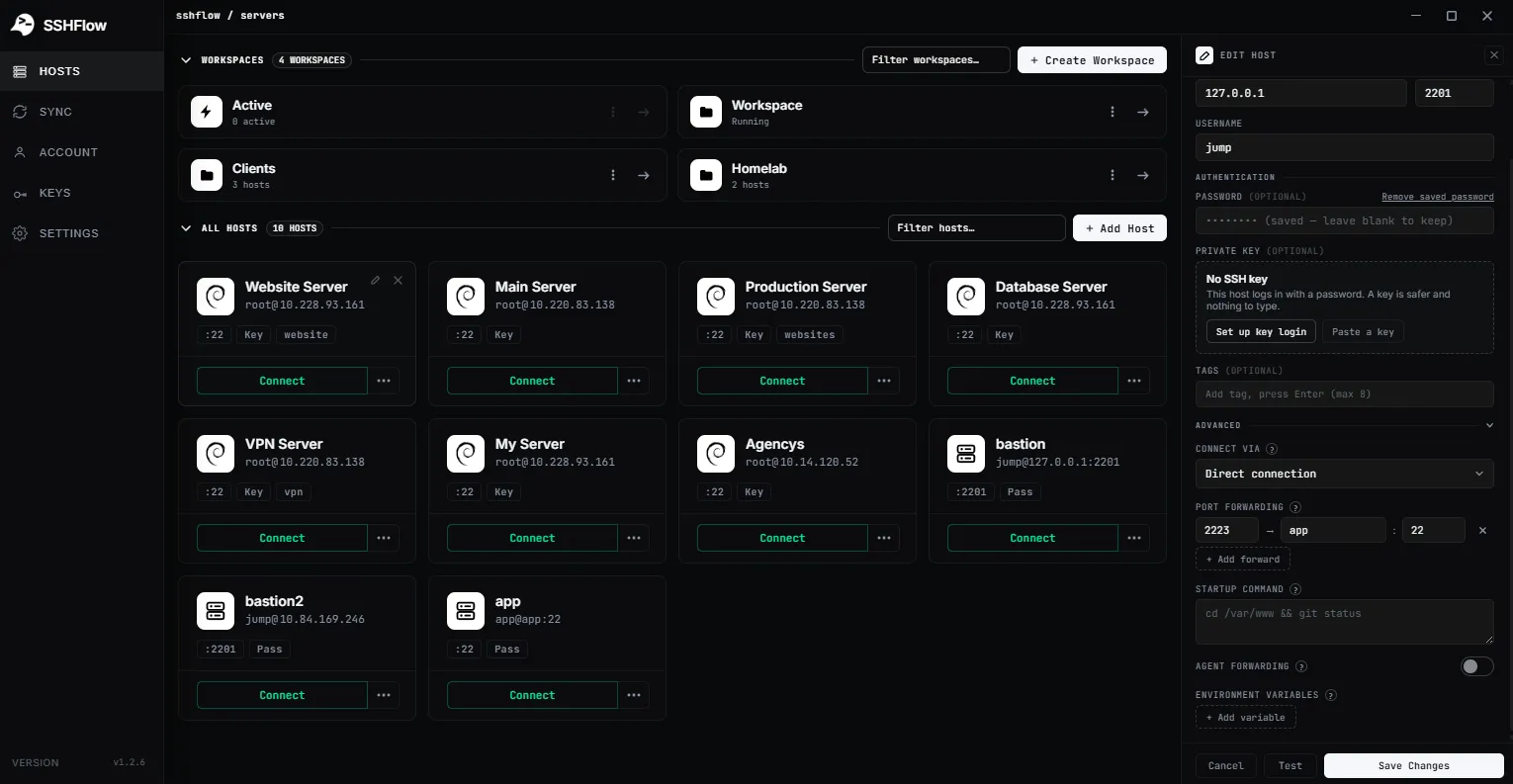
Reach remote services through configurable SSH tunnels.
Explore feature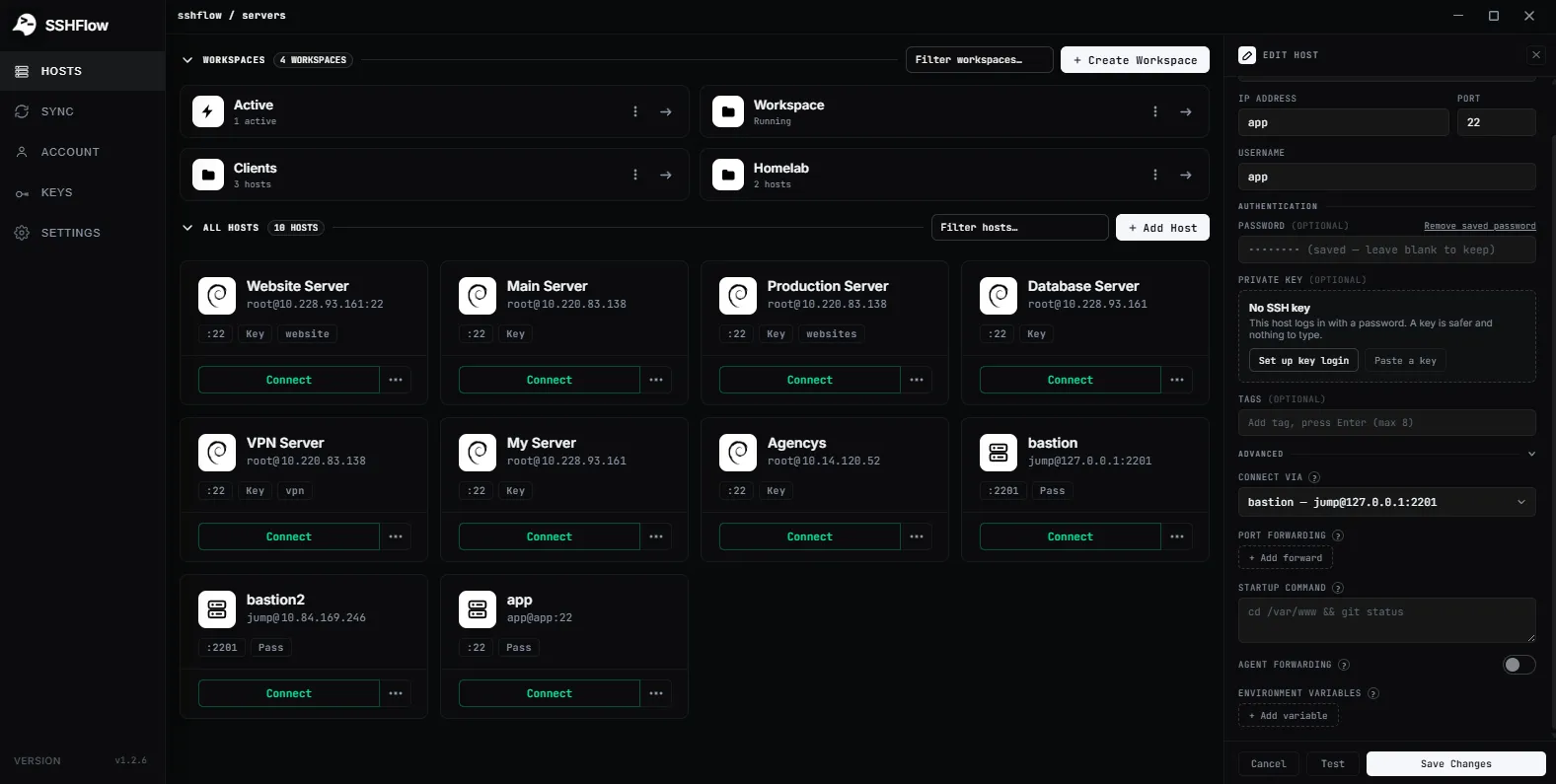
Access private servers using a bastion or jump host.
Explore feature
Choose SSH identities and manage key-based connections.
Explore feature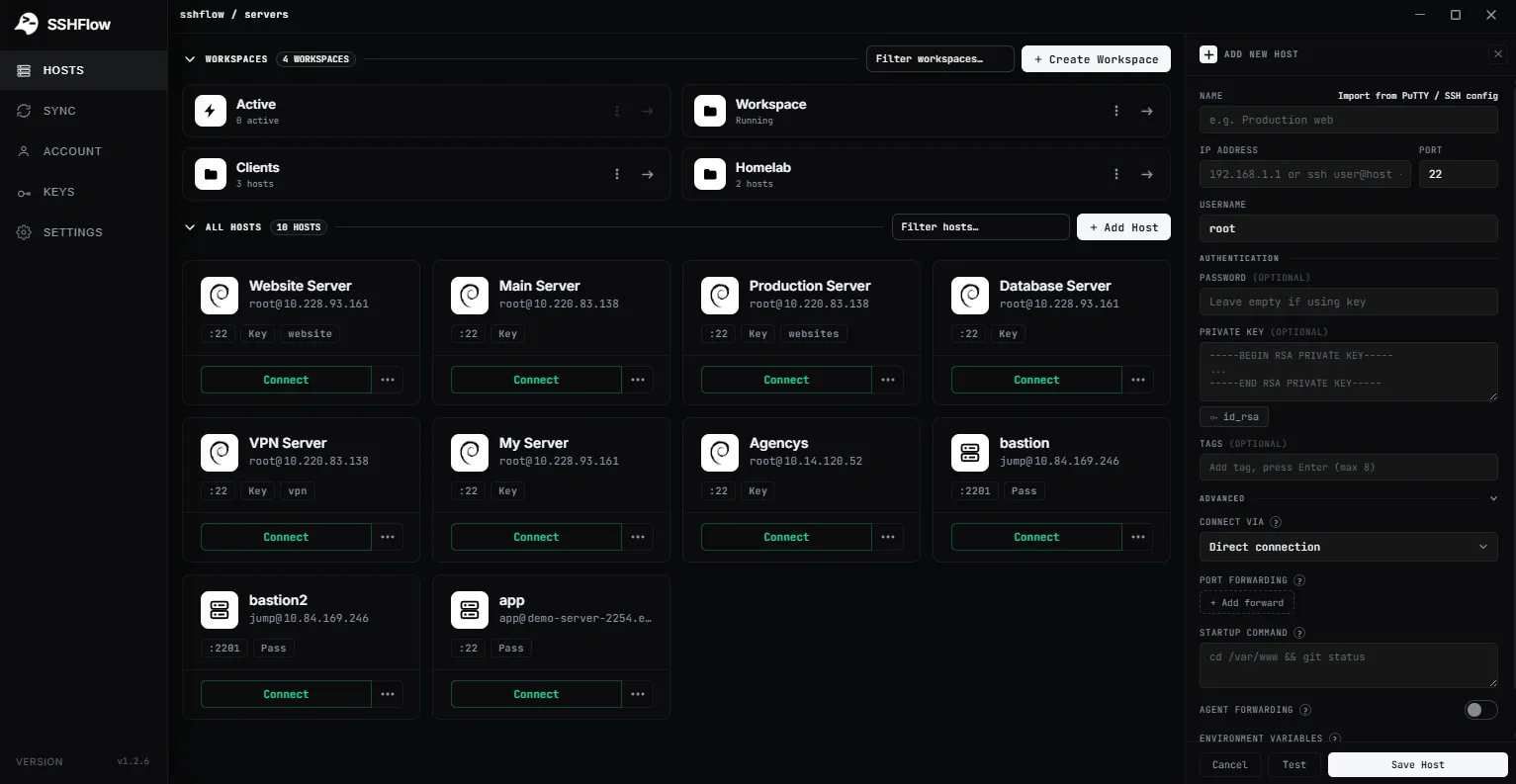
Save connection settings and import PuTTY or OpenSSH configurations.
Explore feature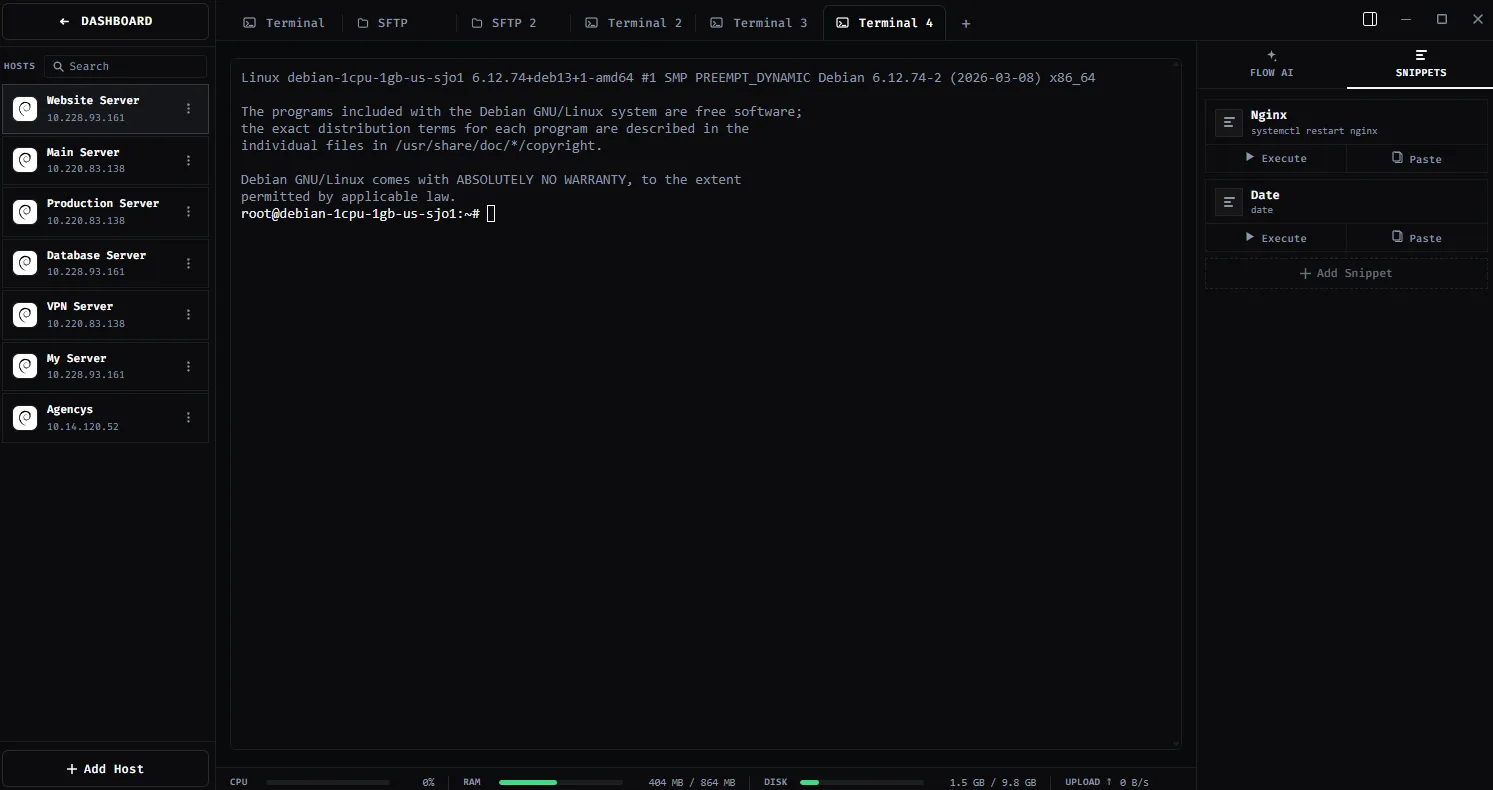
Save frequently used commands and insert them into your terminal.
Explore featureBUILT FOR WINDOWS
Bring together the terminal, SFTP and editor without switching applications for every task.
Try ShadeTerm