
01 / FEATURE
Build a small library
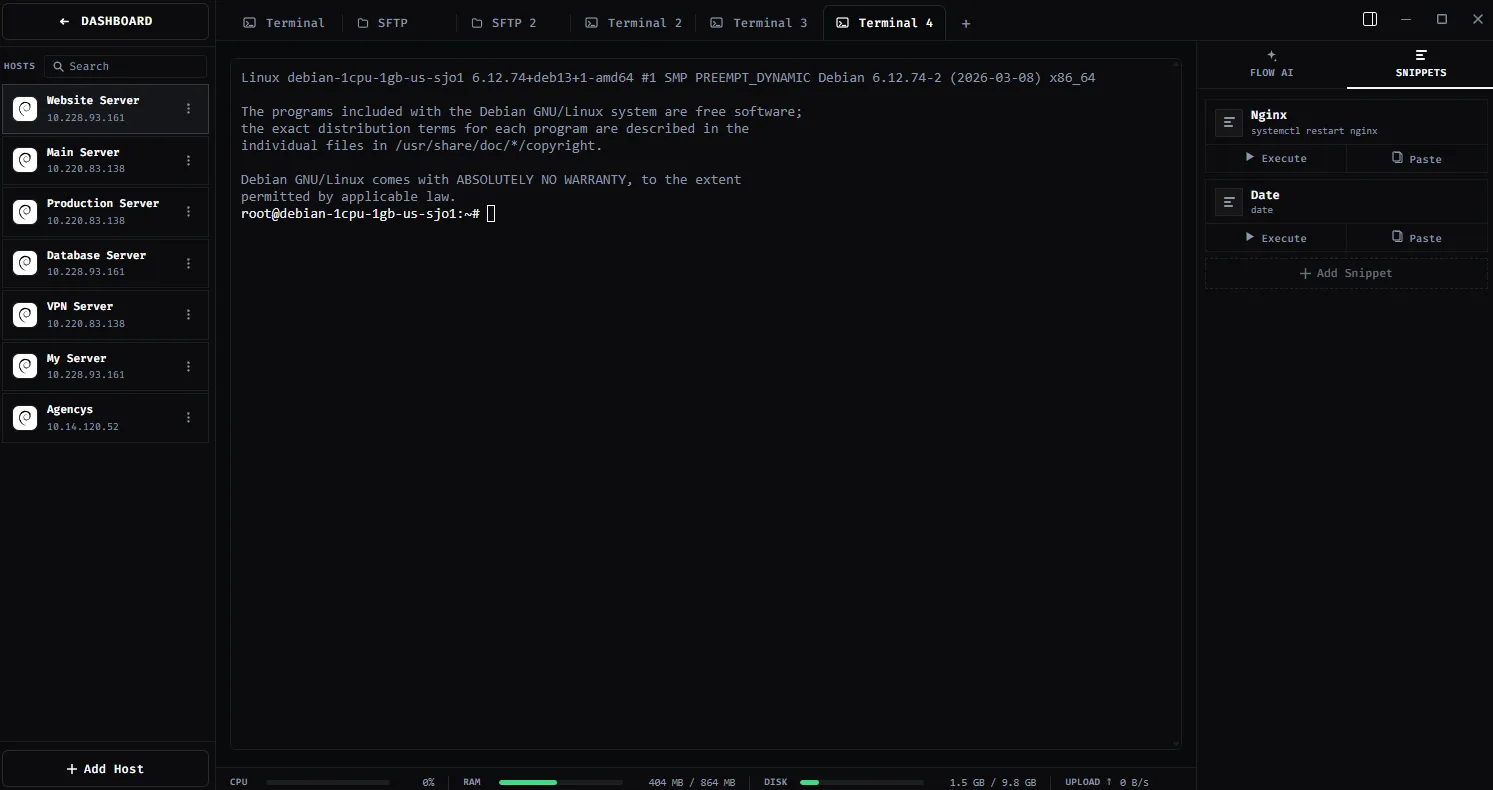
Save log tailing, service status, deployment checks and other commands you use repeatedly.
TERMINAL SNIPPETS / PRODUCTIVITY
Keep repeatable server commands and multi-line scripts a click away from any terminal tab, with a clear review step before running them.
01 / WHY IT MATTERS
ShadeTerm keeps your tools focused on a connection and the task you are doing — rather than adding more windows and manual steps.
Save log tailing, service status, deployment checks and other commands you use repeatedly.
Group related snippets so common operations do not get buried in terminal history.
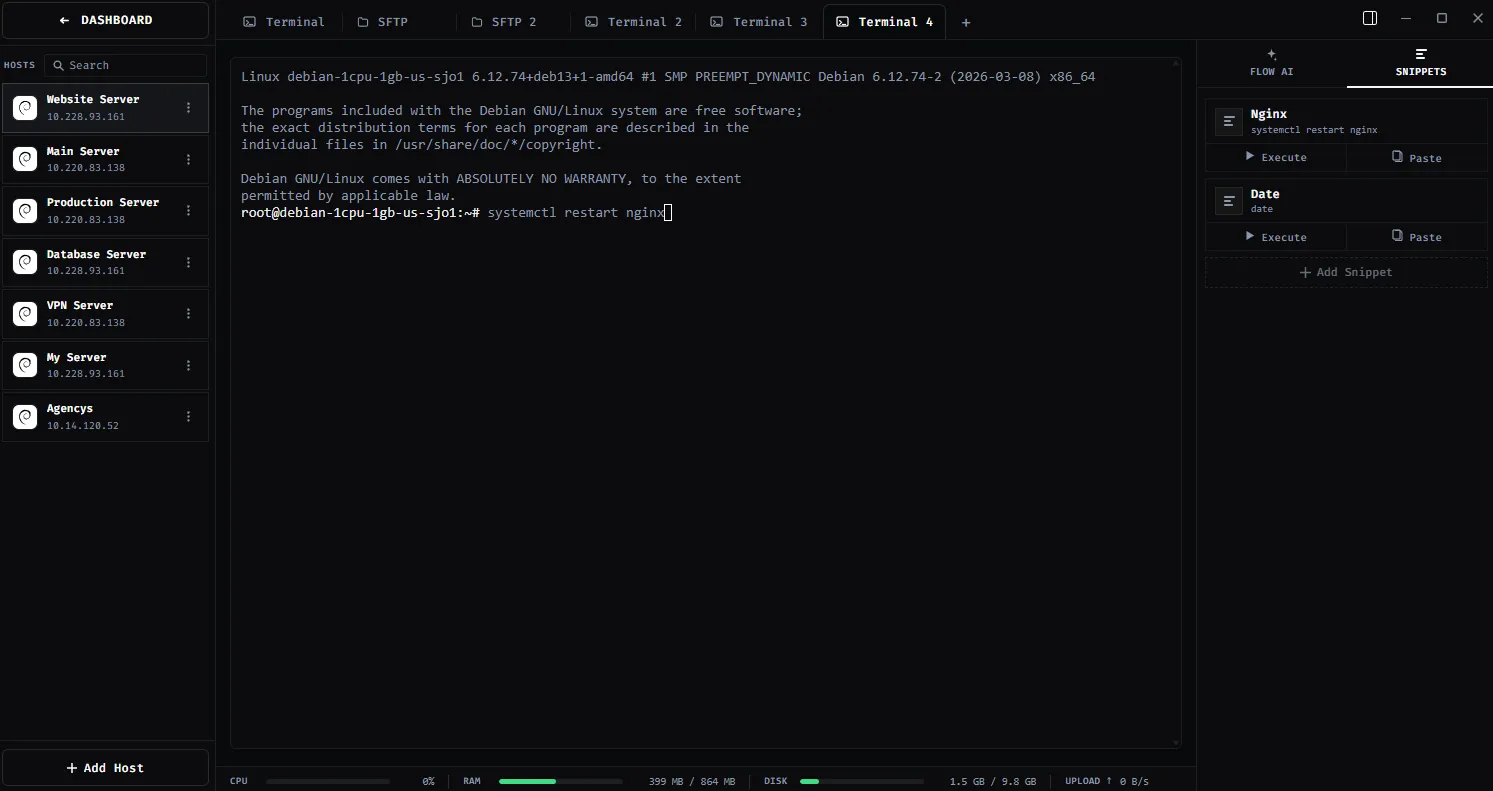
Insert or run a saved snippet in the terminal for the server you are currently working on.
SEE IT IN SHADETERM
Screens from ShadeTerm for Windows — the interface behind the workflow.
02 / IN PRACTICE
Designed around everyday developer tasks, not a dashboard of features you never use.
03 / WORKFLOW
A focused sequence you can follow in your own ShadeTerm workspace.
Add a command or multi-line script to Snippets.
Open the terminal for the intended server and find your snippet.
Inspect the command in context before running it.
04 / DETAILS
Practical limitations and useful details before you get started.
Yes. The documented snippets library is available across servers and workspaces.
Yes. You can save a multi-line script as a snippet.
The current documentation says snippets are plain text without a built-in placeholder or variable syntax.
ShadeTerm / WINDOWS
Terminal, files, code and more — organized around your SSH connections.
Try ShadeTerm