
01 / FEATURE
Respect network boundaries
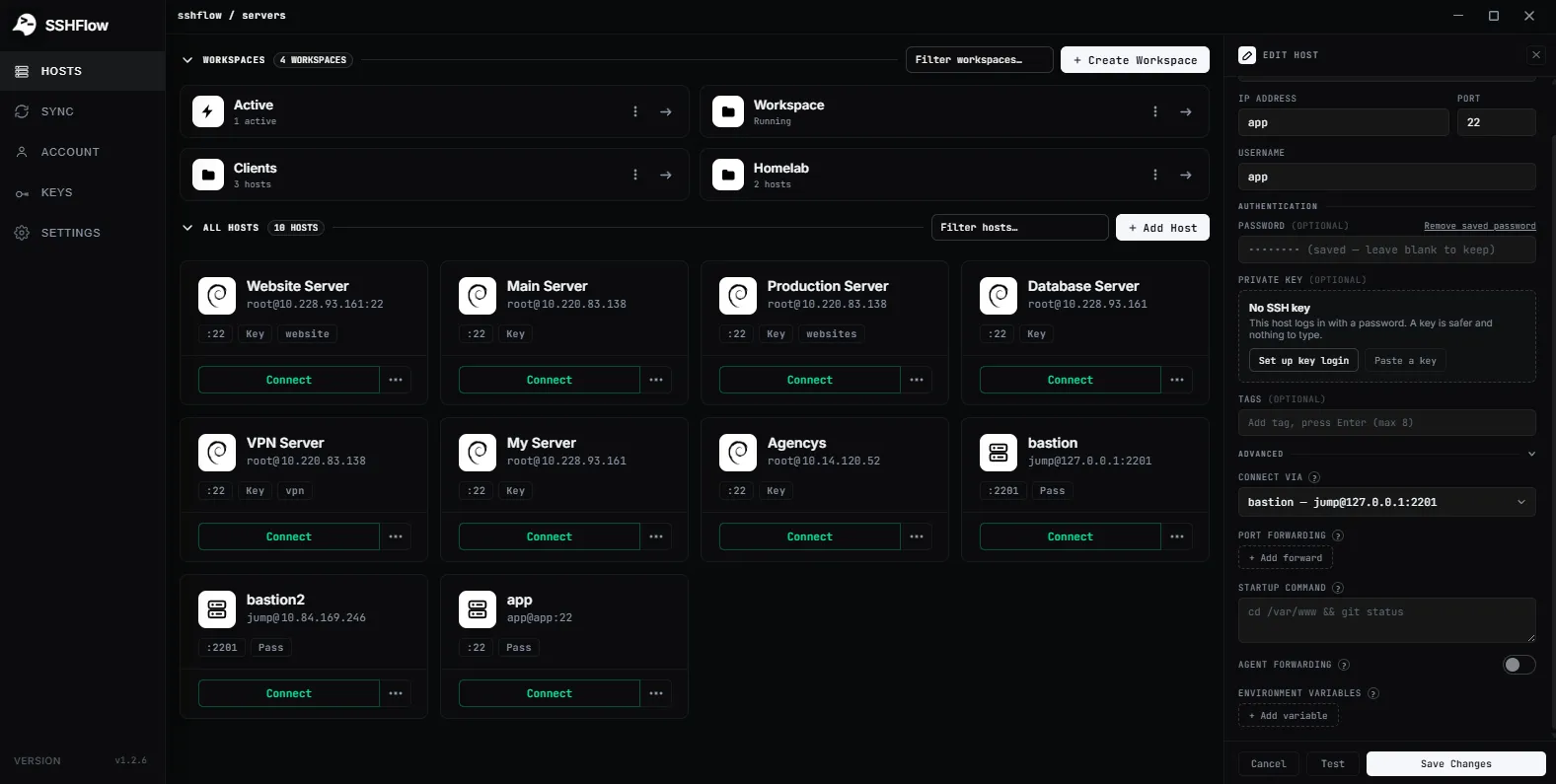
A reachable bastion can serve as the SSH entry point to machines on an internal network.
BASTION HOSTS / PROXYJUMP
Use a bastion connection when your target server is not directly reachable from your machine, and keep the route associated with the host profile.
01 / WHY IT MATTERS
ShadeTerm keeps your tools focused on a connection and the task you are doing — rather than adding more windows and manual steps.
A reachable bastion can serve as the SSH entry point to machines on an internal network.
Keep the jump-host information attached to the intended target server instead of rebuilding a complex command each session.
Use appropriate SSH keys and authentication rules for each hop; do not assume the jump host should receive target credentials.
02 / IN PRACTICE
Designed around everyday developer tasks, not a dashboard of features you never use.
03 / WORKFLOW
A focused sequence you can follow in your own ShadeTerm workspace.
Specify the reachable jump host.
Choose the private destination and its credentials.
Establish the route and verify the final host identity.
04 / DETAILS
Practical limitations and useful details before you get started.
A jump host (bastion) is an SSH-accessible machine used as an entry point to another host, often on a private network.
No. The private target needs to be reachable from the bastion, not necessarily from the public internet.
Only if necessary. Agent forwarding has security implications and is not required for every ProxyJump workflow.
ShadeTerm / WINDOWS
Terminal, files, code and more — organized around your SSH connections.
Try ShadeTerm