The best MobaXterm alternative depends on which part of MobaXterm you actually use. For free RDP/VNC/SSH connection management on Windows, start with mRemoteNG. For free SSH/SFTP terminals, try Tabby or WindTerm. For Windows server workspaces with terminals, SFTP, code editing and monitoring, compare ShadeTerm. For Mac SSH, consider Core Shell; for Linux remote desktops, Remmina.
MobaXterm combines SSH, an automatic SFTP browser, an integrated Windows X server, RDP/VNC and Unix-like utilities. No alternative in this list replaces every feature. We narrowed the comparison to 10 products that cover different real-world needs and explain exactly what you would give up by switching.
Best MobaXterm alternatives: quick picks
Most people searching for a replacement are solving one of three problems: the free edition limits, a move to Mac/Linux, or an easier way to manage SSH servers. Start here:
Closest free Windows RDP/VNC/SSH managermRemoteNG
Multi-protocol remote connections in tabs, not an embedded X server.
Free cross-platform SSH terminalTabby
Open-source SSH, profiles, split panes and a graphical SFTP panel.
Free SSH/SFTP with session toolsWindTerm
Linux, macOS and Windows with SSH, SFTP and tunnels; partly open source.
SSH + server files + monitoringShadeTerm
Windows server workspaces; no integrated RDP, VNC or X server.
Remote desktop on LinuxRemmina
Free RDP, VNC and SSH through protocol plugins.
SSH client on MacCore Shell
Native macOS OpenSSH workflow, Keychain and host profiles.
Free graphical SFTP on WindowsBitvise SSH Client
SSH, visual transfers and advanced tunneling without a client fee.
Keep X11 built into WindowsMobaXterm
Keep it if the integrated Windows X server is essential.
MobaXterm alternatives compared: SSH, SFTP, RDP/VNC and X11
The decisive question is which MobaXterm features are built into the replacement. A tool that supports SSH tunneling to RDP is not necessarily an RDP viewer, and SSH X11 forwarding is not the same as shipping a local Windows X server.
Product
Platforms
Cost
SFTP / files
RDP/VNC viewer
Windows X server
Best fit
ShadeTerm
Windows
17-day trial; $4.99/mo
Built-in
No
No
Server workspaces, editing, monitoring
mRemoteNG
Windows
Free; open source
No automatic SFTP pane
RDP + VNC
No
Multi-protocol connection manager
Tabby
Win / Mac / Linux
Free; open source
Built-in SSH mode
No
No
Free terminal, split panes
WindTerm
Win / Mac / Linux
Free; partly open source
Built-in
No integrated viewer
No
SSH/SFTP and session tools
Termius
Desktop + mobile
Free Starter; Pro $10/mo annually
Available
No
No
Cross-device SSH and sync
Bitvise SSH Client
Windows
Free client
Graphical SFTP
No; RDP tunnel only
No
SSH, SFTP and tunneling
Royal TS / TSX
Win / Mac
Lite/free or paid; check OS
SFTP connection type
RDP + VNC
No
Mixed-protocol administration
Remmina
Linux / BSD
Free; open source
Not MobaXterm-style sidebar
RDP + VNC
No
Linux remote desktops
PuTTY
Windows / Unix ports
Free; open source
CLI PSFTP/PSCP
No
No
Simple SSH/Telnet/serial
Core Shell
macOS 15+
Free Basic; paid Premium
Not a bundled GUI SFTP pane
No
No
Native Mac SSH and Keychain
MobaXterm (reference)
Windows
Home free; Pro from $69
Automatic SFTP browser
RDP + VNC
Yes
All-in-one Windows toolkit
MobaXterm is a reference row, not an eleventh alternative. Prices are published starting prices (USD unless shown); terms and supported features vary by OS and version. “No” means the application does not bundle the capability, not that workarounds or external tools are impossible.
What you lose when you leave MobaXterm
MobaXterm is not merely an SSH terminal. It combines SSH, automatic SFTP, a local Windows X server, RDP/VNC and Unix tools. Use this feature-by-feature map before choosing a lighter or cross-platform replacement.
MobaXterm feature
Closest replacement in this list
Important limitation
Tabbed SSH sessions
Tabby, WindTerm, ShadeTerm, Termius
Different session-management workflows
Automatic graphical SFTP sidebar
Bitvise, ShadeTerm, Tabby, WindTerm
Not always opened automatically with an SSH terminal
Built-in RDP and VNC
mRemoteNG, Royal TS/TSX, Remmina
Does not imply bundled X server
Windows X server for forwarded Linux GUIs
None is a complete drop-in
Keep MobaXterm or add a separate X server
Native Mac / Linux SSH workflow
Tabby, WindTerm, Termius, Core Shell; Remmina for Linux desktops
Protocol coverage differs
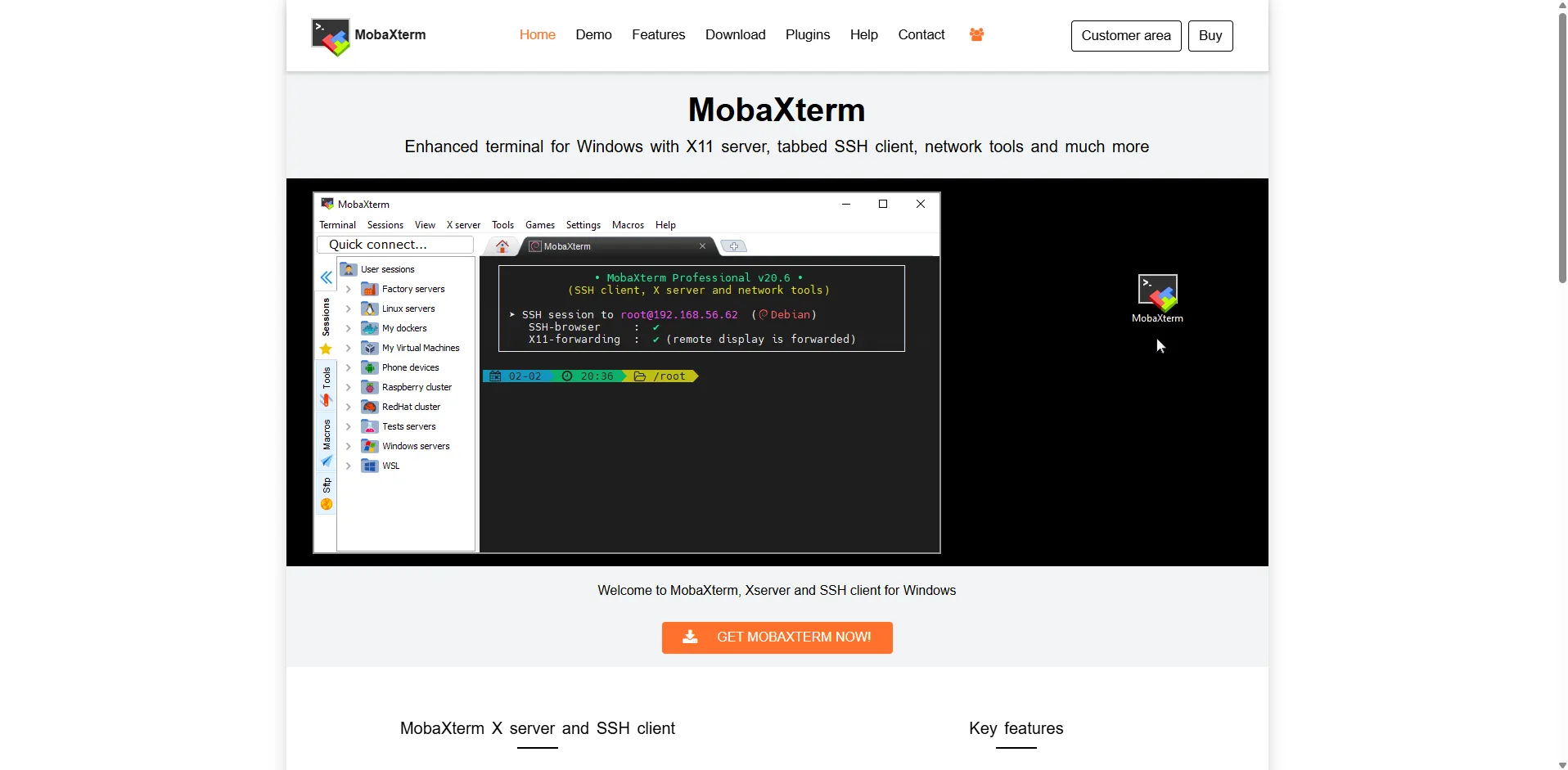
MobaXterm’s integrated SSH terminal and SFTP sidebar illustrate why SSH-only alternatives do not replace the entire application.
Home Edition: free, but limited to 12 saved sessions, two SSH tunnels and four macros; selected network daemons have runtime limits.
Professional: published at $69 or €49 per user before tax, with volume discounts and 12 months of updates included.
Business use: the Home EULA includes specific conditions for an individual employee versus organization-wide deployment. Read the license rather than assuming all commercial use is either completely prohibited or unrestricted.
Platform: MobaXterm itself is a Windows application, so moving to a Mac or Linux machine may require changing tools or splitting SSH and RDP workflows.
Check the source documentation: official editions and limits and license terms. If your team relies on integrated Windows X11 sessions, replacing MobaXterm with an SSH-only tool is usually a downgrade.
How to choose a MobaXterm replacement
Before evaluating logos and screenshots, identify which function you open most often. It will save more time than testing every terminal.
Need RDP + VNC + SSH?
Start with mRemoteNG on Windows, Royal TS/TSX for paid mixed-protocol management, or Remmina on Linux. They solve a different problem from a plain SSH terminal.
Need free SSH and SFTP?
Compare Tabby, WindTerm and Bitvise. Bitvise is Windows-focused; Tabby and WindTerm span three desktop operating systems.
Need an X server on Windows?
Keeping MobaXterm may be the easiest choice. Many alternatives can forward X11 traffic but do not bundle a local X server that renders the application.
Need to manage several VPS hosts?
Prioritize host profiles, multi-terminal navigation, file editing, key security, logs and monitoring. ShadeTerm is designed for this Windows-centric workflow.
Switching to a Mac?
Consider Core Shell for native OpenSSH and Keychain integration, Tabby for a configurable terminal, or Termius when desktop/mobile synchronization matters.
Switching to Linux?
Use Remmina for RDP/VNC sessions and Tabby or WindTerm for terminal-oriented SSH. A Linux terminal with OpenSSH remains a perfectly good lightweight option.
If you need both SSH and a desktop viewer, using two specialized tools is a legitimate choice. Do not treat every “MobaXterm alternative” list as a claim of feature-for-feature replacement.
How these 10 alternatives were selected
We prioritized replacement use cases rather than ranking by app-store popularity alone: SSH and authentication, graphical file transfer, RDP/VNC, the Windows X server, operating-system support, and free versus paid licensing. Each review gives a specific best-fit scenario and an explicit trade-off.
We checked vendor documentation for product capabilities and prices, and consulted broader alternative listings for candidate coverage. We did not conduct a standardized ten-product speed, security or reliability benchmark. Screenshots illustrate interfaces and should not be taken as side-by-side performance-test evidence.
1. ShadeTerm — best for Windows VPS and SSH workspaces
Windows 10/1117-day trial · $4.99/month
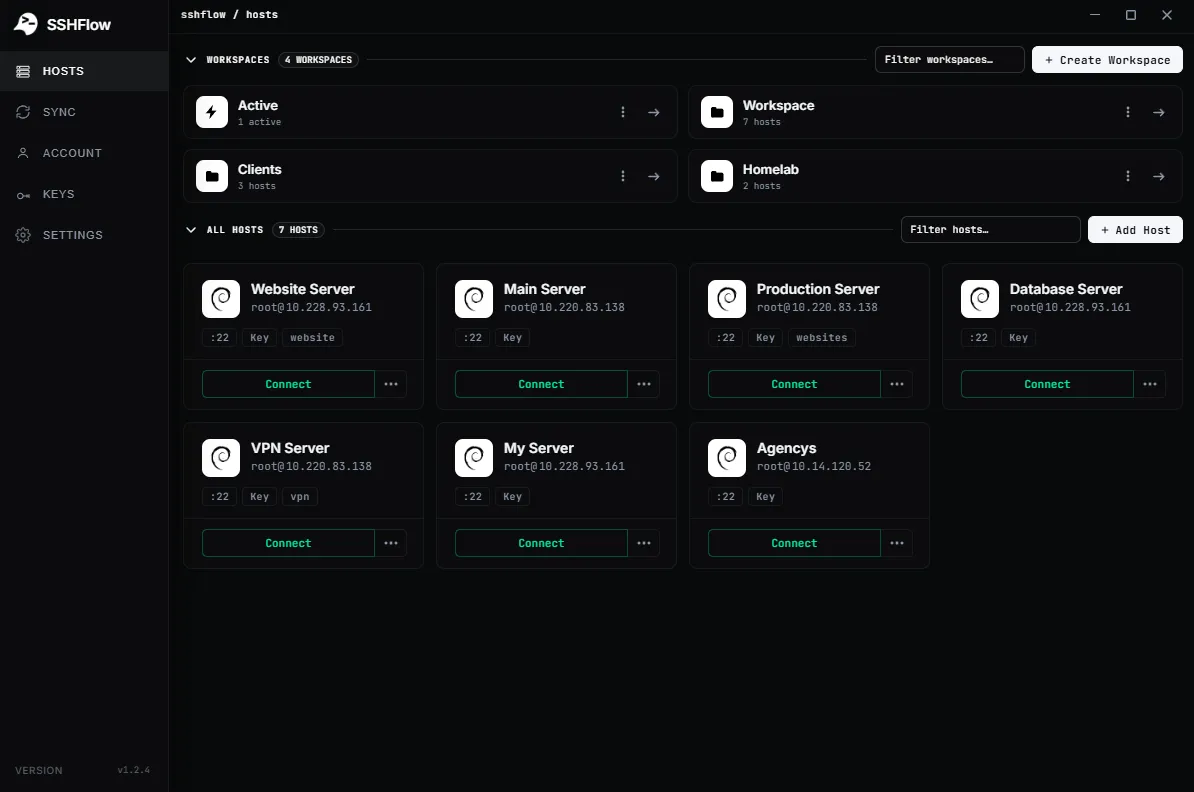
ShadeTerm takes a different approach from MobaXterm: a server is a workspace, with multiple SSH terminals, an SFTP file browser, remote code editing, monitoring, database tools and AI assistance organized together. It makes the most sense for developers who return to the same VPS machines throughout the day.
ShadeTerm Windows server workspace with terminals and related remote-server tools.
Strengths
Multiple terminals and files grouped under each saved server
Remote editing, monitoring and database-oriented workflows in the same interface
Straightforward Windows option for server-focused work
Trade-offs
No built-in X server or embedded RDP/VNC clients
Not a replacement for Telnet/serial-heavy network administration
Windows release only; Mac and Linux are not yet available
If you normally use MobaXterm for SSH + SFTP + checking services, the workflow is directly relevant: connect once, browse your files, open extra terminals and keep related server tasks together. If your main use is X11 graphics or Windows desktops, keep MobaXterm or a dedicated remote-desktop manager. The developer publishes this comparison, so weigh this recommendation against the documented trade-offs. Try the Windows version; see trial and subscription details.
2. mRemoteNG — closest free multi-protocol Windows option
WindowsFree · open source
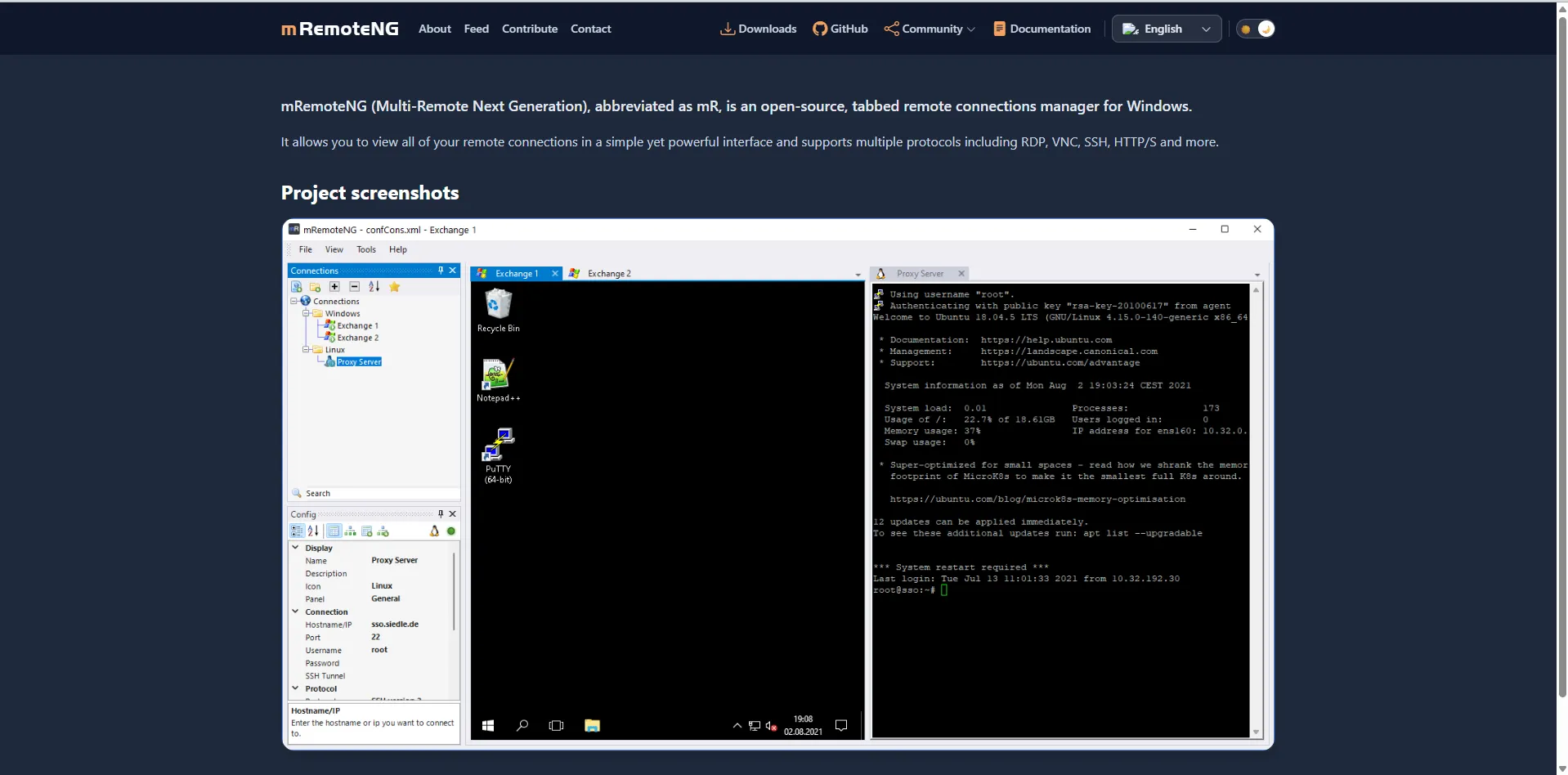
For someone whose MobaXterm favorites list includes SSH sessions, RDP desktops and VNC screens, mRemoteNG is one of the most relevant free replacements. It provides a tabbed Windows connection manager with saved profiles and support for RDP, VNC, SSH and other protocols.
mRemoteNG interface showing its tabbed connection manager and saved remote sessions.
Strengths
Free and open-source Windows remote connection manager
Actual RDP and VNC support alongside SSH
Organized saved remote sessions in one interface
Trade-offs
Not MobaXterm’s embedded X server or Unix toolbox
No equivalent automatic SSH-attached SFTP file browser as a core feature
Evaluate maintenance and compatibility for your Windows environment
This is the important distinction missing from many terminal-only lists. If you open both Linux SSH consoles and Windows remote desktops every day, replacing MobaXterm with Tabby alone would not cover that use case. mRemoteNG is closer to your mixed-protocol needs, although it is not an identical substitute.
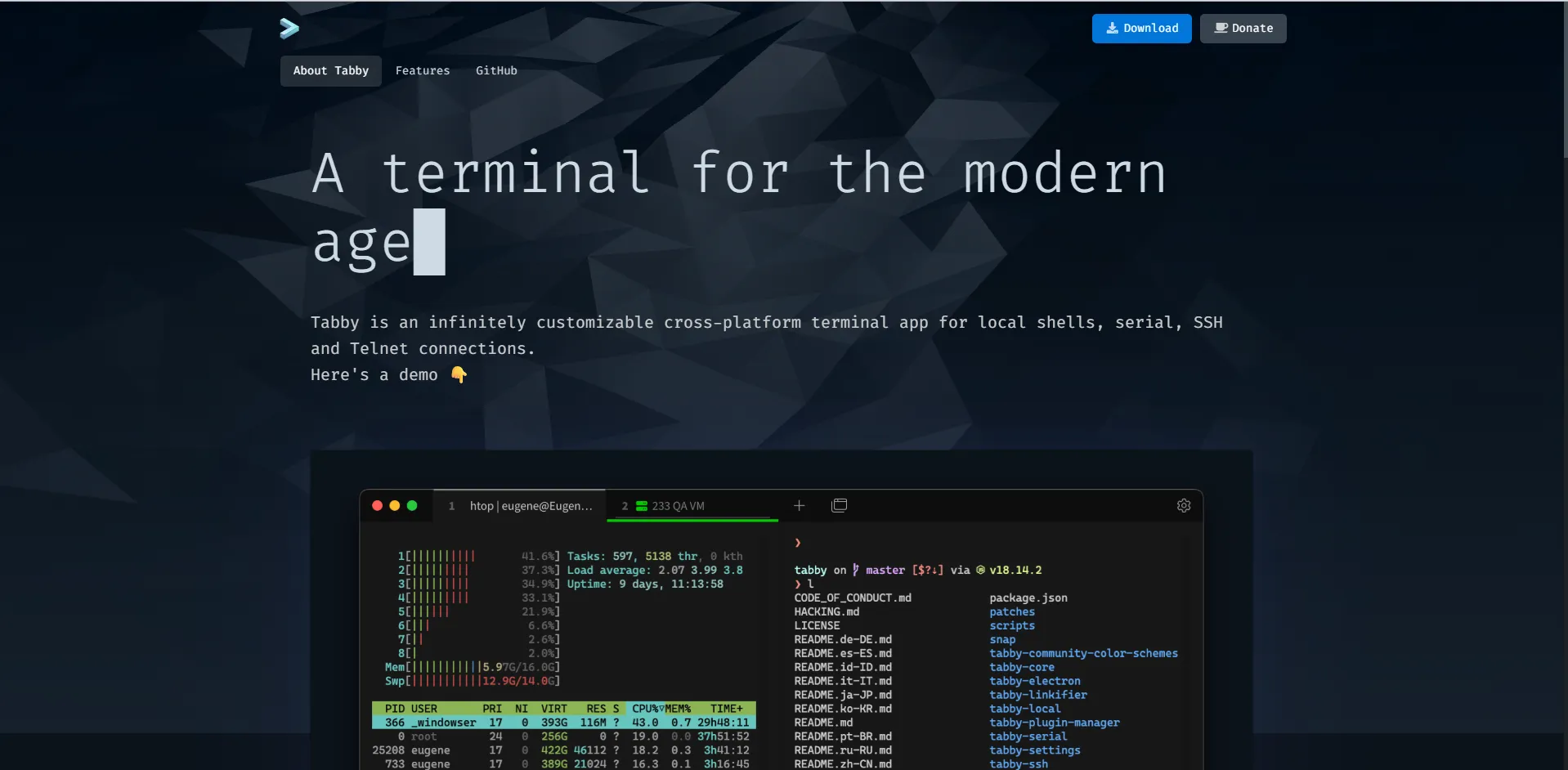
Tabby is a cross-platform terminal with SSH/Telnet sessions, configurable profiles, split panes, themes and plugins. Its built-in SSH client exposes a graphical SFTP panel. It is a strong free MobaXterm alternative for users who primarily work in terminal windows.
Tabby terminal interface; compare its built-in SSH mode with your existing workflow.
Strengths
Fully open source and free across major desktops
Split panes and a highly configurable terminal
Built-in SSH mode includes an SFTP panel
Trade-offs
Not a bundled X server or RDP/VNC suite
SFTP behavior differs if you run the system ssh command inside a local shell
More terminal-focused than a complete remote-management toolbox
Choose Tabby if you value a flexible terminal and do not depend on MobaXterm’s graphical desktop protocols. For a Windows-only workflow focused on servers rather than terminal panes, compare it with other Windows SSH clients.
4. WindTerm — best free SSH/SFTP and session tooling
Windows · macOS · LinuxFree including commercial use
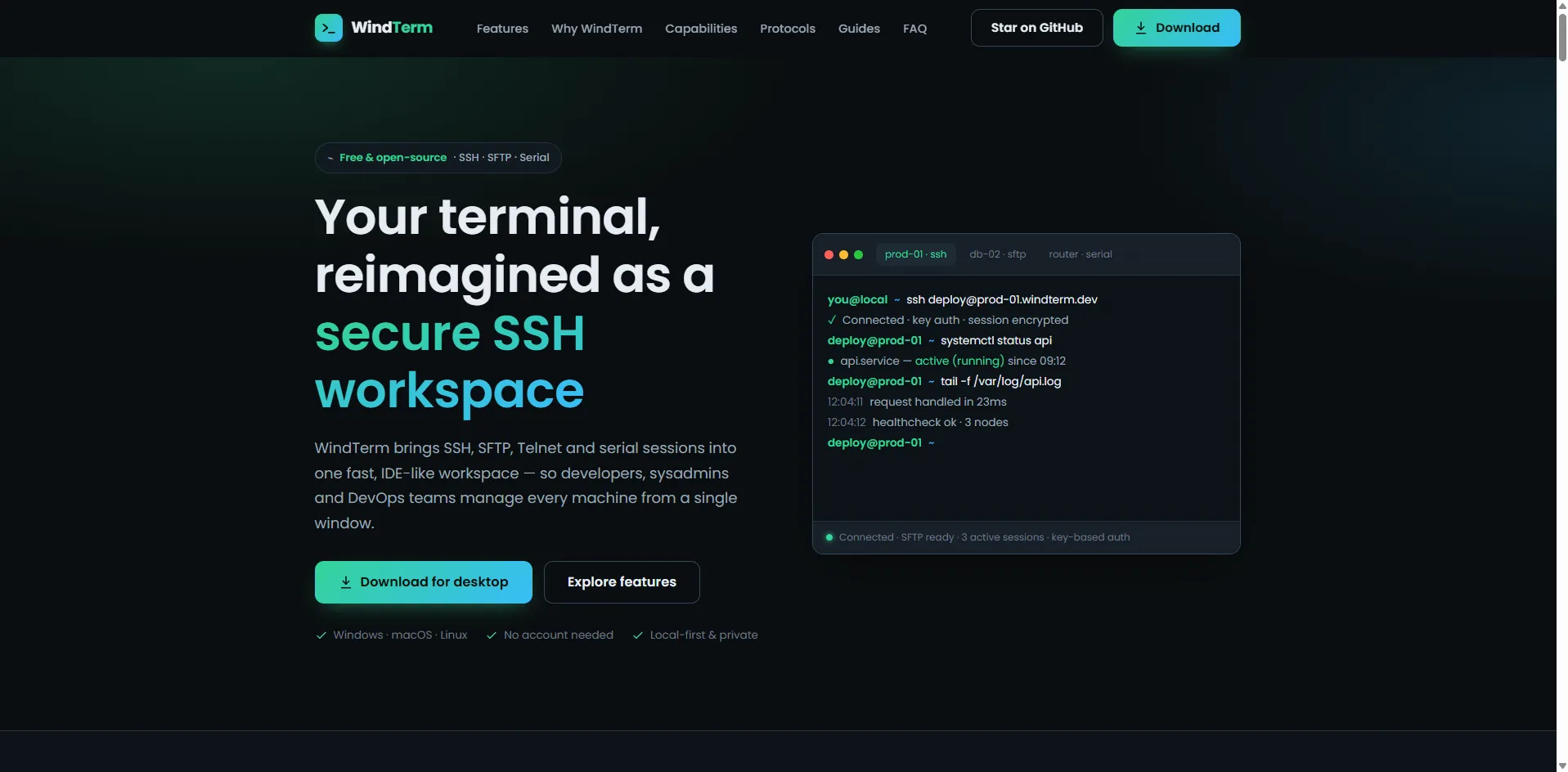
WindTerm combines SSH, SFTP, Telnet, serial, session management and terminal productivity features on Windows, macOS and Linux. For users hitting MobaXterm Home limits who mainly need terminal connections and file transfers, it deserves a direct trial.
WindTerm product preview. Verify the interface in the current release before switching.
Strengths
Free for commercial as well as personal use per maintainer
SSH/SFTP and session tools on three desktop platforms
Useful for terminal-intensive operations and server sessions
Trade-offs
The project describes itself as only partially open source
Not an integrated Windows X server and remote desktop suite
Interface and workflows differ from MobaXterm; test your must-haves
If the key question is WindTerm vs MobaXterm, decide by protocol: SSH and SFTP favor a focused terminal workflow; built-in X11 desktop graphics, RDP and VNC favor MobaXterm or a separate viewer. Avoid confusing “free for business” with “fully open source.”
5. Termius — best for devices and synchronized hosts
Windows · macOS · Linux · mobileFree Starter · Pro $10/month annually
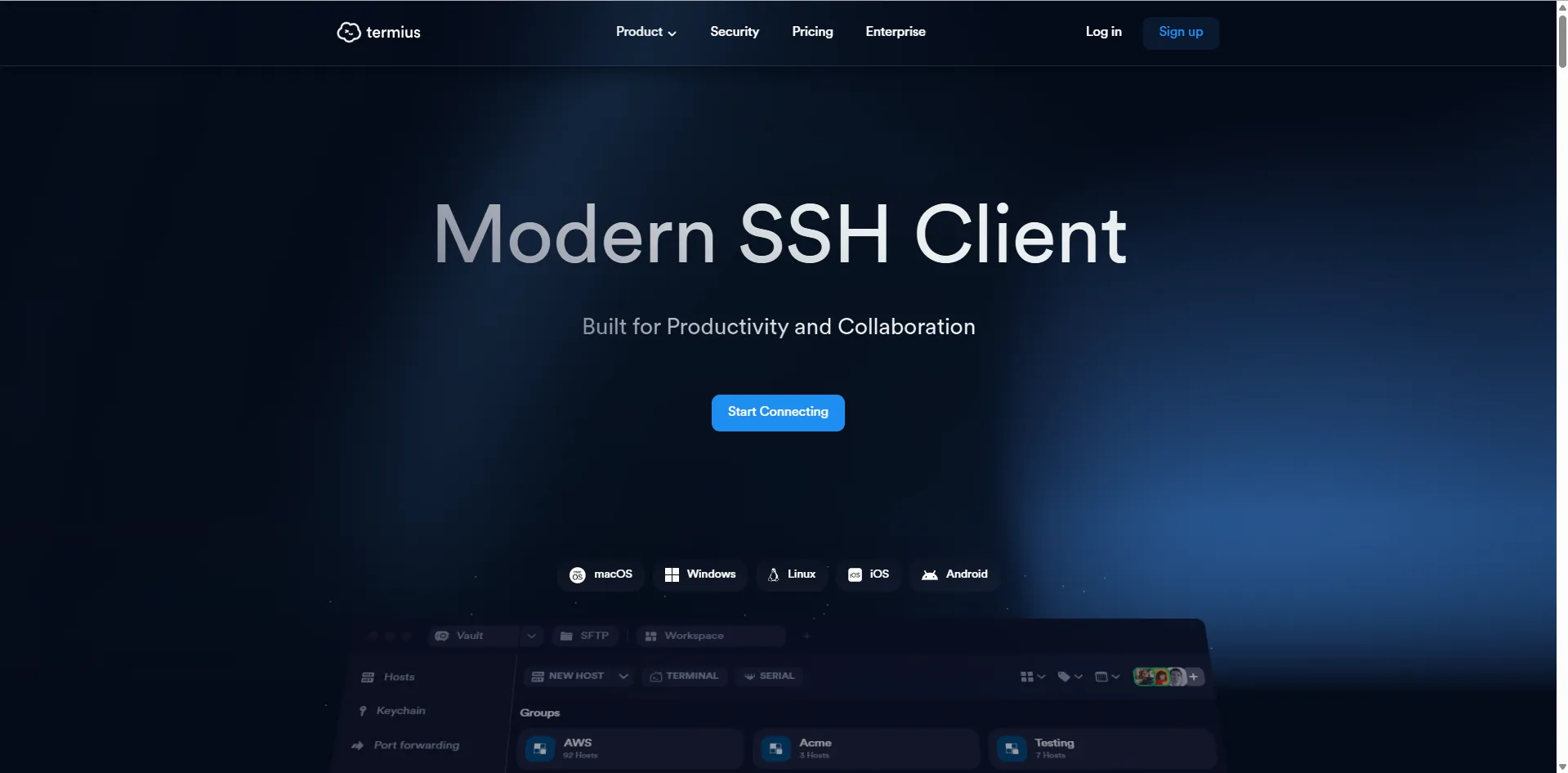
Termius makes sense if you move between desktop and phone while maintaining the same SSH hosts. The free Starter tier includes SSH, SFTP, a local vault and port forwarding; Pro adds cloud vault sync, session logs and automation features.
Termius desktop interface with host management and SSH sessions.
Strengths
Desktop and mobile clients
SSH and graphical SFTP in the free Starter plan
Paid synchronization and collaboration for multi-device work
Trade-offs
Cross-device vault sync requires Pro
Subscription cost can exceed the value for occasional sessions
Not a full Windows RDP/VNC/X11 suite
Termius is a better match for cross-device SSH than for someone whose daily routine relies on MobaXterm’s local Windows X server. Pro pricing is quoted as $10 per month billed annually, not a promise of $10 month-to-month.
6. Bitvise SSH Client — best free GUI SFTP on Windows
WindowsFree client; optional paid license
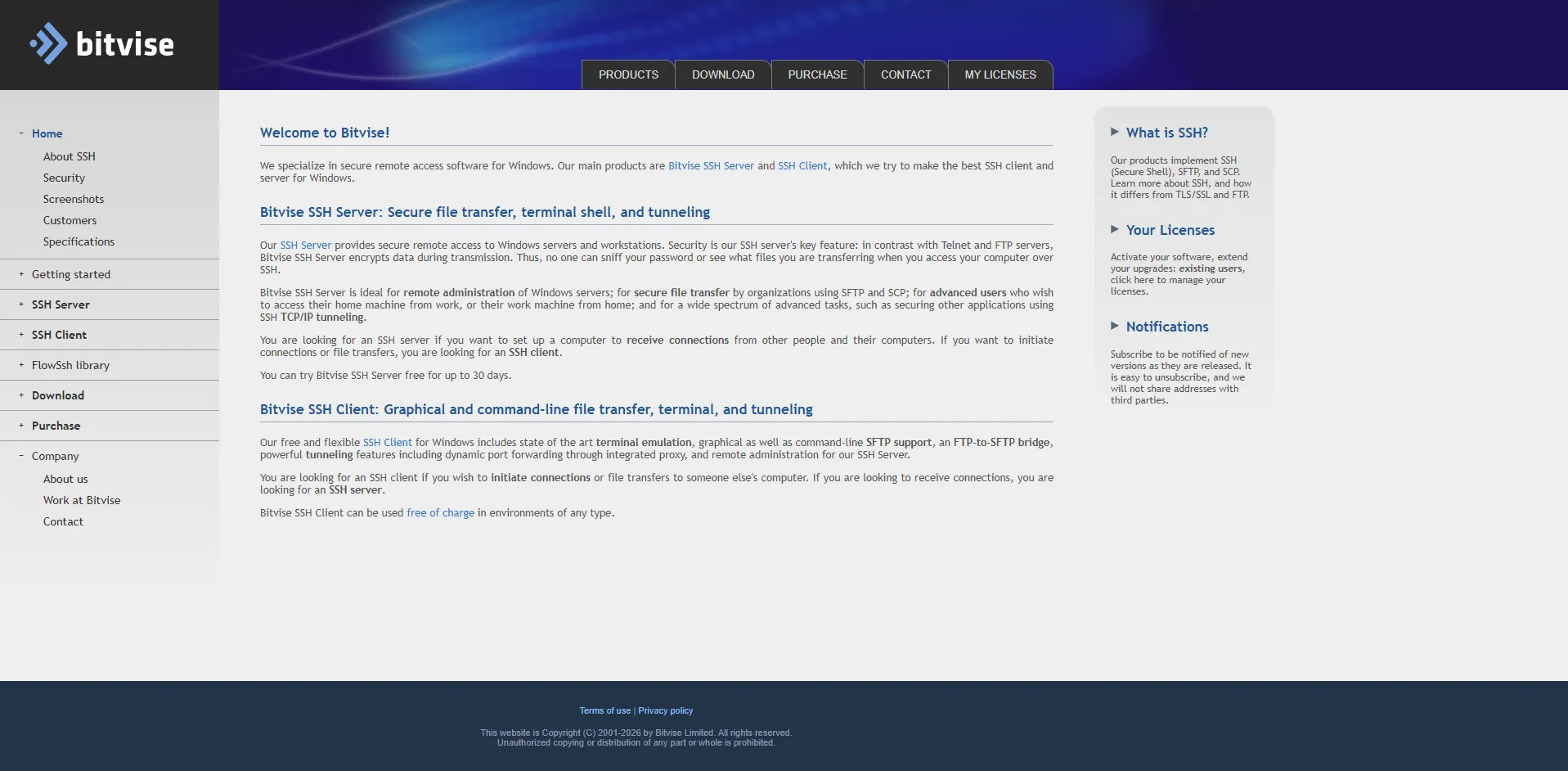
Bitvise SSH Client combines an SSH terminal, advanced graphical SFTP and port-forwarding features in a Windows application. Its client license permits free use in organizations too, unlike the separate Bitvise SSH Server product.
Bitvise SSH Client includes a graphical file transfer interface.
Strengths
Graphical SSH/SFTP transfers without a client fee
Strong SSH tunneling and port-forwarding options
Free client licensing extends to commercial use
Trade-offs
Windows only
RDP forwarding is not an embedded RDP viewer
Narrower multi-protocol focus than MobaXterm
If your main reason for using MobaXterm is its automatically opened SFTP browser, Bitvise is worth testing. Its one-click RDP forwarding creates a tunnel for another RDP client; it does not convert Bitvise into a remote desktop management suite.
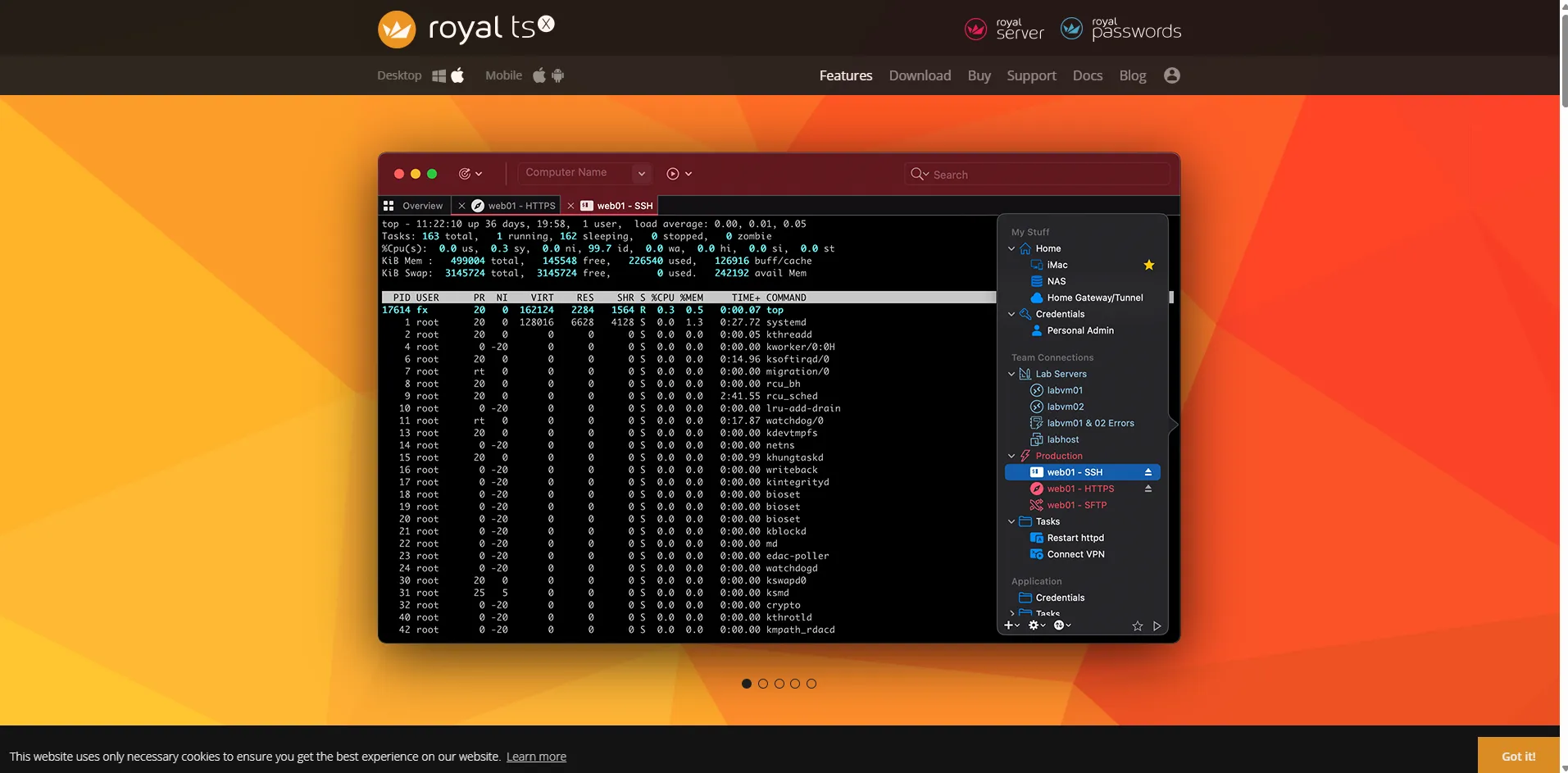
Royal TS on Windows and Royal TSX on Mac are geared toward managing many different remote connection types. They are strong candidates when the real requirement is RDP, VNC and SSH in one inventory, often with shared credential workflows.
Royal TS/TSX product illustration from the product site; interface differs by OS/version.
RDP/VNC and SSH among supported remote connection types
Windows and macOS products
Trade-offs
The Lite edition limits the number of saved connections; paid licensing varies by operating system
Not a built-in Windows X server in the MobaXterm sense
Licensing plans for v26 were revised in October 2026
Royal TS for Windows publishes a free Lite edition (up to 10 connections) and a paid Single User license; Royal TSX for macOS has its own plan details. Royal Apps also revised its licensing plans in October 2026, so check the current product page before quoting a price. This remains a closer mixed-protocol replacement than a terminal-only app for Windows and Linux administrators.
8. Remmina — best free remote desktop option for Linux
Linux · BSDFree · open source
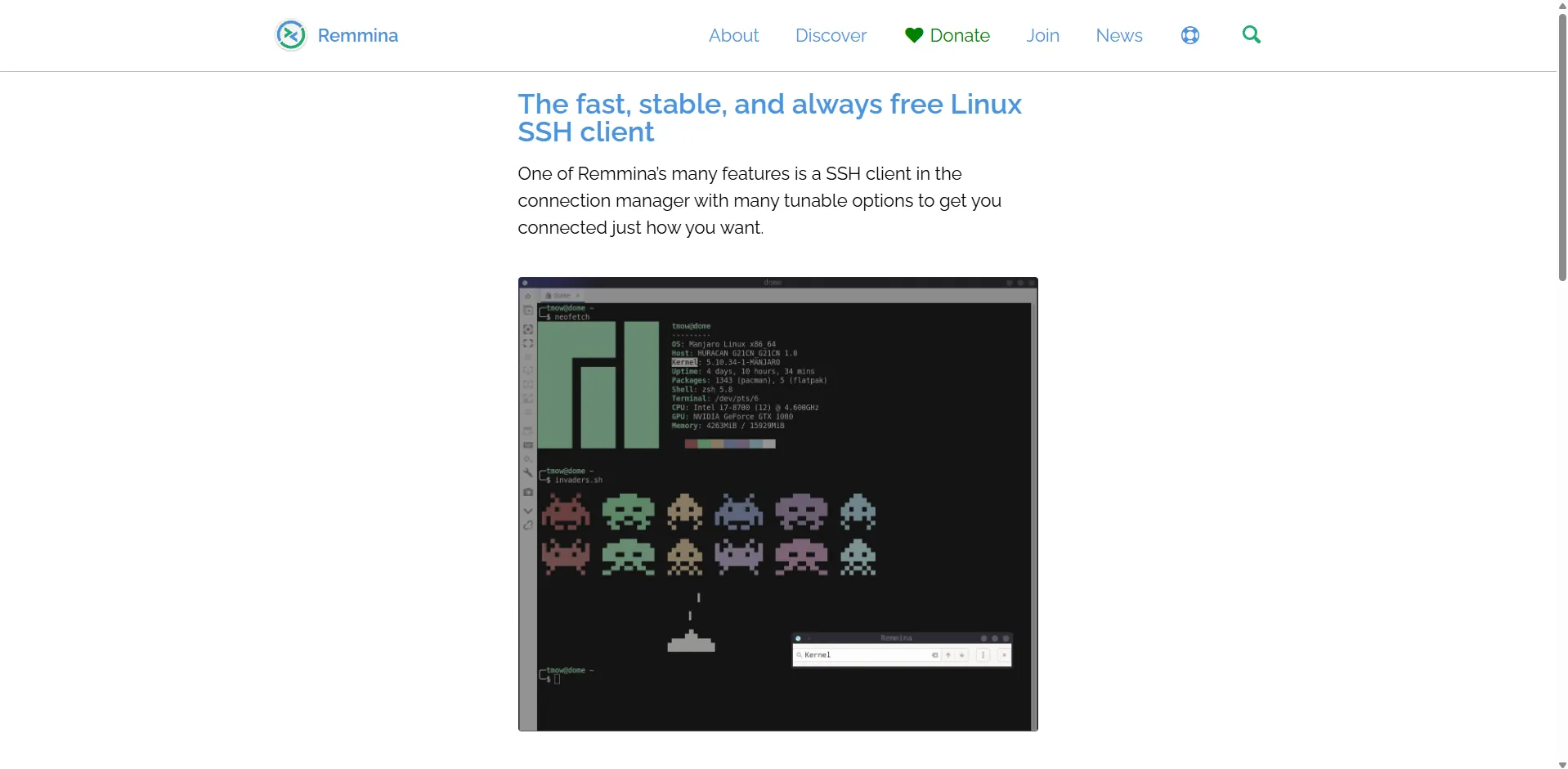
Remmina is a remote desktop client for Linux and BSD with protocol plugins for RDP, VNC, SSH, SPICE and more. For Linux users looking for the combined remote-access side of MobaXterm, it is often more relevant than a feature-rich terminal emulator.
Remmina: saved remote sessions and connection management on Linux.
Strengths
RDP/VNC/SSH support through a Linux-native app
Free and open source
Saved remote connection workflows
Trade-offs
Not a native Windows or macOS equivalent
Does not reproduce a Windows X server bundled with MobaXterm
Different SFTP and remote-file experience from MobaXterm
Remmina is a strong MobaXterm alternative for Linux when your main tasks involve remote desktops. If you only need an SSH shell, the Linux OpenSSH client or Tabby may be simpler. Match the protocol to the task instead of judging products by feature count.
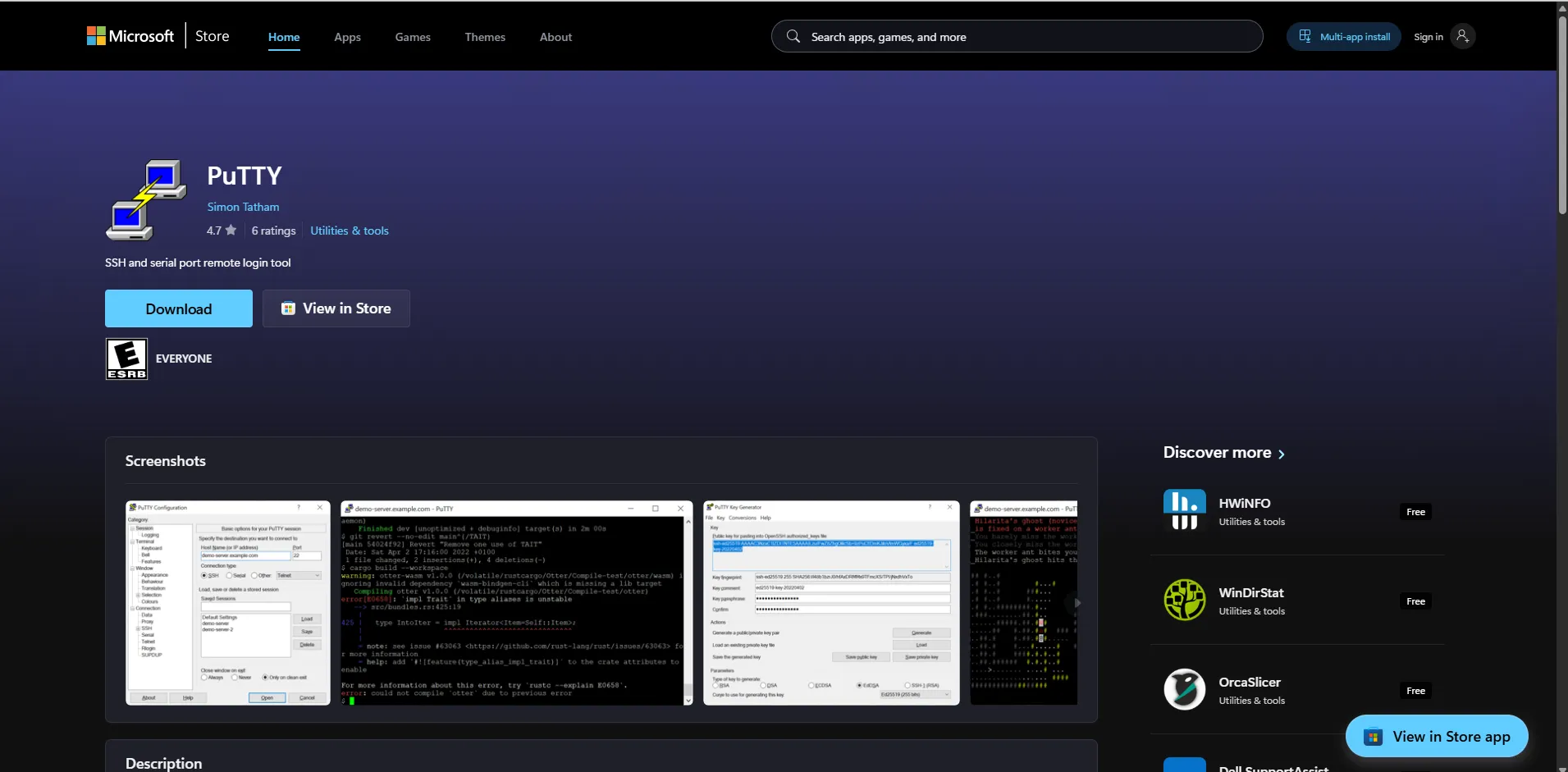
PuTTY remains a useful SSH/Telnet/serial terminal for administrators who want a lightweight and familiar session dialog. It is not a MobaXterm clone, but it can replace the SSH terminal portion with little extra complexity.
PuTTY SSH session configuration and terminal interface.
Strengths
Free and well-established
Saved sessions and SSH tunneling
Lightweight solution when GUI file management is unnecessary
Trade-offs
No built-in GUI SFTP browser; PSFTP and PSCP are CLI tools
No integrated RDP or VNC viewer
Less convenient for many simultaneously active servers
For the exact question PuTTY vs MobaXterm, the answer is usually breadth: PuTTY handles SSH terminals; MobaXterm bundles file transfer, X11 and graphical remote access. See our PuTTY alternatives guide for other options.
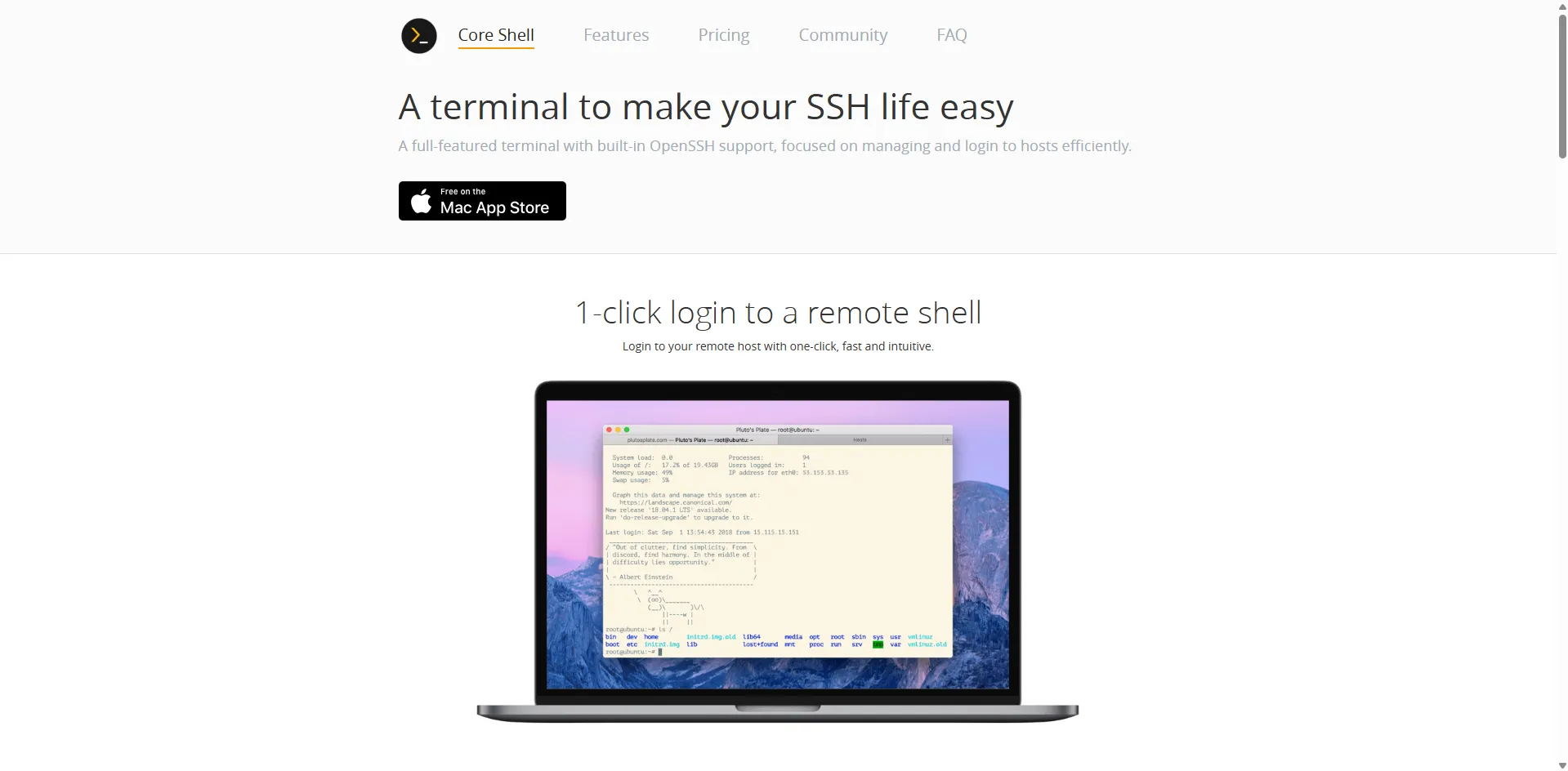
Core Shell is a Mac-focused SSH terminal built around OpenSSH, one-click host access, SSH configuration and Keychain integration. For someone moving from Windows/MobaXterm to a Mac who primarily wants saved SSH connections, it is worth evaluating.
Core Shell: macOS SSH connection management and terminal interface.
Strengths
Designed specifically for the Mac SSH workflow
Reads OpenSSH-style configuration and supports proxy-jump scenarios
Keychain integration and automatic reconnection
Trade-offs
macOS only, with version requirements
Not a built-in RDP/VNC/X-server replacement
Some syncing, import/export and automation features require Premium
Core Shell does not promise the same all-in-one remote desktop toolbox as MobaXterm. It addresses the MobaXterm alternative for Mac intent for people who are really replacing SSH host management, not Windows-specific X11 or RDP features. Verify which file-transfer features are included in your chosen edition.
Best MobaXterm alternative for Windows, Mac and Linux
MobaXterm is a Windows application. If you are changing operating systems, choosing a lookalike is less useful than choosing the right remote-access workflow.
Windows: choose SSH or remote desktop first
For free MobaXterm alternatives on Windows, mRemoteNG is the best starting point when your saved connections include RDP and VNC. Tabby or WindTerm are better when you mainly work in SSH terminals. Bitvise is a practical choice for SFTP. ShadeTerm is for a server-centered developer workflow. Keeping MobaXterm is reasonable if its built-in X server is indispensable.
Mac: SSH clients, not fake ports of MobaXterm
For a MobaXterm alternative on Mac, compare Core Shell (Mac-native SSH/Keychain), Tabby (configurable cross-platform terminal), and Termius (desktop/mobile host synchronization). Royal TSX suits broader remote connection management. None of these should be described as a native macOS edition of MobaXterm or as an exact replacement for its bundled Windows X server.
Linux: terminal-focused or RDP/VNC-focused?
For a MobaXterm alternative on Linux, Remmina covers common graphical remote desktop protocols, while Tabby, WindTerm and the OpenSSH client are better aligned with ordinary SSH sessions. Remmina plus a terminal is often a more realistic combination than demanding every Windows-specific utility in one Linux app.
See also how Linux remote desktop connections work and SSH GUI versus X11 forwarding.
MobaXterm vs Tabby, WindTerm, PuTTY and mRemoteNG
These direct comparisons help when you already have a shortlist. The answer depends on the function you are replacing, not a single overall score.
Tabby vs MobaXterm
Choose Tabby for a free, configurable cross-platform SSH terminal with tabs, split panes and an SFTP panel in its built-in SSH mode. Choose MobaXterm if you also rely on its bundled Windows X server and RDP/VNC clients.
WindTerm vs MobaXterm
Choose WindTerm if SSH, SFTP, terminal sessions, tunnels and serial connections are your main tasks across desktop operating systems. MobaXterm keeps the advantage for its integrated Windows X11 and remote-desktop toolkit. WindTerm is free but only partly open source.
PuTTY vs MobaXterm
Choose PuTTY for lightweight SSH, Telnet, serial and tunneling on Windows without needing graphical file browsing. MobaXterm is the broader toolkit. PuTTY's PSFTP and PSCP are command-line utilities rather than a MobaXterm-like SFTP sidebar.
mRemoteNG vs MobaXterm
Choose mRemoteNG for a free Windows inventory of SSH, RDP and VNC connections. Keep MobaXterm if you depend on automatic SFTP browsing, a bundled X server and its Unix-like utilities.
Free vs paid: which MobaXterm replacement is worth it?
Do not pay for a connection manager unless it replaces a workflow you actually use. Free SSH terminals and RDP viewers can be a better fit than a paid all-in-one app.
01
Free multi-protocol
mRemoteNG and Remmina
Choose mRemoteNG for Windows SSH/RDP/VNC or Remmina for Linux remote desktops. Neither recreates MobaXterm's bundled Windows X server.
02
Free SSH / SFTP
Tabby, WindTerm, Bitvise and PuTTY
Choose Tabby or WindTerm for rich terminals; Bitvise for free Windows graphical SFTP and tunnels; PuTTY for minimal terminal and serial access.
03
Windows server workspaces
ShadeTerm — 17-day trial, then $4.99/month
Designed for terminals, SFTP, editor and monitoring in server workspaces. It does not bundle RDP, VNC or a Windows X server.
04
Cross-device / Mac / mixed protocol
Termius Pro, Core Shell Premium and Royal TS / TSX
Pay only if synchronization, Mac host-management features, or paid mixed-protocol connection management justify the price. Termius Starter and Core Shell Basic also have free tiers; Royal TS offers a limited free Lite tier on Windows.
How to switch from MobaXterm without losing your SSH access
Do not uninstall MobaXterm first. Treat migration as a staged test, especially if saved profiles contain unusual authentication settings or port forwarding rules.
Inventory sessions: record hostnames, ports, usernames, protocols, proxies, tunnels and which entries open RDP/VNC rather than SSH.
Back up session configurations securely: keep the original export/file protected. Do not publish session files, passwords or private keys in tickets or screenshots.
Prepare authentication: verify your existing SSH keys and agent configuration. Do not expect another client to automatically import MobaXterm credentials.
Test one representative host: check the server host-key fingerprint, authenticate and confirm a basic SSH command works.
Test critical companion features: graphical SFTP uploads/downloads, file permissions, tunneling, remote desktops and X11 if required.
Move the rest in batches: keep a rollback path to your old client until every needed workflow has been verified.
For interoperable OpenSSH-compatible clients, an alias is useful:
Example: SSH config
Host production
    HostName 203.0.113.10
    User deploy
    Port 22
    IdentityFile ~/.ssh/id_ed25519
203.0.113.10 is a documentation example, not an actual server. Save the entry to your SSH configuration and connect with ssh production. See SSH aliases or PowerShell SSH setup.
For a tunnel previously configured in a MobaXterm session, recreate and verify it separately in a client that supports OpenSSH forwarding. For example, ssh -L 5433:127.0.0.1:5432 production maps local port 5433 to PostgreSQL port 5432 as seen from the remote host. This is an example only: verify the actual service, destination and security policy before using it with a live server.
Security and protocol checks before you replace MobaXterm
01
SSH identity
Verify server host keys
Check fingerprints through a trusted source when moving to a new client. A new unknown-host prompt is not a reason to accept an unexpected key blindly.
02
Credentials
Separate passwords from portable exports
Use appropriately protected key storage and test agent behavior. Do not copy plaintext credentials into shared migration checklists.
03
GUI protocols
Know what X11 and RDP actually mean
SSH X11 forwarding carries Linux GUI display traffic; you still need an X server where the UI renders. RDP tunneling carries remote desktop traffic; you still need an RDP viewer.
04
File transfer
Test SFTP permissions and safe edits
Check upload destination, overwrite behavior, file permissions and backup/recovery before using any new client against production servers.
05
Rollout
Evaluate compliance and maintenance
For company devices, confirm licensing, update support and software approval. Free for individuals is not the same as approved for organization-wide deployment.
Which MobaXterm alternative should you choose?
Free Windows RDP + VNC + SSH: mRemoteNG. Free SSH/SFTP terminal: Tabby or WindTerm. GUI SFTP on Windows: Bitvise. Mac SSH profiles: Core Shell. Linux remote desktops: Remmina. Cross-device SSH: Termius. Mixed-protocol paid management: Royal TS / TSX. Everyday Windows VPS development: ShadeTerm. Minimal SSH/serial: PuTTY.
Keep MobaXterm if its integrated Windows X server or combined RDP/VNC/SSH/Unix utilities are central to your work. No product above is a complete one-app replacement for every feature. For narrower needs, see the Windows SSH clients, SFTP clients and PuTTY alternatives guides.
For a Windows connection manager that includes RDP, VNC and SSH, start with mRemoteNG. For an SSH/SFTP terminal, compare Tabby or WindTerm. For Linux remote desktops, Remmina is a closer match. No option exactly duplicates MobaXterm’s entire Windows toolbox.
Is there a MobaXterm alternative for Windows 11?
Yes. mRemoteNG, Tabby, WindTerm, Bitvise, PuTTY, Royal TS and ShadeTerm are candidates. Select based on whether you require SSH/SFTP, RDP/VNC, or server workspace tools.
Which MobaXterm alternatives are open source?
Tabby, PuTTY, mRemoteNG and Remmina are free and open source. WindTerm describes its current release as only partly open source despite being free to use. Other tools here use proprietary licensing.
What is the best MobaXterm alternative for Mac?
Core Shell is a native Mac option for SSH and host profiles; Tabby and Termius cover cross-platform SSH. Royal TSX offers broader remote connection management. They are not identical Mac versions of MobaXterm.
What is the best MobaXterm alternative for Linux?
Remmina suits RDP/VNC/SSH remote desktop sessions. Tabby, WindTerm or an ordinary Linux terminal with OpenSSH are strong for SSH-based workflows.
Is MobaXterm free for commercial use?
The MobaXterm Home EULA includes specific conditions for individual employee installation and restrictions on company-wide distribution/deployment. Review the official license for your scenario; Professional covers organization deployment use cases.
Can Tabby replace MobaXterm completely?
Tabby can replace many SSH/Telnet terminal workflows and includes graphical SFTP when using its built-in SSH client. It is not a full built-in RDP/VNC/X server replacement.
Does ShadeTerm support X11, RDP or VNC?
ShadeTerm is a Windows SSH-centered developer workspace with terminals, SFTP, editing and monitoring. It does not currently include MobaXterm’s embedded X server or integrated RDP/VNC clients.
How do I transfer MobaXterm sessions to another SSH client?
First back up your profiles, inventory hosts and authentication, then recreate or import settings only where the destination supports it. An OpenSSH config file helps for standard SSH connections. Do not assume passwords or profiles migrate automatically.
Is Bitvise SSH Client really free for businesses?
Bitvise says its SSH Client is free for all types of environments, including commercial use. Its separate SSH Server product has a different license.
Sources, selection notes
Product capabilities and public plan details were checked against primary vendor documentation. AlternativeTo and Capterra were used to understand competing lists, not as proof that every ranked app is feature-for-feature equivalent. This is an editorial comparison, not a ten-app laboratory benchmark.
Last substantial review: November 3, 2026. Prices, features and system requirements may change; follow the vendor links for the latest details. ShadeTerm is the publisher of this comparison.
Manage SSH servers without juggling windows
Try ShadeTerm when your day revolves around SSH terminals, SFTP files, server editing and monitoring. If you need a built-in X server or RDP/VNC, choose a different tool.